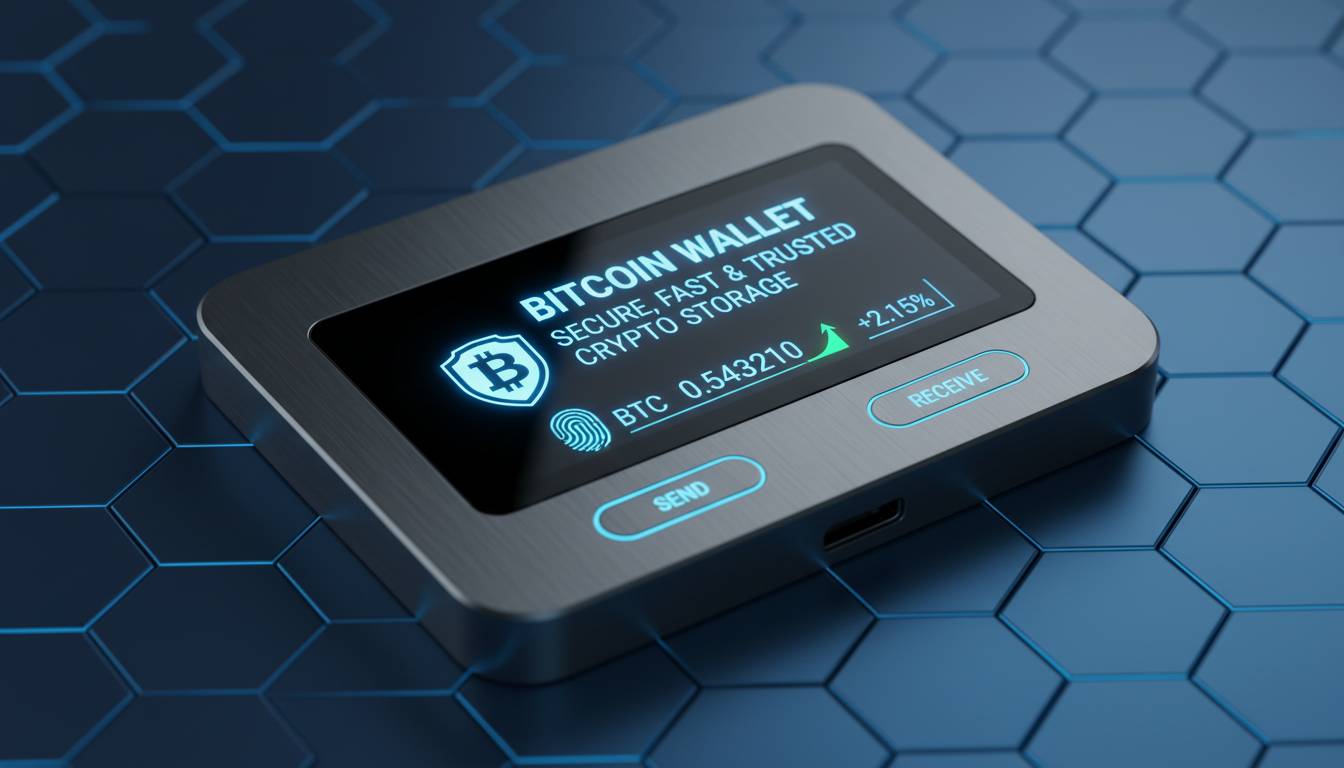
The cryptocurrency landscape keeps shifting. In 2024, bitcoin wallet technology has matured significantly, offering more options than ever for people who want to store, send, and receive Bitcoin. Whether you’re just starting out or you’ve been in the space for years, understanding how these wallets work matters—because the difference between a secure setup and a careless one often comes down to which tool you’re using.
This guide walks through what’s available right now, what security actually looks like in practice, and how to pick a wallet that fits your situation.
Understanding Bitcoin Wallets: The Basics
A bitcoin wallet is software that lets you interact with the Bitcoin blockchain. Unlike a bank account, nothing actually sits in the wallet—no digital coins are stored there. Instead, the wallet holds cryptographic keys: a private key (basically your password) and a public key (like an account number others can send money to).
The private key is what matters. It signs transactions, proving you authorize any Bitcoin movement from your addresses. Lose it, and your Bitcoin is gone forever. No password reset, no customer service call that can help.
The Bitcoin blockchain now shows over 50 million addresses with non-zero balances. A decade ago, that number was in the low single millions. The growth has been dramatic, driven partly by easier access and partly by Bitcoin winning more acceptance as a legitimate asset class.
Most wallets fall into two broad categories: hot and cold. Hot wallets stay connected to the internet—convenient for frequent trading but more exposed to attacks. Cold wallets keep keys offline, usually on dedicated hardware devices. They’re harder to use but much harder to steal from. Which one makes sense depends on how much Bitcoin you’re holding and how often you need to move it.
Types of Bitcoin Wallets Explained
Custodial vs. Non-Custodial Wallets
This is the first question every Bitcoin holder needs to answer: do you want someone else holding your keys, or do you want full control?
Custodial wallets are what you get when you sign up with exchanges like Coinbase, Kraken, or Binance. They hold your private keys. If you forget your password, they can reset it. If you get locked out, their support team can help. The tradeoff is counterparty risk—these companies have been hacked before, and if one goes belly up or gets hacked tomorrow, you might lose access to your funds.
Non-custodial wallets put the keys in your hands. Exodus, Electrum, MetaMask—these don’t hold anything. You get a recovery phrase (usually 12 or 24 words), and that’s the only way to access your Bitcoin. No company can freeze your funds, no support ticket can help if you lose that phrase. This is closer to Bitcoin’s original philosophy: be your own bank, which means be your own security team too.
Hardware wallets like Ledger and Trezor are non-custodial by default. So are mobile wallets like BlueWallet. Web wallets vary—some hold keys (custodial), some don’t (non-custodial).
Hardware Wallets: The Gold Standard for Security
If you’re holding meaningful amounts of Bitcoin, hardware wallets are worth the investment. They’re specialized devices that generate and store private keys on chips designed to resist tampering. The keys never leave the device. When you want to sign a transaction, you plug the wallet into your computer or phone, confirm the details on the device’s screen, and the signature happens locally. Your private keys never touch the internet.
Ledger and Trezor dominate the market. Devices run from about $50 to $250. Sales have been growing around 40% year-over-year, according to industry estimates, which tells you more people are taking security seriously.
The catch: these devices can be faked if you buy them from resellers. Always buy directly from the manufacturer. And the recovery phrase? It’s the real backup—store it somewhere safe, preferably offline, in multiple locations if possible.
Software Wallets: Accessibility Meets Functionality
Software wallets run on your phone, computer, or in a browser. They’re easier to set up and use than hardware wallets, but the private keys live on your device (or the provider’s server, for web wallets), which means they’re more vulnerable than cold storage.
Desktop wallets like Electrum have been around forever. They’re feature-rich: custom fee settings, hardware wallet integration, detailed control. They’re not especially beginner-friendly, but power users appreciate the flexibility.
Mobile wallets dominate everyday use. Cash App and Strike have made it dead simple to buy Bitcoin and pay friends—you open the app, tap a few buttons, done. The tradeoff is convenience over control; these are usually custodial or semi-custodial.
Web wallets sit in your browser. They’re the riskiest option for anything beyond small amounts. If the service gets hacked or goes offline, you might lose access. Great for testing or tiny amounts, not for real holdings.
Check what security features any wallet offers before trusting it: two-factor authentication, encryption, whether they have insurance, and whether they require identity verification.
Security Best Practices for Bitcoin Holders
The cryptocurrency space has seen billions lost to security failures. Protecting your Bitcoin means building layers of defense.
Seed phrase security is step one. When you set up a non-custodial wallet, you’ll get a 12 or 24-word phrase. Write it down. Store it somewhere safe—ideally a fireproof safe, or a bank deposit box. Never put it in a document on your computer, never screenshot it, never save it in a password manager. Anyone who gets this phrase owns your Bitcoin.
Multi-signature authentication requires more than one key to authorize a transaction. Set up a 2-of-3 multisig, for instance, and you need two of three keys to move funds. This protects against a single point of failure—your laptop gets stolen, but the thief still can’t take your Bitcoin without the second key. Organizations and anyone holding significant amounts should look into this.
Software updates matter. Wallet developers patch vulnerabilities constantly. Running outdated software means you’re exposed to known attacks. Enable auto-updates where you can, and check manually every few months where you can’t.
Physical security is easy to overlook. Buy hardware wallets direct from manufacturers. Consider a safe for your recovery phrase. Don’t talk about how much Bitcoin you hold in places where eavesdroppers might listen.
Regulatory Developments Impacting Bitcoin Wallets
Regulators have been busy. The SEC and CFTC in the US have focused heavily on cryptocurrency custody and exchange operations, and the rules keep tightening.
New York’s BitLicense has set the bar high for any crypto business operating in the state. Capital requirements, cybersecurity programs, consumer protections—it’s a compliance nightmare that many smaller operations can’t afford. Other states are layering on their own rules, creating a patchwork that wallet providers need to navigate.
FinCEN has made it clear that certain wallet providers qualify as money transmitters. That means AML and KYC compliance—identity verification, transaction monitoring, the whole apparatus. If you’re using a custodial wallet to convert between dollars and Bitcoin, expect to show ID.
The IRS still wants to know about your crypto transactions for tax purposes. Wallet-to-wallet transfers can trigger reporting requirements. Keep records of everything, and maybe talk to a tax professional who’s familiar with cryptocurrency.
Choosing the Right Wallet: Key Considerations
There’s no single best wallet. The right choice depends on how much you’re holding, how often you transact, and how much technical complexity you want to deal with.
Security usually scales with holdings. A few hundred dollars in a mobile wallet? Reasonable. A few thousand? Maybe think about a hardware wallet. More than that? Hardware wallet plus multisig plus careful recovery phrase management.
User experience varies wildly. Beginners often do fine with Cash App or Strike—familiar interfaces, easy onboarding. Advanced users who want to control fees, run their own node, or integrate with Lightning will look at Electrum or more technical setups.
Check what the wallet supports. Some are Bitcoin-only. Others handle hundreds of cryptocurrencies. Multi-chain is convenient but adds complexity, and every chain you add is another potential vulnerability.
Open-source wallets like Electrum and Bitcoin Core let experts audit the code. That’s not a guarantee of perfection, but it’s better than closed-source software where you have to trust the company blindly.
The Future of Bitcoin Wallet Technology
A few trends are worth watching.
Account abstraction—the Ethereum concept being ported to Bitcoin—could make wallets more flexible. Social recovery (trusting friends or family to help you get back in if you lose your keys) might become practical.
The Lightning Network keeps growing. Over 15,000 active nodes, capacity exceeding 5,000 BTC as of early 2024. Wallets that support Lightning let you send Bitcoin almost instantly for fractions of a cent. It’s not quite ready for primetime for everyone, but it’s becoming viable for small everyday transactions.
Contactless payments are coming. Some wallets now work with NFC, letting you pay at terminals like a debit card. Merchants don’t need to understand Bitcoin—they just see a card payment. This bridges the gap between the crypto world and regular commerce.
Syncing across devices has gotten better. You can now access your wallet from your phone, laptop, and desktop without compromising security. The cloud options keep improving, though they introduce tradeoffs worth thinking through.
Conclusion
Bitcoin wallets are your gateway to the network. They determine how secure your holdings are and how easily you can use them. The options range from dead-simple mobile apps to hardware devices that feel like holding a piece of classified technology—and everything in between.
Pick based on what you actually need, not on what sounds impressive. Secure your recovery phrase like your financial life depends on it—because it does. Keep software updated. Understand whether your wallet holds your keys or you do.
The right wallet today might not be the right wallet in two years. Stay aware of what’s changing, and be willing to adjust as the space matures.
Frequently Asked Questions
What is the safest type of bitcoin wallet?
Hardware wallets are the safest for most people. Ledger and Trezor are the big names. Keys stay on the device, offline, away from hackers. Pair it with proper recovery phrase storage and you’ve got a serious security setup.
Do I need to verify my identity to use a bitcoin wallet?
Custodial wallets almost always require ID—regulations demand it. Non-custodial wallets generally don’t, but if you buy Bitcoin through an integrated exchange inside the wallet, verification kicks in at that point.
Can I have multiple bitcoin wallets?
Plenty of people do. One for long-term holding (hardware wallet), one for spending (mobile wallet), maybe one for experimenting. It spreads risk and lets you use the right tool for each situation.
What happens if I lose my bitcoin wallet?
With a custodial wallet, contact their support. With a non-custodial wallet, your recovery phrase is the backup. Enter it into any compatible wallet and your funds reappear. Lose the phrase and the Bitcoin is gone—there’s no recovery mechanism built into the system.
Are bitcoin wallets free to use?
Software wallets are free to download. You’ll pay transaction fees when you send Bitcoin—the network charges these, not the wallet. Hardware wallets cost $50-$250 upfront. Custodial wallets often make money through spreads or trading commissions.
Can a bitcoin wallet be hacked?
The Bitcoin network itself has never been hacked. Individual wallets get compromised all the time—through phishing, malware, or exploiting poor security. Hot wallets are more exposed than cold storage. Following basic security hygiene dramatically reduces your risk.