AI has changed how professionals handle daily work tasks. Studies show workers who use AI tools regularly report saving significant time—and often produce better output. The market now offers countless AI-powered solutions for everything from writing to project management. Figuring out which tools actually help and which are all hype has become genuinely useful knowledge for anyone looking to get ahead.
This guide evaluates the most popular AI productivity tools on the market—looking at features, pricing, real-world use cases, and whether they’re worth your money. Whether you’re writing content, managing projects, or just trying to organize your thoughts better, here’s what you need to know.
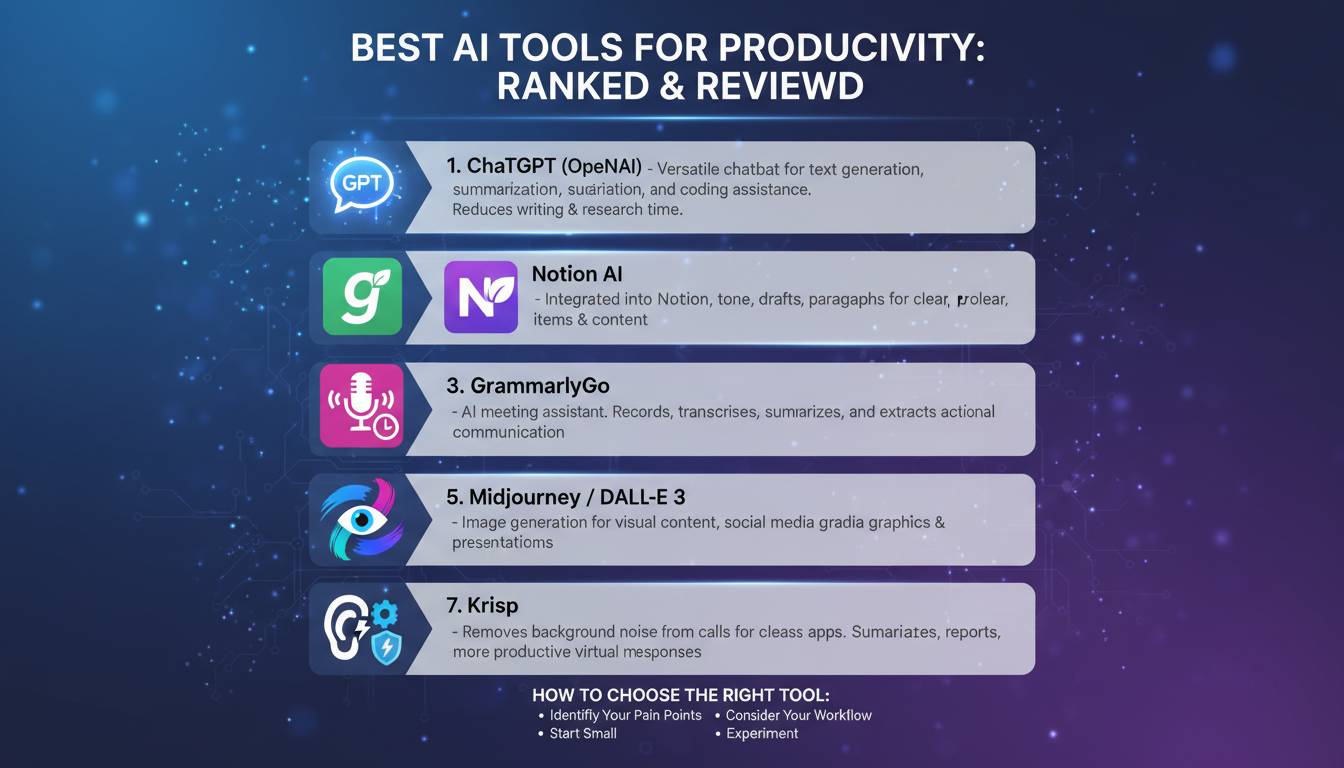
Our Top Picks at a Glance
| Tool | Best For | Key Feature | Starting Price |
|---|---|---|---|
| ChatGPT | General productivity & versatile tasks | Advanced reasoning & broad capability | Free / $20/month |
| Claude | Deep analysis & writing | Large context window & thoughtful responses | Free / $20/month |
| Notion AI | Note-taking & knowledge management | Integrated workspace & database | Free / $10/month |
| Jasper | Marketing content creation | Templates & brand voice customization | $49/month |
| Zapier | Workflow automation | 5,000+ app integrations | Free / $19.99/month |
| Midjourney | Visual content generation | High-quality image creation | $10/month |
Best AI Assistant: ChatGPT
OpenAI’s ChatGPT is the most well-known AI assistant, and for good reason—it’s genuinely versatile. Since launching in late 2022, it’s grown from a clever chatbot into a tool that handles drafting emails, writing code, brainstorming, summarizing documents, translating, and plenty more.
The main strength is its ability to understand context and respond naturally on almost any topic. The GPT-4 model, available to paid users, handles complex reasoning well. The free version using GPT-3.5 still works great for most everyday tasks.
ChatGPT Plus costs $20/month and gets you GPT-4 access, faster responses, and availability when traffic is high. There’s also GPTs now, which lets you build custom versions for specific workflows.
Dr. Sarah Chen, a productivity researcher at Stanford, told me: “ChatGPT has made advanced AI accessible to anyone, not just big companies with technical teams. It’s a solid starting point for professionals wanting to add AI to their routine.”
Best for Writing: Claude
Anthropic’s Claude has become a real contender, especially for analytical tasks and nuanced writing. What makes it different is the context window—the latest version can handle around 500 pages of text in a single conversation. That’s massive compared to most alternatives.
This huge capacity makes Claude shine for long-form content, detailed document analysis, and projects where maintaining consistency matters. Writers and researchers appreciate that it keeps voice and tone steady across long documents while offering smart suggestions to improve clarity.
Claude comes in three tiers: free Haiku for basic stuff, Sonnet at $20/month for a good balance, and Opus at $20/month for the full-featured version. Paid plans get priority access when things are busy and faster responses.
One thing worth noting: Claude tends to be more careful with sensitive content and shows strong ethical reasoning. That makes it a good fit for legal, academic, or research work.
Best for Workflow Automation: Zapier
Zapier is different from the other tools here—it doesn’t generate content. Instead, it connects apps to automate repetitive tasks and move data between platforms automatically. It integrates with over 5,000 applications, so you can build workflows that eliminate manual data entry and keep information consistent across tools.
The system works on triggers and actions: when something happens in one app, Zapier automatically does things in other apps. For example, a new form submission could create a task in your project software, send an email, and update your CRM—all at once, without you doing anything.
Zapier’s recent AI additions include natural language queries and smart suggestions that help you build workflows even without technical skills. It analyzes what you’re doing and recommends improvements.
Pricing starts free for basic stuff; professional plans begin at $19.99/month for more complex workflows and higher limits. Business and company tiers add analytics, unlimited team members, and custom integrations.
Best for Note-Taking: Notion AI
Notion started as a simple note-taking app and became a full workspace platform, with AI features that feel like a natural extension. Notion AI works right inside your workspace, so you get AI help without switching between apps.
It turns rough notes into polished content, generates meeting summaries from bullet points, brainstorms ideas, and answers questions based on what’s already in your Notion. That last part—being able to reference your own knowledge base—is genuinely useful and sets it apart from standalone AI chatbots.
Beyond content generation, Notion combines notes, databases, calendars, project boards, and wikis in one place. That’s valuable for teams that need centralized information management. The AI just makes finding and creating content faster.
Notion AI runs $10 per user monthly on top of workspace plans, with a limited free tier for basic use. If you’re already using Notion, the AI add-on is a no-brainer.
Best for Marketing Content: Jasper
Jasper targets marketing teams and content creators specifically. It’s built for generating marketing copy, blog posts, social media content, and ads—unlike general AI assistants that try to do everything.
The platform includes over 50 templates for common marketing needs: product descriptions, email campaigns, YouTube outlines, Facebook ads. The Brand Voice feature analyzes your existing content to keep tone and terminology consistent across everything you produce. That’s crucial for companies with a distinct brand identity.
At $49/month starting, Jasper costs more than general AI tools. But for marketing teams with serious content demands, the specialized features and workflow speed justify the price. There’s a free trial so you can test it first.
Jasper’s strength is output velocity for marketing specifically—not general productivity. That focus appeals to organizations that need to produce a lot of content regularly.
Best for Visual Creation: Midjourney
Midjourney leads in AI image generation for professionals who need quality visuals. You use it through Discord—just type descriptions and it generates sophisticated images, from photorealistic renders to artistic illustrations.
For marketing teams and content creators, Midjourney means you don’t need stock photos or expensive photoshoots. You generate custom visuals tailored exactly to what you need. The tool understands artistic styles, lighting, and composition well enough that results often look professional.
Midjourney costs $10/month to start, with higher tiers for faster generation and more usage. There’s a learning curve to writing good prompts, but the results are worth it if you regularly need visual content.
Free AI Tools Worth Considering
If you’re budget-conscious or just starting with AI productivity, several free options deliver real value. ChatGPT and Claude both have capable free tiers. Google’s Gemini works well if you’re already in the Google Workspace ecosystem. Microsoft Copilot, built into Microsoft 365, gives you AI help in Word, Excel, and other Microsoft apps for free.
These free versions work great for exploring AI and light use. Upgrade to paid plans when your needs grow.
Frequently Asked Questions
Which AI tool is best for overall productivity?
ChatGPT is the safest bet for versatility—it handles most tasks well. But specific jobs might call for specialized tools: Claude for analysis, Notion AI if you want everything in one workspace, Jasper for marketing copy.
Are AI productivity tools worth the cost?
If you regularly do tasks AI can help with—writing, research, organizing, automating—time savings usually outweigh the subscription cost. Free tiers work for testing and light use; paid plans make sense when you need more.
Can AI tools completely replace human workers?
Not really, at least not yet. AI automates repetitive tasks well and generates first drafts quickly—but you still need humans for quality control, strategic thinking, and anything requiring emotional intelligence or judgment.
How do I choose the right AI tool?
Think about what you actually do, what software you already use, and what you can afford. General assistance? ChatGPT or Claude. Marketing teams? Jasper. Automating workflows? Zapier. Integrated note-taking? Notion AI.
Do I need technical skills to use AI tools?
No. Most AI tools work through simple interfaces or regular conversations. Zapier has visual builders, and image generation just takes practice—no coding required.
How often should I update my AI subscriptions?
Check in quarterly. Providers constantly improve features, and new competitors emerge. Following newsletters or announcements helps you know when an upgrade or switch makes sense.