Remember when making a halfway-decent video meant dropping thousands on equipment, learning complex software, and either hiring a crew or spending hours in post-production? That’s changed. AI video generators now let anyone create professional-looking content in a fraction of the time—and for a fraction of the cost.
Whether you’re a content creator trying to scale up, a small business owner who needs marketing videos, or part of a team that wants to streamline internal communications, these tools are worth knowing about. This guide covers how the technology works, which platforms are worth your time, and how to pick the right one for your needs.
What Is an AI Video Generator?
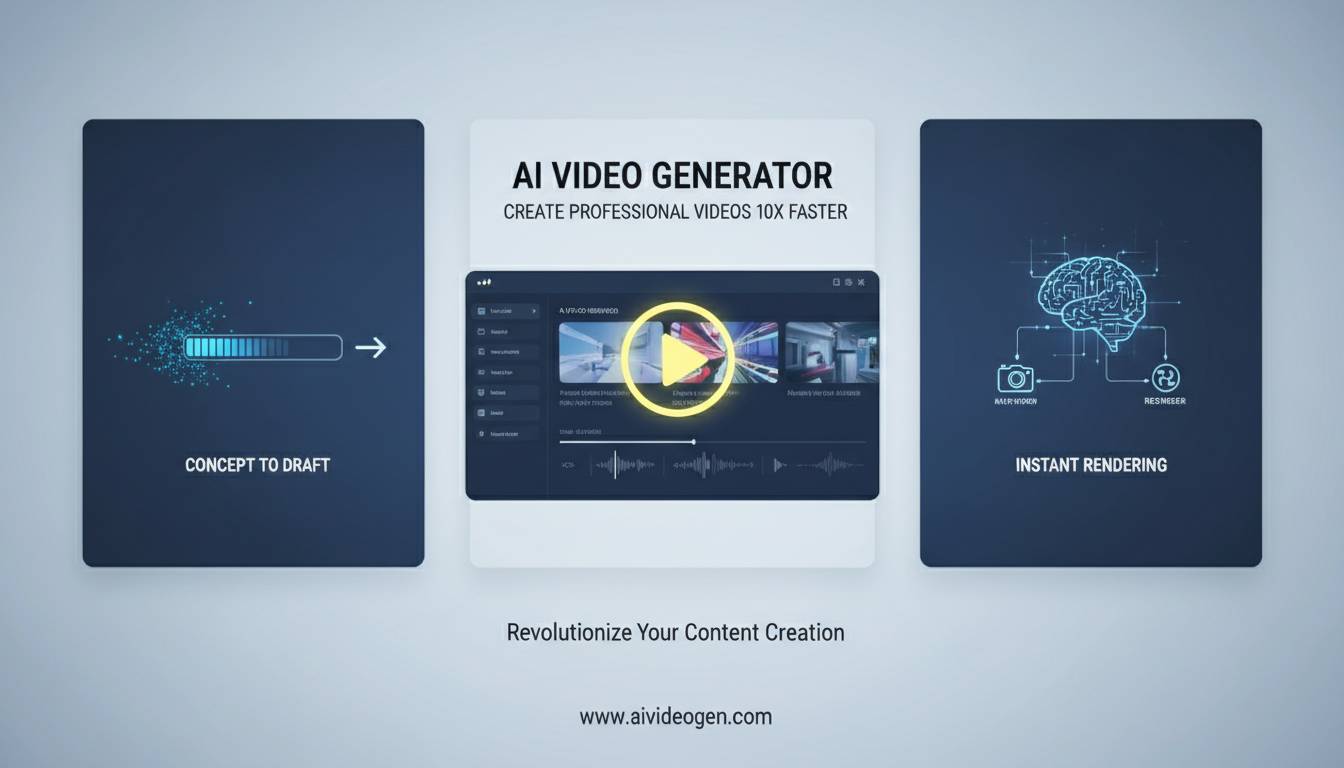
An AI video generator is software that uses machine learning to automate or simplify video creation. You can feed it text, images, existing footage, or audio, and it spits out a finished video with editing, effects, and sometimes even voiceover included.
The technology has come a long way. Modern systems can produce videos that don’t look obviously AI-generated—which, if you tried these tools a year or two ago, might surprise you.
Most platforms handle the basics: automated editing, scene composition, subtitle generation, and voice synthesis. Some specialize—turning blog posts into social videos, for instance—while others try to cover the whole production pipeline.
How Does It Work?
The technical details matter if you want to get the most out of these tools.
Text-to-video is the most common approach. You write a script or description, and the AI generates visual content matching your words. The system analyzes your text for context and sentiment, then picks or creates imagery, adds transitions, and syncs audio. Better language models mean more accurate results, though the system still sometimes misses the mark on more abstract concepts.
Image generation lets AI create visuals from scratch based on your descriptions. These models have been trained on millions of images, so they understand styles and compositions. Combined with video generation, this lets you produce entirely synthetic content or enhance real footage with AI elements.
Voice synthesis has gotten surprisingly good. You can generate narration without recording anything yourself, and the results sound natural—not perfect, but good enough for most business content. Most platforms offer multiple voices, accents, and language support.
The rendering pipeline puts it all together into a usable video file. Processing times vary by platform and video complexity.
Leading Platforms Worth Checking Out
The market has gotten crowded. Here’s where things stand:
Runway has been around a while and offers the full package—text-to-video, automated editing, effects. Both free and paid tiers available. Good if you want to experiment before committing.
Pika made a splash with its focus on simplicity. Easy to use, generates content optimized for social media, and has a free tier that’s actually usable. Explains its rapid growth with creators.
Synthesia targets businesses. Their avatar presenters replace traditional filming for training videos and corporate communications—useful if you need consistent, brand-aligned content at scale. Includes team collaboration and security features.
Lumen5 specializes in turning written content into videos. Good for marketers repursing blog posts or articles.
InVideo offers templates and editing tools aimed at social media creators.
Kapwing and Descript both offer collaborative editing with AI features—good for teams working across formats.
What Actually Matters When Choosing
Don’t get caught up in feature lists. Think about what you actually need:
Input types – Does the platform work with the formats you have? Text, images, audio, existing video—check what actually works.
Customization – AI does a lot, but you’ll probably want to tweak results. Some platforms give you more control than others, which means more time investment if you want things just right.
Output quality – Resolution, frame rate, format support. Make sure it works for where you’re actually publishing.
Pricing – Free tiers exist but usually have limits. Watermarks, shorter videos, reduced quality. Figure out whether free works for your use case or if you’ll need to pay.
Integrations – Does it connect with your existing tools? Social media schedulers, content management, video hosting—all these connections save time.
Where These Tools Actually Get Used
Marketing and social media is the biggest use case. Teams need constant video content but don’t have the resources for traditional production. AI lets them move fast on trends without burning out.
Corporate training works well because you need volume and consistency. Create onboarding videos, policy updates, and compliance training without scheduling shoots.
Education benefits too. Teachers can add video to courses without production teams—great for supplementing materials in ways that would otherwise be impossible given limited budgets.
Creators use these tools to experiment and increase output. Test ideas quickly before committing to full production.
Free Options Worth Trying
Every major platform offers free tiers. Runway, Pika, and others let you test core functionality without paying. The trade-offs: watermarks, lower quality, fewer features.
If you need completely free options, open-source tools exist, but the quality and usability gaps are real. Free is great for learning the ropes—just have a plan for when you need more.
Where Things Are Heading
The tech keeps improving. Visuals get more realistic, motion gets smoother, and prompt interpretation gets better. Limitations that seem significant now—unrealistic faces, awkward physics—will likely fade.
Integration with other tools is improving too. AI video generators are becoming part of larger creative workflows rather than standalone solutions.
The legal and ethical questions around AI content are still sorting themselves out. Disclosure requirements, copyright issues, and authenticity concerns are evolving. Stay informed if you’re using these commercially.
The Bottom Line
AI video generators are legitimate tools now, not just novelties. The technology works well enough for professional use in marketing, training, and content creation—though “professional” still usually means AI as a starting point that gets human refinement.
The right platform depends on your specific needs. Test a few during their free trials before committing. The market moves fast, so what works best today might change.
Whether you’re creating marketing content, internal training videos, or just experimenting with a new format, these tools can genuinely speed up your workflow without requiring a production team.