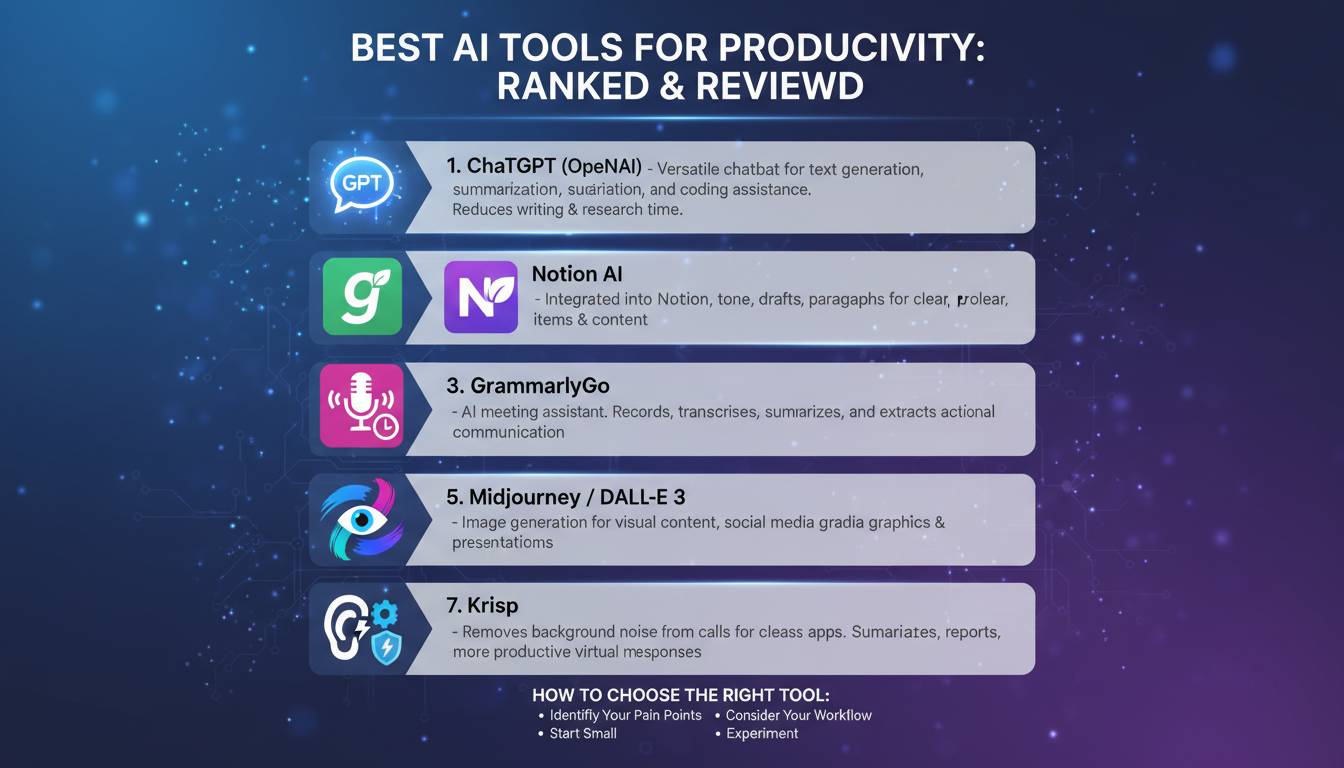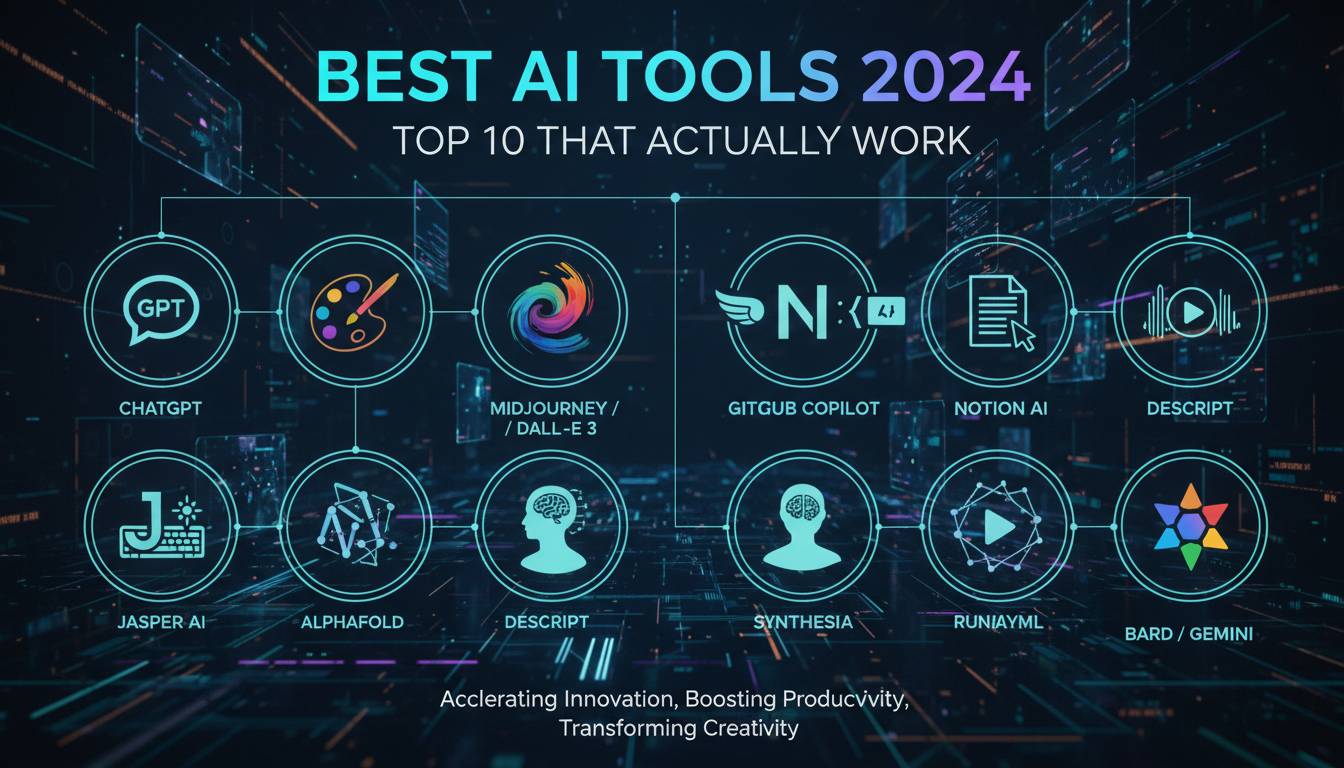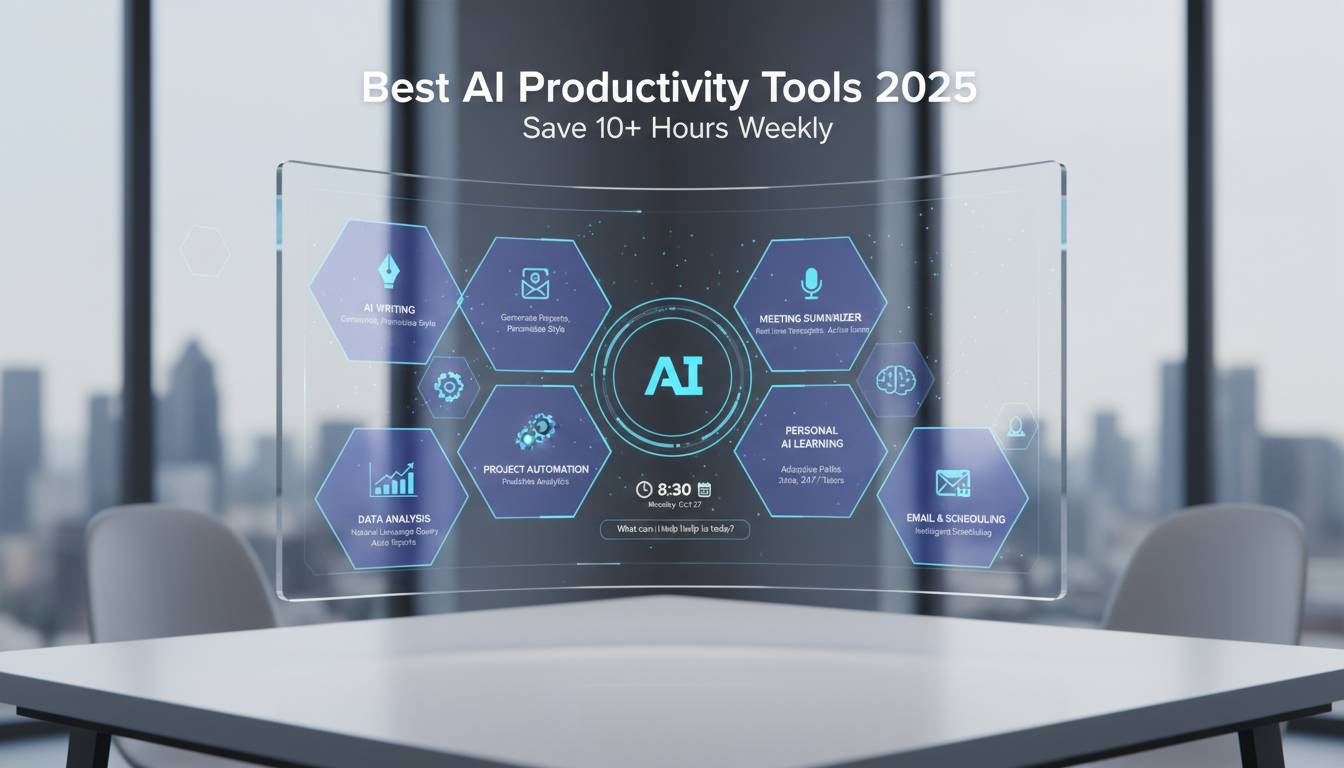
Artificial intelligence continues to reshape how professionals work, communicate, and manage their time. In 2025, a new wave of AI-powered productivity tools has arrived, promising to streamline workflows, automate repetitive tasks, and free up valuable hours each week. From intelligent writing assistants to advanced project management platforms, these tools are becoming essential for businesses and individuals seeking to maximize efficiency. This guide explores the leading AI productivity tools of 2025, examining their features, pricing, and real-world applications to help you decide which solutions fit your needs.
Understanding the AI Productivity Landscape in 2025
The AI productivity market has grown substantially over the past year, with adoption rates increasing across industries. More than 70% of knowledge workers now use some form of AI tool in their daily workflows, up significantly from previous years. This shift reflects a broader recognition that AI is no longer optional for remaining competitive in today’s fast-paced business environment.
The tools available in 2025 span multiple categories, each addressing specific pain points in professional workflows. Writing and content creation tools have become sophisticated enough to generate quality drafts, proofread documents, and adapt tone and style to match brand guidelines. Communication platforms now summarize lengthy email threads, suggest responses, and schedule meetings intelligently. Project management solutions use predictive analytics to spot potential bottlenecks before they become problems, while data analysis tools can process complex datasets in seconds rather than hours.
What distinguishes the best AI productivity tools of 2025 from earlier versions is their ability to learn from user behavior and adapt to individual preferences over time. These platforms move beyond simple automation to provide genuinely intelligent assistance that improves as it gets to know your working patterns. Integration capabilities have also improved, with most leading solutions offering seamless connectivity with popular business applications like Microsoft 365, Google Workspace, and Slack.
Top AI Writing and Content Tools
Writing assistance remains one of the most accessible and immediately beneficial applications of AI technology. The leading platforms in this category have evolved far beyond basic grammar checking to become comprehensive writing partners capable of handling complex tasks.
ChatGPT continues to dominate the conversational AI space, with its 2025 versions offering better reasoning capabilities and domain-specific expertise. The tool excels at drafting emails, creating meeting summaries, generating creative content, and answering complex questions. Its ability to maintain context across extended conversations makes it particularly valuable for iterative writing projects. Users can access the service through various subscription tiers, with the free version providing substantial functionality for casual users.
Claude, developed by Anthropic, has gained traction among professionals requiring nuanced, thoughtful responses. Its constitutional AI approach emphasizes helpfulness while maintaining strong ethical guidelines, making it a favorite for industries with strict compliance requirements. The tool’s extended context window allows it to handle lengthy documents with strong comprehension, enabling users to paste entire reports for analysis or summarization.
Jasper AI has become a popular option for marketing teams and content creators. The platform offers specialized templates for various content types, including blog posts, social media updates, advertising copy, and product descriptions. Its brand voice feature ensures consistency across all content produced, helping maintain a unified corporate identity.
AI-Powered Project Management and Collaboration
Modern project management tools have embraced AI to address longstanding challenges in team coordination and deadline tracking. These platforms now offer predictive insights that help managers anticipate problems and allocate resources more effectively.
Notion AI has turned the popular workspace tool into an intelligent productivity hub. The AI features integrated into Notion can generate meeting notes, summarize document discussions, draft project outlines, and answer questions about information stored within your workspace. The ability to query your entire knowledge base conversationally has changed how teams access and organize information.
Asana has incorporated AI capabilities that analyze project patterns to identify potential delays before they occur. Its intelligent workflows can automatically assign tasks based on team member availability and workload, redistribute resources when priorities shift, and generate status reports that synthesize information from multiple projects. The platform’s AI assistant can also help users craft clear, actionable task descriptions that improve team understanding.
Monday.com has introduced AI features that streamline workflow creation and automation. The platform’s AI can suggest optimizations based on how similar teams have configured their processes, cutting the time required to set up new projects. Its integration with various data sources allows the AI to provide real-time insights into project health and team performance.
AI Tools for Data Analysis and Visualization
Data-driven decision making has become accessible to non-technical users thanks to AI-powered analysis tools that can process complex datasets without requiring expertise in statistics or programming.
Microsoft Copilot has been integrated deeply into the Microsoft 365 ecosystem, providing AI assistance across Excel, PowerPoint, Word, and Outlook. In Excel, Copilot can analyze trends, generate forecasts, and create complex formulas based on natural language queries. For presentation creation, it can transform raw data into polished slides with appropriate visualizations and formatting. The tight integration with existing Microsoft workflows makes it particularly valuable for organizations already invested in the Microsoft ecosystem.
Google Gemini offers similar capabilities within the Google Workspace environment. Its ability to process and analyze data from multiple Google sources provides a unified view of business information. The tool excels at creating summaries from multiple documents, generating insights from email communications, and assisting with creative tasks across Google’s platform suite.
Tableau AI, now part of Salesforce, has brought sophisticated data visualization capabilities to business users without requiring technical skills. Its Einstein Discovery feature automatically identifies patterns and trends in data, explains the factors driving those patterns, and suggests actions to improve outcomes. This approach to data analysis has enabled more employees to participate in data-driven decision making.
Voice and Meeting AI Assistants
The way teams collaborate has been changed by AI tools designed to capture, organize, and synthesize information from meetings and verbal communications.
Otter.ai continues to lead in automatic transcription and meeting notes. Its AI can identify action items, highlight key decisions, and generate summaries that can be shared with team members who couldn’t attend live sessions. The ability to search through past conversations makes it invaluable for organizations looking to preserve institutional knowledge.
Fireflies.ai offers similar capabilities with enhanced integration options that allow it to work seamlessly with popular video conferencing platforms. Its AI analysis goes beyond simple transcription to identify patterns in meeting dynamics, track topic coverage, and measure participant engagement.
Descript has become a useful tool for teams that need to create, edit, and publish audio and video content. Its AI-powered transcription is highly accurate, and its ability to edit video by editing text has made video production more accessible. Features like automatic filler word removal and studio sound have made professional-quality audio available to creators without technical backgrounds.
Choosing the Right AI Tools for Your Needs
Selecting the appropriate AI productivity tools requires careful consideration of several factors specific to your workflow and organizational requirements. The most expensive or feature-rich option is not necessarily the best choice if it doesn’t align with how your team actually works.
Start by identifying your most time-consuming tasks and look for tools designed to address those pain points. Consider the learning curve associated with each platform—some tools require significant investment in training before they deliver value, while others offer intuitive interfaces that team members can adopt quickly. Integration capabilities matter significantly; a tool that doesn’t connect with your existing software stack may create more problems than it solves.
Budget considerations extend beyond subscription costs to include implementation time, training requirements, and potential productivity losses during the transition period. Many organizations find that starting with a single tool focused on their most pressing need delivers better results than attempting to implement multiple platforms simultaneously.
Security and data privacy should be primary concerns when evaluating AI tools, particularly for organizations handling sensitive information. Review each platform’s data handling policies, compliance certifications, and ability to keep your information separate from training datasets used for AI model improvement.
The Future of AI Productivity
The trajectory of AI productivity tools suggests continued rapid evolution throughout 2025 and beyond. Emerging capabilities in multimodal AI promise to break down barriers between different types of content, enabling more natural interactions that combine text, voice, and visual elements. Agents that can take autonomous action on behalf of users are moving from experimental features to production-ready capabilities, potentially changing how we delegate tasks to AI systems.
Industry experts anticipate that the distinction between different AI tools will blur as platforms expand their capabilities to offer comprehensive solutions. This consolidation could benefit users seeking simplicity but may also reduce choice and increase dependence on specific vendors. Organizations should develop strategies that allow them to adapt to this evolving landscape while avoiding vendor lock-in.
The skills required to work effectively with AI are becoming as important as traditional technical abilities. Professionals who learn to craft effective prompts, evaluate AI outputs critically, and integrate AI assistance into their workflows will maintain significant advantages over those who resist these technologies. Investing in AI literacy now will pay dividends as these tools become even more embedded in professional life.
Conclusion
The AI productivity tools available in 2025 represent a significant leap forward in our ability to accomplish more with less effort. From writing assistants that eliminate the friction of drafting to project management platforms that anticipate problems before they materialize, these technologies offer tangible benefits for professionals across industries. The key to maximizing these benefits lies in selecting tools that align with your specific needs, investing time in learning their capabilities, and maintaining a critical perspective on their outputs.
As AI continues to advance, we can expect even more sophisticated capabilities to emerge, further transforming how we work. Organizations and individuals who embrace these tools thoughtfully, while remaining mindful of their limitations, will be best positioned to thrive in an increasingly competitive environment. The question is no longer whether to adopt AI productivity tools, but which ones will deliver the greatest value for your particular circumstances.
Frequently Asked Questions
What are the best free AI productivity tools available in 2025?
Several excellent AI productivity tools offer free tiers that provide substantial value. ChatGPT’s free version handles most general tasks effectively, while Claude offers generous free access with strong reasoning capabilities. Google Gemini and Microsoft Copilot include AI features within their free workspace versions. Otter.ai provides limited free transcription services, and many project management tools include basic AI features at no cost.
How much time can AI productivity tools actually save?
While results vary based on usage patterns and task types, users commonly report saving 10 to 20 hours per week through consistent AI tool adoption. The most significant time savings typically come from automated transcription, email drafting assistance, document summarization, and data analysis tasks that would otherwise require substantial manual effort.
Are AI productivity tools secure for business use?
Leading AI productivity providers have implemented robust security measures including encryption, compliance certifications, and enterprise-grade access controls. However, users should review specific policies for each tool, particularly regarding how data is used to train AI models. Many providers now offer enterprise plans with enhanced privacy protections and data isolation.
Can AI tools replace human workers?
AI productivity tools are designed to augment human capabilities rather than replace workers. They excel at handling routine tasks, generating initial drafts, and processing data, but typically require human oversight for quality verification, creative direction, and complex decision-making. The most effective approach treats AI as a powerful assistant that handles tedious work while humans focus on higher-value activities.
Which AI tool is best for small businesses?
The best choice depends on specific needs, but many small businesses find that starting with integrated solutions like Microsoft Copilot or Google Gemini provides good value because they work within existing productivity suites. ChatGPT and Claude offer flexible options that work across multiple use cases without requiring platform-specific commitments.
How do I get my team to adopt AI productivity tools?
Successful adoption typically starts with identifying specific use cases that address real pain points, then providing targeted training focused on those applications. Starting with enthusiastic early adopters who can demonstrate value to colleagues often creates organic momentum. Maintaining realistic expectations during the learning curve and celebrating early wins helps build sustained engagement.