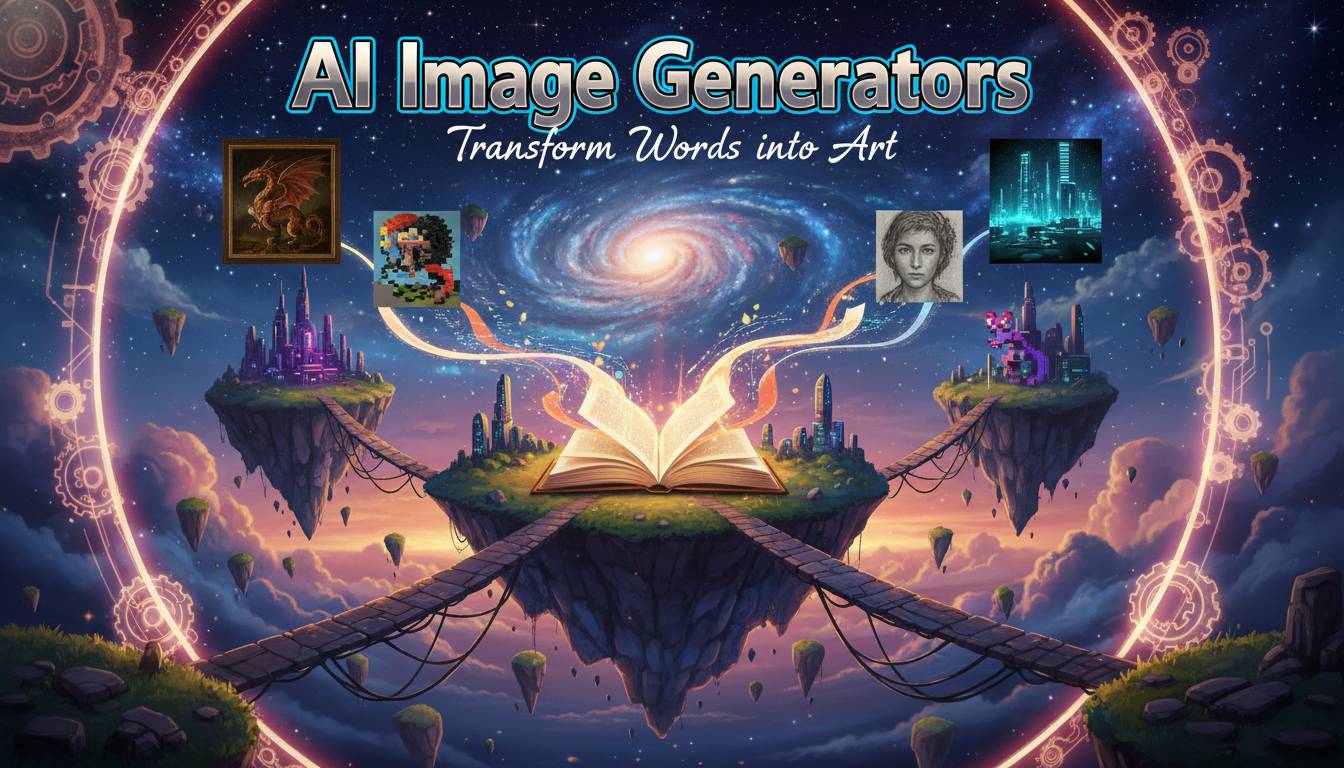
Artificial intelligence has changed how we create visual content. AI image generators let anyone produce images by typing what they want in plain language. These tools have made digital creativity more accessible—marketers, content creators, hobbyists, and small businesses can now generate unique visuals in seconds without traditional design skills or expensive software.
The technology has advanced quickly. Companies like OpenAI, Midjourney, and Adobe continuously release new versions with better results. These tools are affecting industries from advertising and entertainment to education and e-commerce. If you’re working in any visual field, understanding these generators is becoming genuinely useful.
How AI Image Generators Work
AI image generators use deep learning models—specifically diffusion models and generative adversarial networks (GANs)—to create images from text prompts. These systems trained on massive datasets of image-text pairs, learning to connect visual elements with descriptive language. When you type a description, the AI breaks down your words, understands how objects and concepts relate, and builds a matching image.
The process works like this: the AI decomposes your prompt into components, searches its training data for relevant visual patterns, and then iteratively transforms random noise into a coherent image, adjusting details based on what you requested. Modern generators understand complex sentences, artistic styles, lighting conditions, camera angles, and even emotional tones.
Your results depend heavily on how well you craft your prompts. Experienced users learn to include specific keywords about style, medium, composition, and visual attributes. Many platforms now offer prompt enhancement features to help optimize descriptions.
Leading Platforms
Several platforms have become go-to options, each with different strengths.
Midjourney has become popular with digital artists and designers for its artistic, visually striking results with distinctive aesthetics. It runs through Discord and has a active community sharing techniques. Midjourney excels at strong composition and atmospheric qualities.
OpenAI’s DALL-E is known for reliability and following complex, multi-part prompts accurately. DALL-E 3 shows improved nuance and produces fewer artifacts. OpenAI has also added safety measures to prevent harmful content generation.
Adobe Firefly integrates directly into Adobe’s creative suite, attractive for professionals already using their products. Firefly offers commercial usage rights for generated images—a key concern for business users—and works seamlessly with Photoshop.
Stable Diffusion stands out as an open-source option that runs locally on your own hardware, offering more privacy and customization. It’s popular with developers and users wanting control without cloud services.
Canva’s AI Image Generator brings AI creativity to mainstream users through Canva’s design platform. Non-designers can create custom visuals for social media, presentations, and marketing without leaving Canva.
Commercial Applications
Businesses have found real practical uses for these tools.
Marketing teams create social media content, ads, and blog imagery without photoshoots or stock photos. E-commerce businesses generate product images and lifestyle shots. Real estate platforms create virtual staging for property listings. Game developers and filmmakers use AI for concept art and storyboards, speeding up pre-production.
YouTubers, podcasters, and bloggers use AI images for thumbnails and episode art. Educational institutions create custom illustrations for learning materials.
Some artists use AI as a collaborative tool rather than a replacement for creativity—combining AI-generated elements with traditional techniques as a starting point for more complex work.
Copyright and Usage Rights
This is where things get murky.
Most platforms grant commercial rights to images you create, but terms vary significantly. Review licensing agreements before commercial use—some restrict certain uses or require attribution.
Copyright law hasn’t caught up with AI-generated content. In the US, copyright requires human authorship, so AI-generated images alone may not receive protection. But if you significantly modify or curate AI images, copyright claims may apply.
There’s also the training data question. Some artists and photographers object to their work being used to train AI systems without permission. Legal challenges are working through courts, and future regulations may impose new requirements.
Free vs Paid Options
Free tiers exist on most platforms with limited generations, lower resolution, or watermarks. These let you try the technology before paying. Many offer daily or monthly limits sufficient for casual experimentation.
Paid subscriptions typically give higher resolution, faster generation, more images, and advanced features. For professional work, paid plans often cost less than traditional photography or stock images. Business plans may include team collaboration, API access, and better commercial licensing.
Consider not just subscription costs but savings from reduced need for designers, stock photos, or photoshoots.
Where Things Are Heading
Expect continued improvement in realism, better understanding of complex prompts, and longer coherent image sequences for video.
Integration with other AI systems—combining image generation with text, video, and audio—could enable more automated content production. This raises questions about creative work and media authenticity.
Real-time generation and interactive editing suggest future applications where you might refine images through conversation rather than text prompts alone.
Conclusion
AI image generators have moved from novelty to practical tools affecting creative industries. Whether you’re a designer looking for efficiency, a business creating marketing content, or someone experimenting with digital creativity, these platforms offer real value. The key is learning to write effective prompts, understanding each platform’s strengths and limits, and staying current on best practices and usage rights.
FAQ
What’s the best free AI image generator?
Canva’s AI Image Generator offers free access within their platform. Bing Image Creator uses DALL-E technology for free. Midjourney and Stable Diffusion have free trials with limits. Best choice depends on your needs—free options work for learning and casual use, not professional production.
Which produces the most realistic images?
DALL-E 3 and Midjourney consistently rank highest for realism, both producing photorealistic results with good prompts. Adobe Firefly also excels at realistic commercial images. Quality varies based on prompt specificity and image type.
Can I use AI images commercially?
Most platforms grant commercial rights, but terms differ. Adobe Firefly explicitly offers commercial usage. Always review each platform’s terms—requirements vary and restrictions may apply.
Midjourney or DALL-E—better?
Depends on your needs. Midjourney produces more artistically distinctive results with strong aesthetics, popular with digital artists. DALL-E follows prompts more predictably and integrates with OpenAI’s ecosystem. Many users try both.
Are AI images free to use?
No automatic free use. Creating images may be free, but usage rights vary—some allow any use, others restrict commercial use or require attribution. Copyright status remains legally uncertain in many places, so be careful for professional applications.