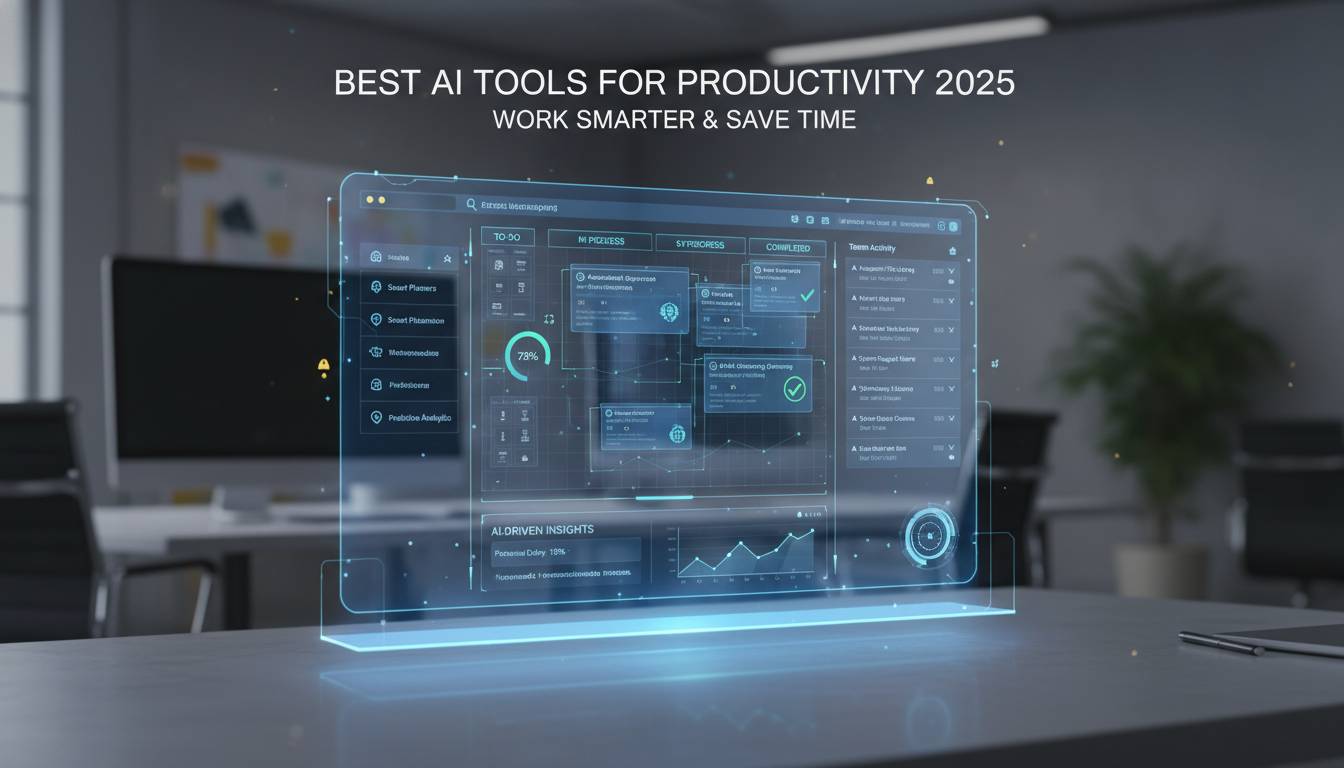
The AI productivity market exploded in 2025. Tools that once felt novel have become essential for most knowledge workers, whether you’re drafting emails, summarizing meetings, or automating repetitive spreadsheet tasks. The global market is expected to hit $45 billion this year, with companies from startups to Fortune 500s rolling out AI tools across departments.
This guide covers the tools worth your attention and skips the hype. Here’s what actually moves the needle for productivity.
AI Writing and Content Creation Tools
ChatGPT (OpenAI) remains the most widely used AI assistant in 2025. The GPT-4o model handles emails, reports, creative copy, and coding help with strong contextual understanding. Most users see about 40% time savings on routine writing tasks, according to a 2024 survey of 500 companies by TechRepublic. The API integrations make it a practical choice for teams building custom workflows.
Claude (Anthropic) gained serious ground this year, especially among researchers and analysts. The 200K token context window lets you drop in lengthy documents and ask targeted questions—useful for legal teams reviewing contracts or analysts digging through quarterly reports. It’s not as fast as ChatGPT for quick tasks, but it handles nuance better.
Jasper AI targets marketing teams specifically. It offers templates for social posts, blog articles, and ad copy, plus brand voice settings so output matches your existing tone. If your team produces a lot of marketing content, the workflow templates alone justify the cost.
Grammarly is the safe choice for anyone who writes at work. The 2025 version added enterprise analytics showing team communication patterns—useful for managers tracking how well teams collaborate. Beyond grammar, it suggests tone shifts and clarity improvements. The business tier runs about $15 per user monthly.
For developers, GitHub Copilot changed how many teams write code. It suggests entire functions, explains unfamiliar code, and handles boilerplate so developers focus on logic. It’s become standard in most engineering orgs.
AI-Powered Meeting and Communication Tools
Otter.ai does one thing well: it transcribes meetings accurately and generates summaries. The Ask feature lets you query past meetings like “what did we decide about the budget?” instead of scrubbing through recordings. Most users get 30-60 minutes back per meeting.
Notion AI consolidated its position as an all-in-one workspace combining notes, docs, project tracking, and AI assistance. Teams use it for meeting notes that auto-summarize, drafts that materialize from a few bullet points, and databases that organize everything without manual tagging. It’s particularly popular with startups that want one tool instead of five.
Slack’s AI features—channel summaries and smart search—help you stay caught up without checking every channel. It’s not revolutionary, but it reduces the FOMO anxiety that comes with distributed teams.
Zoom’s AI Companion offers real-time translation in 30+ languages, auto-generated summaries, and smart recording that flags important moments. If your team meets across time zones, the translation alone is worth it.
Fireflies.ai goes deeper on analytics. It tracks talk time, sentiment, and action items across meetings—useful for managers who want data on team dynamics rather than just transcripts.
Workflow Automation and Integration Platforms
Zapier connects over 6,000 apps and lets you build automations without code. The natural language interface—you type what you want in plain English and Zapier builds the workflow—cut automation creation time by 60% for new users in 2024. Most teams can set up basic Zaps in under ten minutes.
Power Automate (Microsoft) is the enterprise choice if you live in the Microsoft ecosystem. It integrates tightly with Office 365, and the copilot feature builds flows from conversational prompts. Pre-built templates handle invoice processing, approvals, and onboarding without customization.
Make (formerly Integromat) appeals to visual thinkers. You see your automation as a flowchart, which helps when logic gets complex. It’s slightly harder to learn than Zapier but more powerful for intricate workflows.
Project Management and Task Organization
Monday.com added AI features that predict project bottlenecks before they happen. The system analyzes patterns across your projects and flags risks—like a task falling behind schedule or a team member overloaded. The AI assistant writes status reports and suggests task assignments based on current workload. It’s useful for managers juggling multiple projects.
Asana’s AI focuses on prioritization. It suggests what to work on next based on deadlines, dependencies, and team capacity. The natural language search finds projects and tasks without navigating complex folder structures.
ClickUp grabbed significant market share by packing features into a lower price point. Document summarization, task automation, and meeting transcription are built into the interface rather than add-ons.
Trello remains the simplest entry point. AI features include auto-organizing cards, suggesting due dates, and basic analytics. Good for teams new to project management who don’t need bells and whistles.
Smartsheet targets enterprise with predictive analytics for resource management and portfolio optimization. If you’re deciding which projects to fund, the data-driven recommendations help justify decisions to leadership.
AI Tools for Data Analysis and Research
Copilot for Excel lets you ask questions in plain English—”show me sales by region for Q3″—and get instant visualizations. You can build complex formulas by describing what you need. This democratized data analysis for people who aren’t Excel power users.
Tableau’s Einstein Discovery finds patterns and anomalies automatically. You ask questions in natural language, get visualizations back, and the system explains why the data looks that way. It’s valuable for analysts who know their data but want to move faster.
ThoughtSpot offers AI-powered search for real-time analytics. You type queries like a conversation, and the system learns from your behavior to improve results. Popular with marketing teams tracking campaign performance.
Jupyter AI brought natural language to data science workflows. Non-technical users can now run analyses that previously required Python knowledge—bridging a gap that’s held back data-driven decisions in many organizations.
Looker Studio (Google) provides free AI analytics. Small businesses and marketing teams use it to understand campaign performance without paying for premium tools.
How to Select the Right AI Tools for Your Needs
Pick tools that fit what you already use. A tool that doesn’t integrate with your stack creates more friction than it solves. The total cost includes training time and implementation effort—not just the subscription.
Security matters more as these tools access sensitive data. Check vendor certifications (SOC 2, ISO 27001), whether they train on your data, and where information is stored. Enterprise plans offer SSO, audit logs, and data residency controls.
Scalability matters for growing teams. Make sure the tool handles more users and features without forcing a platform switch. Reviews and peer recommendations help—free trials let you validate fit before committing.
Start with two or three tools addressing your biggest pain points. Measure the productivity impact, then expand. Trying to adopt everything at once overwhelms teams and burns budget.
Frequently Asked Questions
Which AI tool is best for improving daily workplace productivity?
It depends on your role. ChatGPT and Claude handle the broadest range of tasks. Grammarly and Jasper excel at writing specifically. Otter.ai and Zoom’s AI Companion transform meeting time. Most professionals benefit from combining tools across categories.
Are AI productivity tools worth the investment for small businesses?
Usually yes. Small businesses often see the biggest gains because they don’t have specialized staff for every function. Notion AI, Zapier, and free tiers from major vendors provide accessible entry points. Time saved on tasks that would otherwise cost $20-30/hour typically exceeds tool costs within weeks.
Can AI tools completely replace human workers in productivity roles?
Not yet. AI handles drafts, automation, and data extraction well. It needs humans for quality control, creative decisions, and relationship building. The best setup treats AI as a multiplier—letting people focus on work that actually requires judgment.
How do I integrate multiple AI tools without creating workflow complexity?
Start with your biggest time sink and pick one tool that solves it. Choose platforms with native integrations to your existing software. Add tools gradually once your team gets comfortable. Many platforms like Notion and Monday.com cover enough ground that you don’t need five different tools.
What security considerations should guide AI tool selection for enterprise use?
Prioritize vendors with SOC 2 and ISO 27001 certifications. Understand whether they use your data to train models, where data is stored geographically, and what access controls exist. Enterprise plans include SSO integration, audit trails, and data retention policies that address business requirements.
How frequently should organizations evaluate their AI tool stack?
Quarterly reviews make sense. The market moves fast—significant updates drop monthly. But switching tools constantly disrupts workflows and creates adoption costs. Change strategically when something substantially better emerges, not for minor upgrades.
Conclusion
AI productivity tools reached a practical maturity in 2025. The technology works, integrates with real workflows, and delivers measurable time savings. Most teams benefit from starting with clear problems—excessive meeting time, slow writing, manual data entry—and picking tools that solve those specifically.
The gap between teams using these tools and those not will probably widen. But that doesn’t mean adopting everything. Pick what fits your work, measure the impact, and build from there.