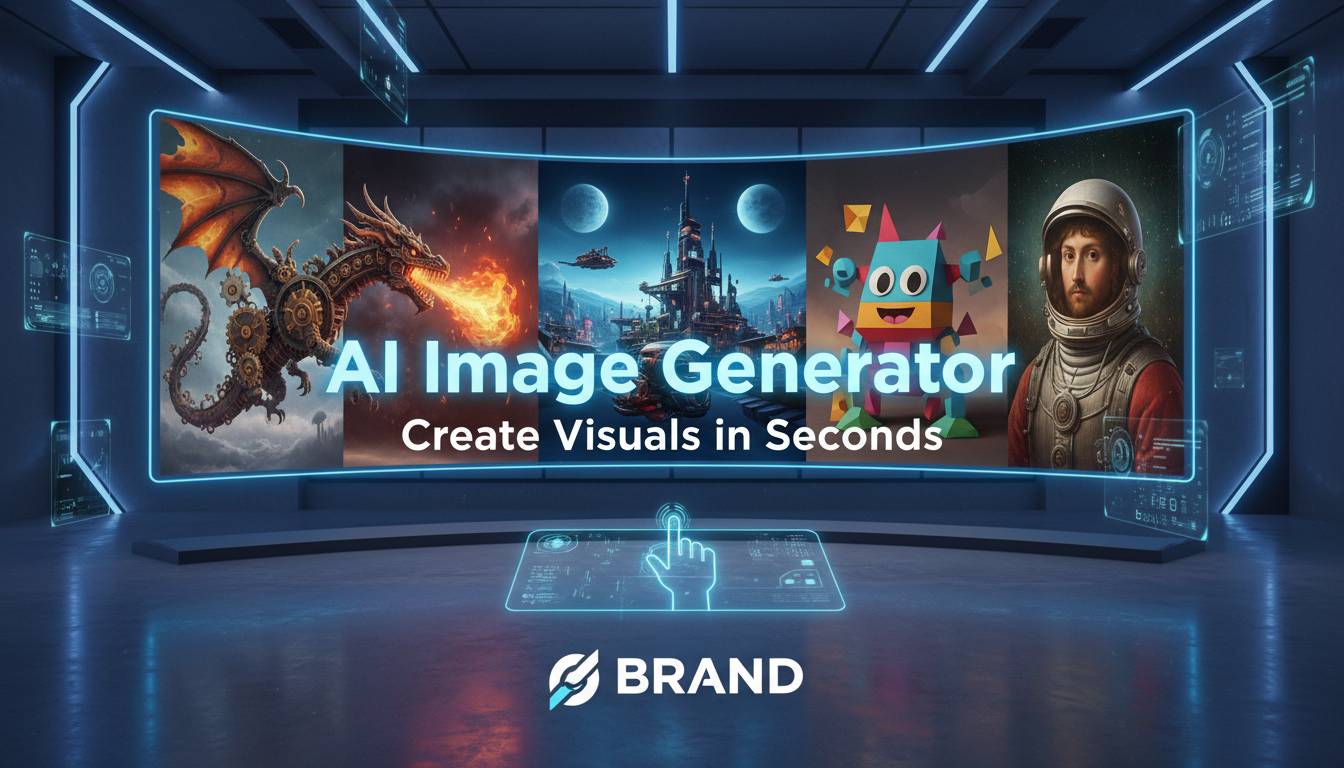
Artificial intelligence has changed how people create visual content. AI image generators let anyone produce photos, digital art, and custom graphics from text descriptions—usually in under a minute. You don’t need design skills or expensive software to get started.
This technology isn’t perfect, and it won’t replace a good photographer or illustrator. But it’s genuinely useful for prototyping ideas, creating quick visuals for social media, or generating concepts when you’re stuck.
What Are AI Image Generators?
AI image generators are software tools that create pictures from text prompts. They’re trained on millions of images and their descriptions, learning to recognize styles, objects, and compositions. Type “a sunset over mountains with orange and purple sky” and the system generates an original image matching that description.
The results have improved dramatically over the past two years. Early outputs looked obviously artificial—strange hands, warped faces, nonsensical text. Current models produce something closer to what you’d expect from a skilled photographer or illustrator, though you can still spot AI work if you know what to look for.
Most generators work through text prompts, though some support image-to-image workflows where you feed in an existing photo and ask the AI to transform it.
Popular Platforms
Several tools dominate this space, each with different strengths:
Midjourney runs through Discord and has a cult following among digital artists. Its aesthetic leans toward the dramatic and painterly—think moody concept art rather than product photos. The community is active and shares prompt techniques freely.
DALL-E 3 comes from OpenAI and integrates with ChatGPT. If you’re already paying for ChatGPT Plus, you get image generation included. It’s reliable for coherent outputs and handles complex prompts well, though the artistic flair isn’t as distinctive as Midjourney.
Adobe Firefly makes sense if you already use Photoshop or Illustrator. It plugs directly into those tools, so you can generate something and immediately edit it alongside other assets. Adobe trains it on licensed content, which matters if you need clearer commercial usage rights.
Stable Diffusion is open-source—you can run it locally on your own machine. This costs nothing after setup and keeps your images private, but it requires more technical know-how. The quality depends heavily on which model version and settings you use.
Leonardo AI offers a beginner-friendly web interface with daily free credits. Good for testing whether this whole thing works for you before spending money.
What Matters: Features to Compare
Resolution matters less than you might think—most outputs work fine for web use at 1024×1024 or similar. Print-quality generation exists but often requires paid tiers.
Prompt comprehension varies significantly. DALL-E 3 handles multi-part requests better than older Stable Diffusion versions. If you want specific compositions or detailed scenes, this matters.
Style control differs across platforms. Some excel at photorealism, others at illustration or anime. Check what each tool does naturally before investing time.
Additional features like inpainting (fixing specific areas) or image-to-image generation matter if you want to iterate on results rather than starting fresh each time.
Costs
Pricing ranges from free to hundreds monthly:
- Bing Image Creator uses DALL-E for free
- Leonardo gives daily credits at no cost
- Midjourney subscriptions start around $10/month
- DALL-E comes with ChatGPT Plus ($20/month)
- Adobe Firefly requires Creative Cloud ($55+/month)
- Running Stable Diffusion locally is free but needs decent hardware
Most grant commercial rights to what you create, but verify—terms change.
What People Actually Use These For
Marketing teams prototype ad concepts without booking photoshoots. YouTubers generate thumbnail ideas. Small businesses create social posts without hiring designers. Game developers visualize concepts before committing to final art.
The common thread: speed. A task that used to take hours—finding stock photos, brief-ing designers, waiting for revisions—now takes minutes.
Getting Started
Pick one tool and experiment. Start with simple prompts: “a cat on a windowsill” or “modern office interior.” See what happens. Then add details gradually—lighting, camera angle, art style.
Prompt writing is a skill that transfers across platforms, though each has quirks. The basics: describe what you want, specify the style, mention lighting or mood if it matters.
Where Things Are Heading
Models keep improving. Expect better text rendering (currently a weakness), more realistic humans, and video generation as the next leap. Several tools already offer short animated clips.
Ethical debates continue around disclosure, watermarking, and copyright. These conversations matter, and policies will likely tighten.
Common Questions
Best free option? Bing Image Creator is the easiest entry point. Leonardo works if you want more control. Stable Diffusion via community platforms costs nothing but requires setup time.
Commercial use okay? Generally yes, but check your platform’s current terms. Adobe’s approach is clearest; others are more ambiguous.
Most realistic? DALL-E 3 and Midjourney lead right now. Results depend heavily on your prompt.
Writing good prompts? Start with the subject, add style (photograph, illustration, oil painting), mention lighting (golden hour, overcast), and build from there. Simple beats complex when you’re learning.