Data Analytics Tools for Startups: Top Picks for Growth

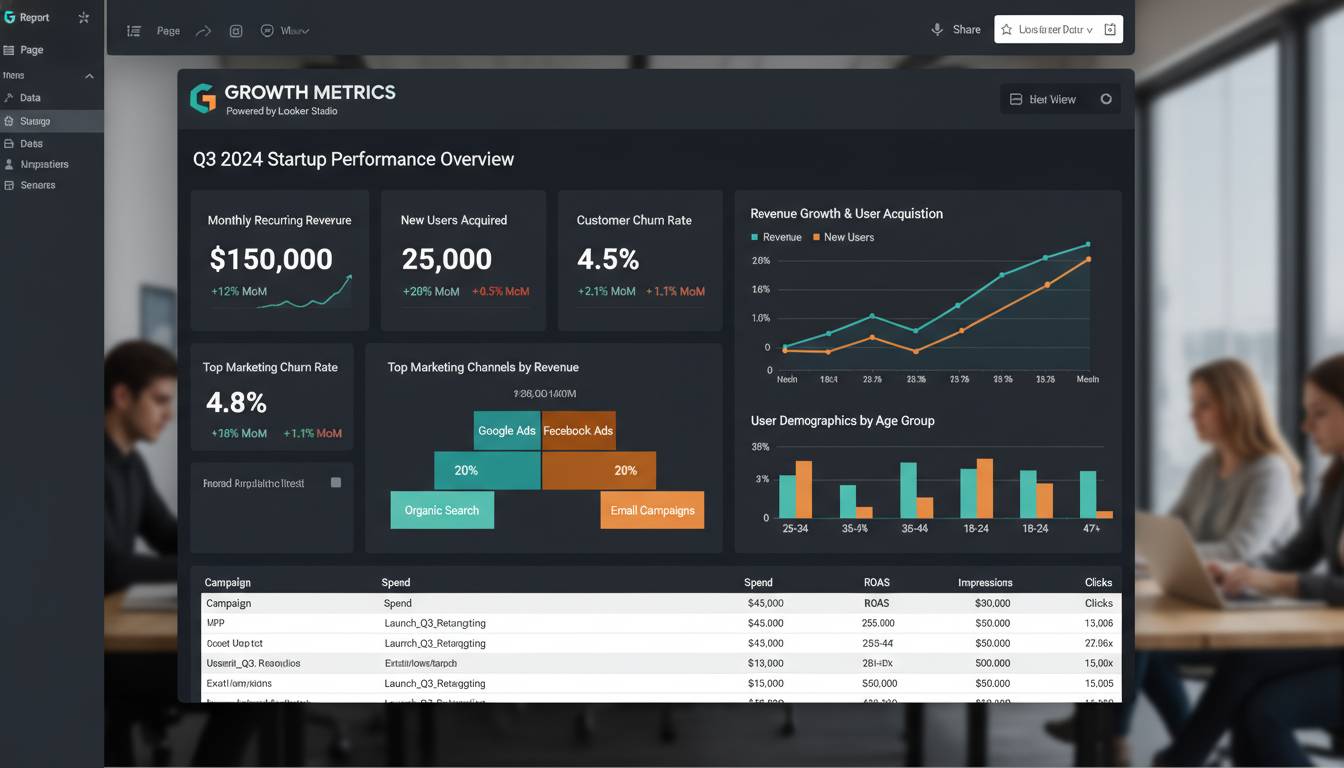
Startups that leverage data analytics are 2-3 times more likely to secure funding and experience faster revenue growth than those relying on intuition alone. Yet with over 500 analytics tools on the market, choosing the right platform feels like finding a needle in a digital haystack. This guide cuts through the noise—ranking the top solutions based on startup-specific needs: affordability, ease of use, scalability, and integration capabilities.
Whether you’re validating your first product hypothesis or scaling from 100 to 10,000 daily active users, the right analytics stack transforms raw data into competitive advantage. Here’s everything you need to know to build yours.
Why Startup Data Strategy Differs From Enterprise Approaches
Startups operate under fundamentally different constraints than established enterprises. You lack dedicated data teams, enterprise budgets, and months-long implementation timelines. Your analytics needs evolve rapidly—from single-product tracking to multi-channel attribution within months.
Key Constraints Driving Startup Tool Selection:
| Factor | Startup Reality | Enterprise Reality |
|---|---|---|
| Budget | $0-$10K/month | $50K+ /month |
| Technical resources | 1-2 people wearing multiple hats | Dedicated data team |
| Implementation time | Days, not months | Weeks to months |
| Data volume | Growing rapidly | Already massive |
| Decision velocity | Need answers in hours | Weekly/monthly reviews |
The average startup changes analytics tools 2-3 times in their first two years, often due to selecting solutions that either over-scale (paying for features they don’t need) or under-scale (hitting usage limits precisely when they need insights most). Choosing correctly from the start prevents costly migrations and preserves historical data continuity.
Most successful startups begin with unified analytics platforms that combine product analytics, marketing attribution, and basic business intelligence—rather than assembling a fragmented stack of specialized tools that require expensive integration engineering.
Core Analytics Capabilities Every Startup Needs
Before examining specific tools, ensure your shortlist addresses these five capability pillars:
1. Product Analytics
How users actually behave within your product—feature adoption rates, user flows, retention cohorts, and session recordings. This answers: “Why are users dropping off?” and “Which features drive engagement?”
2. Marketing Attribution
Which channels, campaigns, and touchpoints convert users and drive revenue. This answers: “Which $1,000 marketing spend generates the highest ROI?”
3. Business Intelligence (BI)
Translating data into dashboards, reports, and visual insights for stakeholders. This answers: “What’s our weekly revenue trend?”
4. Customer Data Platform (CDP)
Unifying user data across touchpoints into a single profile. This answers: “Who is this user across all devices and sessions?”
5. Experimentation Platform
A/B testing and feature flags for data-driven product decisions. This answers: “Does this change actually improve conversion?”
Budget-conscious startups should prioritize tools excelling at the first three capabilities, with flexibility to add CDP and experimentation features as they scale.
Top Tier: All-in-One Platforms for Growth-Stage Startups
These platforms offer comprehensive functionality with startup-friendly pricing tiers:
Mixpanel
Mixpanel specializes in product analytics, helping teams understand user behavior through event tracking, funnels, and cohort analysis. The platform’s strength lies in its ability to answer complex product questions without requiring SQL knowledge.
Pricing: Free tier up to 100K events monthly; plans start at $0 for early-stage startups through theirSprout program.
Best For: Product-led startups focused on user engagement, retention optimization, and feature-level insights.
Key Capabilities:
- Visual funnels showing conversion drop-off points
- Cohort analysis comparing user behavior over time
- Impact analysis measuring the effect of changes on key metrics
- Flow visualizations mapping user journeys through products
The average Mixpanel customer identifies 3-5 critical product issues within their first month that directly impact retention—issues that would otherwise remain hidden in aggregate dashboards.
Amplitude
Amplitude positions itself as a product intelligence platform, offering similar product analytics capabilities to Mixpanel with stronger integration ecosystems and enterprise features. The platform recently introduced Amplitude Audiences for basic CDP functionality.
Pricing: Free tier up to 10M events monthly; startup program offers 70% discount for qualified companies.
Best For: Startups anticipating rapid scaling, particularly those preparing for Series A+ funding where investor data expectations increase.
Key Capabilities:
- Behavioral cohort analysis with predictive scoring
- Cross-platform tracking across web, mobile, and connected devices
- Experiment integration with major testing platforms
- Data governance tools for maintaining data quality at scale
Startups using Amplitude report 40% faster hypothesis validation for product changes, according to internal customer surveys.
Heap
Heap differentiates through automatic event capture—tracking every user interaction without requiring manual event implementation. This dramatically reduces the time from installation to actionable insights.
Pricing: Free tier for up to 10K sessions monthly; startup pricing available through their program.
Best For: Technical teams wanting comprehensive data without implementation overhead, particularly those with limited engineering resources.
Key Capabilities:
- Automatic retroactive analysis—apply new metrics to historical data
- Session replay for qualitative user behavior understanding
- No-code segmentation builder
- CSV exports for basic BI needs
The automatic capture feature proves particularly valuable for startups iterating rapidly on products, where manual event tracking often falls behind actual feature changes.
Mid-Tier: Specialized Solutions for Focused Needs
These tools excel in specific domains but may require additional platforms for complete coverage:
Segment (Customer Data Platform)
Segment serves as the data hub connecting user information across tools—acting as the central nervous system for startup data infrastructure.
Pricing: Free tier for up to 1K monthly users; paid plans start at $120/month.
Best For: Startups using multiple tools requiring unified user profiles.
Key Capabilities:
- Connections to 500+ destination tools
- Identity resolution across devices and sessions
- Data governance and compliance features (GDPR, CCPA)
- Audience segmentation for marketing automation
Limitation: Segment focuses on data collection and forwarding rather than analysis itself—you’ll still need analytics tools for insights.
Mixpanel vs Amplitude vs Heap: Direct Comparison
| Feature | Mixpanel | Amplitude | Heap |
|---|---|---|---|
| Product Analytics | ⭐⭐⭐⭐⭐ | ⭐⭐⭐⭐⭐ | ⭐⭐⭐⭐ |
| Marketing Attribution | ⭐⭐⭐ | ⭐⭐⭐⭐ | ⭐⭐ |
| Ease of Implementation | ⭐⭐⭐⭐ | ⭐⭐⭐⭐ | ⭐⭐⭐⭐⭐ |
| Startup Pricing | ⭐⭐⭐⭐⭐ | ⭐⭐⭐⭐ | ⭐⭐⭐⭐ |
| SQL Requirements | Optional | Optional | None |
| Session Replay | Add-on | Limited | Included |
For most early-stage startups, Heap offers the fastest time-to-value, Mixpanel provides the deepest product insights, and Amplitude balances both with stronger scalability for funding preparation.
Budget Tier: Free and Low-Cost Options
Google Analytics 4
The industry standard for website and app analytics remains free and increasingly powerful following their 2023 platform overhaul.
Pricing: Free
Best For: Marketing-focused startups, content businesses, and those just beginning their analytics journey.
Key Capabilities:
- Web and app measurement unified in single property
- Explorations for custom analysis without requiring reports
- Direct BigQuery integration for data warehouse workflows
- Predictive audiences and metrics using machine learning
Consideration: GA4’s learning curve has increased significantly. The interface prioritizes different metrics than Universal Analytics, requiring mental adjustment even for experienced analysts.
PostHog
PostHog offers an open-source product analytics alternative, deployable either cloud-hosted or self-hosted. This appeals to startups wanting full data ownership without per-event pricing.
Pricing: Free tier up to 1M events monthly; self-hosted version available at no cost.
Best For: Privacy-conscious startups, those requiring data residency, and teams wanting to avoid vendor lock-in.
Key Capabilities:
- Product analytics with event autocapture
- Feature flags and A/B testing
- Session recordings
- Self-hosted option for complete data control
The open-source model attracts startups concerned about analytics costs scaling unpredictably—with self-hosting, infrastructure costs remain controllable even at millions of daily events.
Pendo
Pendo combines product analytics with in-app guidance capabilities—making it valuable for startups focused on user onboarding and product-led growth.
Pricing: Free tier available; startup program offers significant discounts.
Best For: SaaS startups prioritizing user onboarding, feature adoption, and in-app engagement.
Key Capabilities:
- Product analytics with usage trends
- In-app guides and tooltips
- NPS and feedback collection
- Cohort analysis for retention
Building Your Analytics Stack: Implementation Priorities
Most startups should follow this implementation sequence:
Month 1: Foundation
- Install Google Analytics 4 for marketing attribution
- Implement one product analytics tool (Heap for speed, Mixpanel or Amplitude for depth)
- Establish 5-10 key events tracking user activation, engagement, and revenue
Month 2-3: Attribution Layer
- Connect marketing channel tracking (UTM parameters, conversion events)
- Build first dashboards showing funnel progression
- Define cohort definitions for retention analysis
Month 4-6: Advanced Capabilities
- Implement A/B testing if not included in your platform
- Add customer data platform if personalizing user experiences
- Create automated reporting for stakeholder updates
Common Mistake: Startups often over-engineer their stack before generating sufficient data. Implementing 8 tools before reaching 1,000 daily active users creates complexity without delivering proportional insight.
Common Analytics Mistakes Startups Make
Mistake #1: Tracking Everything Simultaneously
Attempting to capture every possible data point overwhelms your data warehouse and obscures meaningful signals. Focus on tracking events that directly inform product decisions—activation actions, core engagement metrics, and revenue events.
Mistake #2: Ignoring Data Quality
Dirty data produces misleading insights. Establish naming conventions, validate data on ingestion, and regularly audit your tracking implementation. A single tracking error can misrepresent conversion rates by 20%+.
Mistake #3: Delaying Analytics Implementation
Many startups postpone analytics thinking they’ll “add it later.” But you cannot analyze historical data you never collected. Implement tracking from day one—even basic event capture proves valuable as your reference baseline.
Mistake #4: Tool Selection Based on Features, Not Stage
The “best” analytics tool depends entirely on your current stage. A pre-product startup needs marketing attribution and basic validation tools. A scaling startup preparing for Series A needs robust product analytics and cohort analysis. Selecting enterprise tools prematurely wastes resources and creates unnecessary complexity.
Choosing the Right Tool: A Decision Framework
Use this framework to match your startup’s situation:
Choose Heap if:
- You have limited technical resources
- You need insights immediately without implementation overhead
- Your product changes frequently
Choose Mixpanel if:
- Product analytics is your primary need
- You have specific retention or engagement questions
- You want strong visualization without SQL
Choose Amplitude if:
- You anticipate rapid scaling in the next 12 months
- Investor data expectations will increase soon
- You want the strongest integration ecosystem
Choose PostHog if:
- Data ownership and privacy are top priorities
- You have engineering capacity for self-hosting
- You want to avoid per-event pricing models
Choose Google Analytics 4 if:
- Marketing attribution is your primary need
- You’re on an extremely tight budget
- You need web and app analytics in one platform
Frequently Asked Questions
How much should a startup budget for analytics tools?
Early-stage startups should target $0-500/month for analytics. Most platforms offer generous free tiers sufficient for pre-product-market-fit companies. As you scale beyond 100K monthly events, budget $500-2,000/month for comprehensive analytics coverage. Mixpanel, Amplitude, and Heap all offer startup programs with 50-100% discounts for qualified companies.
Can startups use enterprise analytics tools before scaling?
You can, but shouldn’t. Enterprise tools like Adobe Analytics or Salesforce Tableau require significant implementation investment, technical resources, and ongoing maintenance. At startup scale, you’ll pay premium prices for features you won’t use while lacking the team capacity to leverage advanced capabilities. Wait until you have dedicated analytics personnel before considering enterprise options.
What’s the minimum data volume needed for meaningful analytics?
You can extract value from analytics at any volume. Even with 100 monthly users, cohort analysis reveals patterns about who’s staying versus churning. The key insight threshold is 1,000+ monthly active users where statistical significance becomes achievable for most analyses. Until then, focus on qualitative insights and obvious funnel issues rather than complex statistical modeling.
How do I switch analytics platforms without losing historical data?
Most platforms offer migration services or data export capabilities. For Mixpanel and Amplitude specifically, both support importing historical data from competitors. Plan for a 2-4 week parallel period where you run both systems, validating data consistency before fully switching. Budget time for updating dashboards and reports in the new platform.
Should startups use multiple analytics tools or one comprehensive platform?
Start with one platform covering your primary need—product analytics for product-led startups, marketing analytics for content and growth-focused companies. Add specialized tools only when your primary platform’s limitations directly impact decision-making. The operational overhead of managing multiple tools rarely justifies marginal analytical gains before Series A.
How long does analytics implementation take for startups?
Basic implementation—installing a single product analytics SDK and defining initial events—takes 2-7 days for most startups. Comprehensive implementation including marketing attribution, custom dashboards, and automated reporting typically requires 3-6 weeks with a part-time data resource. Plan for ongoing iteration as your product evolves and analytical needs mature.
Conclusion
Selecting analytics tools isn’t about finding the “best” platform—it’s about matching capabilities to your current stage, team resources, and growth trajectory. Most startups succeed with a simple stack: one product analytics platform (Heap for speed, Mixpanel or Amplitude for depth) plus Google Analytics 4 for marketing attribution.
As your startup matures, your analytics needs will evolve. The platforms recommended here scale with you—from first user to millions of events. Starting with the right foundation prevents costly migrations and preserves the historical data that becomes increasingly valuable over time.
The best analytics tool is the one your team actually uses. The insights you gather today—about user behavior, marketing effectiveness, and product fit—become the foundation for every data-driven decision that drives your startup’s growth.