Cybersecurity Best Practices That Actually Work | Expert Guide

Cyberattacks occur every 39 seconds, affecting one in three Americans annually. Yet most security breaches are preventable through fundamental practices that both individuals and organizations consistently overlook. This guide cuts through the noise to deliver actionable cybersecurity strategies backed by real threat data and proven implementation approaches.
Why Basic Cybersecurity Matters More Than Advanced Tools
The misconception that cybercriminals only target large corporations with sophisticated attacks persists dangerously. According to Verizon’s 2023 Data Breach Investigations Report, 43% of breach victims are small businesses, and many of these attacks exploit elementary security gaps rather than zero-day vulnerabilities. Ransomware attacks increased by 93% in 2023 compared to the previous year, with average payments exceeding $1.5 million.
The uncomfortable truth: most cyber incidents succeed not because hackers are brilliant, but because basic defenses are absent or misconfigured. A 2023 study by the Ponemon Institute found that 95% of cybersecurity breaches result from human error—password reuse, clicking phishing links, or failing to install updates. This means implementing fundamental practices provides more protection than expensive security software that addresses sophisticated threats most organizations will never face.
Effective cybersecurity isn’t about achieving impossible perfection. It’s about making yourself a harder target than the next person. Attackers automate their operations, scanning for easy opportunities. Basic hygiene stops the majority of automated attacks while forcing attackers to invest more resources targeting specifically you—a significant deterrent.
Password Management: The Foundation of Digital Security
Weak and reused passwords remain the leading cause of account compromises. Google’s 2023 research found that 65% of Americans reuse passwords across multiple accounts, creating a single point of failure that unlocks everything when one service experiences a breach.
What works:
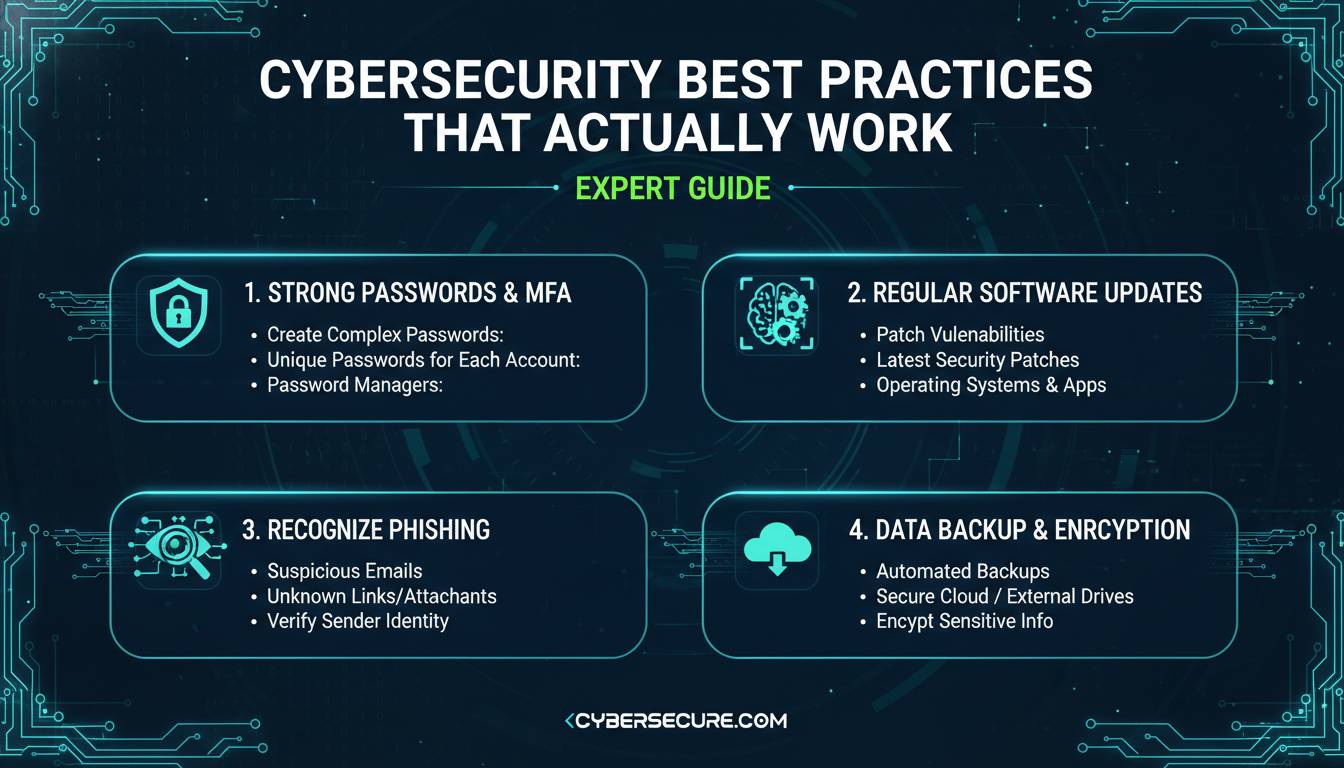
Creating unique, complex passwords for every account eliminates credential stuffing attacks where hackers test stolen passwords across multiple services. Password managers like 1Password, Bitwarden, or Dashlane solve the usability problem by generating and storing unique passwords securely. These tools encrypt your password vault with a master password—the only one you need to remember.
Implementation steps:
- Choose a reputable password manager (Bitwarden offers free versions; 1Password provides business plans)
- Create one strong master password you can remember but isn’t guessable
- Let the manager generate unique passwords for each new account
- Enable automatic filling for convenience
- Review existing accounts for duplicates and update critical ones first (email, banking, healthcare)
What doesn’t work:
Writing passwords on paper, storing them in spreadsheets, or using “password” followed by numbers. These approaches either get lost, get hacked, or get guessed. Similarly, adding exclamation points or replacing letters with similar-looking numbers (like “P@ssw0rd”) provides minimal protection against modern cracking tools that cycle through these predictable modifications.
The National Institute of Standards and Technology (NIST) no longer recommends forced periodic password changes unless compromise is suspected. Instead, they emphasize length over complexity—passphrases like “correct horse battery staple” prove easier to remember and harder to crack than short complex strings.
Multi-Factor Authentication: Your Most Important Security Layer
Multi-factor authentication (MFA) blocks approximately 99.9% of automated account takeover attempts, according to Microsoft security research. Despite this effectiveness, only 28% of Americans enable MFA on their primary email accounts, leaving their digital identity vulnerable.
Types of MFA, ranked by security:
| Method | Security Level | Usability | Notes |
|---|---|---|---|
| Hardware keys (YubiKey) | Highest | High | Immune to phishing; requires purchase |
| Authenticator apps | Very High | Medium | Time-based codes; no SMS vulnerabilities |
| Push notifications | High | High | Approve login attempts with one tap |
| SMS codes | Medium | Medium | Vulnerable to SIM swapping attacks |
Hardware security keys provide the strongest protection but require purchasing physical devices. For most users, authenticator apps like Google Authenticator, Authy, or the built-in options in password managers offer the optimal balance of security and convenience.
Critical accounts to protect first:
- Email accounts (password reset gateway to everything)
- Financial services (banking, investment platforms)
- Healthcare portals (sensitive medical data)
- Business accounts (corporate access, cloud services)
- Social media (identity theft potential)
Enabling MFA takes minutes but provides protection that far exceeds its implementation cost. Every account offering MFA should have it enabled, with hardware keys reserved for highest-value accounts like cryptocurrency exchanges or business administrative access.
Software Updates: The Simplest Defense Often Ignored
Software updates frequently contain security patches addressing known vulnerabilities that attackers actively exploit. The 2017 Equifax breach exposed 147 million people’s data through a known vulnerability in Apache Struts for which a patch had been available for two months.
Update strategy:
Enable automatic updates wherever possible, particularly for operating systems (Windows, macOS, iOS, Android), web browsers (Chrome, Firefox, Safari), and commonly used applications. Modern operating systems make this straightforward—iOS and Android updates install automatically by default, while Windows and macOS offer scheduled update options.
For organizations, patch management becomes more complex but remains critical. The Center for Internet Security emphasizes maintaining a 72-hour patch deployment window for critical vulnerabilities. Small businesses using cloud services benefit from providers handling infrastructure updates automatically, though application-level updates may still require attention.
What needs updating:
- Operating systems (desktops, laptops, phones, tablets)
- Web browsers and extensions
- Adobe products (Acrobat, Reader, Flash)
- Java and other runtime environments
- Router firmware
- Smart home devices
- Applications with network connectivity
The key principle: if it connects to the internet, it needs updating. Every internet-connected device represents a potential entry point, including thermostats, cameras, and printers that users often forget exist.
Recognizing and Avoiding Phishing Attacks
Phishing attempts have grown increasingly sophisticated, with attackers using artificial intelligence to create convincing fake communications that evade traditional filters. The FBI’s Internet Crime Report recorded $2.7 billion in losses from business email compromise alone in 2022, much of it starting with phishing.
Red flags indicating phishing:
- Urgency demanding immediate action (“Your account will be suspended in 24 hours”)
- Mismatched URLs (hover over links to reveal actual destinations)
- Generic greetings (“Dear Customer” rather than your name)
- Requests for sensitive information via email
- Spelling and grammar errors, though these are becoming less common
- Unexpected attachments, especially Office documents or compressed files
- Sender addresses that closely mimic legitimate domains (support@amaz0n-security.com)
Safe response protocol:
- Don’t click links or download attachments from unexpected messages
- Navigate directly to websites by typing URLs rather than clicking
- Verify requests through independent channels (call your bank using the number on their official website)
- Report suspicious messages to your email provider
- Delete suspicious messages immediately
For organizations, implementing DMARC, SPF, and DKIM email authentication standards reduces phishing emails reaching inboxes. User training programs that include simulated phishing exercises build organizational resilience—employees who receive regular training report phishing emails 40% more often than those who don’t.
Network Security for Home and Business
Network security encompasses the digital walls protecting your internet connection and the devices communicating through it. With remote work normalizing, home network security directly impacts business security.
Home network hardening:
Start with router security. Default router passwords should be changed immediately—botnets like Mirai demonstrate what happens when default credentials remain. Router firmware should update automatically, a setting available in most modern routers. Network segmentation—creating separate networks for guests and IoT devices—limits lateral movement if devices compromise.
Wi-Fi encryption using WPA3 (or WPA2 if WPA3 unavailable) prevents eavesdropping on local traffic. Hidden networks provide minimal additional security since determined attackers can discover them, but changing default SSIDs avoids advertising router brands that might suggest vulnerabilities.
VPN usage:
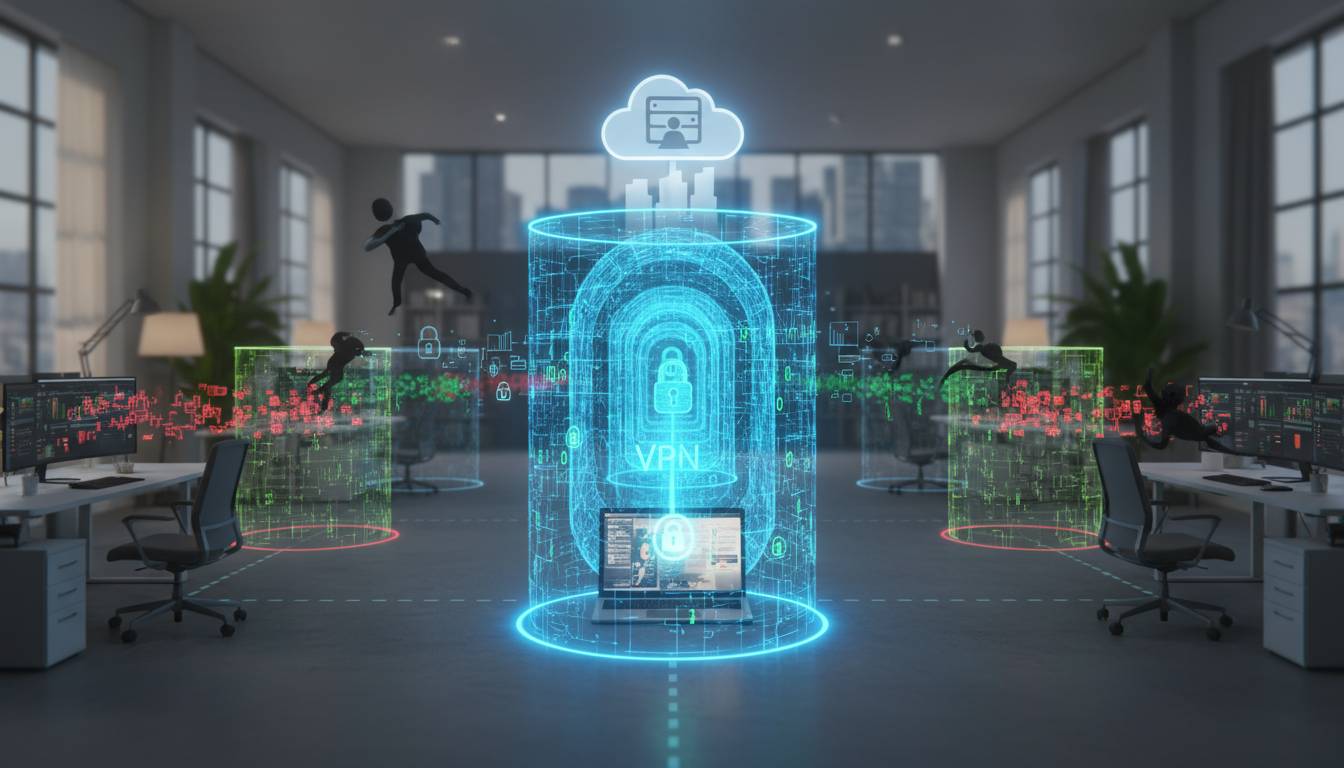
Virtual private networks encrypt internet traffic, particularly important on public Wi-Fi where attackers might intercept data. However, VPN quality varies significantly. Free VPNs often collect and sell user data, defeating privacy purposes. Reputable options include NordVPN, ExpressVPN, and Proton VPN, with the latter offering free tiers.
For businesses, VPNs provide secure remote access to corporate networks. Enterprise solutions like Cisco AnyConnect, Palo Alto GlobalProtect, or cloud-based alternatives like Cloudflare One enable employees working remotely to access resources securely.
Data Backup: Your Insurance Against Disaster
Ransomware attacks rendered data inaccessible until victims paid, making backups the only reliable protection. The 3-2-1 backup rule provides a framework: maintain three copies of important data, on two different types of media, with one stored offsite.
Backup implementation:
Modern cloud services (Google Drive, iCloud, OneDrive) provide convenient offsite backup for documents and photos. These services maintain versioning, allowing recovery from ransomware-encrypted files. However, cloud sync can spread ransomware across devices if one machine compromises.
Dedicated backup software provides more control. Backblaze, Carbonite, or Veeam can automatically back up entire systems, providing recovery options ranging from individual files to complete system restoration.
What to back up:
- Documents and photos (personal irreplaceables)
- Financial records
- Email data
- Application settings and licenses
- System images for complete disaster recovery
Testing backups matters as much as creating them. The only backup that works is one you’ve verified. Periodically attempt to restore files from backups to confirm they function correctly.
Mobile Device Security
Mobile devices contain vast personal data while facing threats distinct from traditional computers. Android malware increased 500% between 2020 and 2023, while iOS vulnerabilities, though rarer, command high prices on exploit markets.
Mobile security practices:
- Enable device encryption (standard on modern phones)
- Use biometric authentication (fingerprint, Face ID) combined with strong PINs
- Only install applications from official stores (Google Play, Apple App Store)
- Review app permissions regularly—many request unnecessary access
- Keep mobile operating systems updated
- Enable “Find My Device” for remote wiping if lost or stolen
- Avoid sensitive transactions on public Wi-Fi
For business users, Mobile Device Management (MDM) solutions like Microsoft Intune, Jamf, or VMware Workspace ONE enable organizations to enforce security policies, require encryption, and remotely wipe lost devices containing corporate data.
Building a Security-First Mindset
Technical solutions fail without behavioral adoption. Security culture—where everyone understands their role in protecting information—determines organizational resilience.
Daily security habits:
- Lock computers when stepping away (Windows+L, Command+Control+Q)
- Verify recipients before sending sensitive information
- Think before sharing personal information on social media
- Question unexpected requests, even from colleagues
- Use separate devices or browsers for sensitive activities
- Review app and service permissions periodically
- Log out of shared devices after use
Organizational implementation:
Leadership must model security behaviors and allocate resources for training and tools. Regular security awareness training, at minimum annually, keeps security principles prominent. Simulated phishing exercises identify vulnerable employees who need additional training. Recognition programs that reward reported suspicious activity reinforce security culture.
Incident response planning ensures organizations know what happens when breaches occur. Documented procedures, contact information, and regular drills minimize damage from successful attacks. Cybersecurity insurance provides financial protection but doesn’t replace preventive measures.
Conclusion
Cybersecurity doesn’t require sophisticated tools or expert knowledge. The practices outlined here—strong unique passwords, multi-factor authentication, timely software updates, phishing awareness, network security, reliable backups, and mobile protection—address the vast majority of threats most users and organizations face.
Start with the highest-impact items: enable MFA on critical accounts, ensure automatic updates are active, and implement a password manager. These three actions alone prevent the majority of successful attacks. From there, gradually implement additional layers of defense.
The goal isn’t perfect security—which is impossible—but rather making yourself a sufficiently difficult target that attackers move on to easier prey. Consistent application of these fundamentals provides exactly that protection.
Frequently Asked Questions
How often should I change my passwords?
According to NIST guidelines, you should only change passwords when you suspect compromise or reuse across accounts. Using unique passwords for every service means a breach at one site doesn’t compromise others. If you use a password manager, it handles generating and storing these unique credentials.
Is using public Wi-Fi dangerous?
Public Wi-Fi without encryption allows nearby attackers to intercept your traffic. Using a reputable VPN encrypts your connection, making public Wi-Fi safe for non-sensitive activities. Avoid conducting sensitive transactions like banking on public networks without VPN protection.
What should I do if I clicked a phishing link?
Immediately change passwords for potentially compromised accounts, starting with email and financial services. Enable multi-factor authentication if not already active. Run antivirus scans on your devices. Monitor accounts for suspicious activity. Report the phishing attempt to your email provider and the organization being impersonated.
Are password managers safe to use?
Password managers from reputable vendors (1Password, Bitwarden, Dashlane) are significantly safer than not using one. Their encrypted vaults protect passwords more securely than human memory or paper records. The master password itself never leaves your device, and reputable providers have no way to access your data.
How do I know if my information was in a data breach?
Check services like HaveIBeenPwned.com, which aggregates known data breaches and allows you to search by email address. If your information appears in a breach, immediately change passwords for affected accounts and enable MFA where available.
Do I need antivirus software on my computer?
Modern operating systems include built-in protection (Windows Defender, macOS Gatekeeper) that provides adequate baseline security for most users. Antivirus becomes more important if you frequently download files from unknown sources or work with potentially infected files. Regardless of antivirus software, keeping systems updated and using safe browsing practices provides fundamental protection.