Best Bitcoin Wallet App – Secure, Fast & Easy BTC Storage

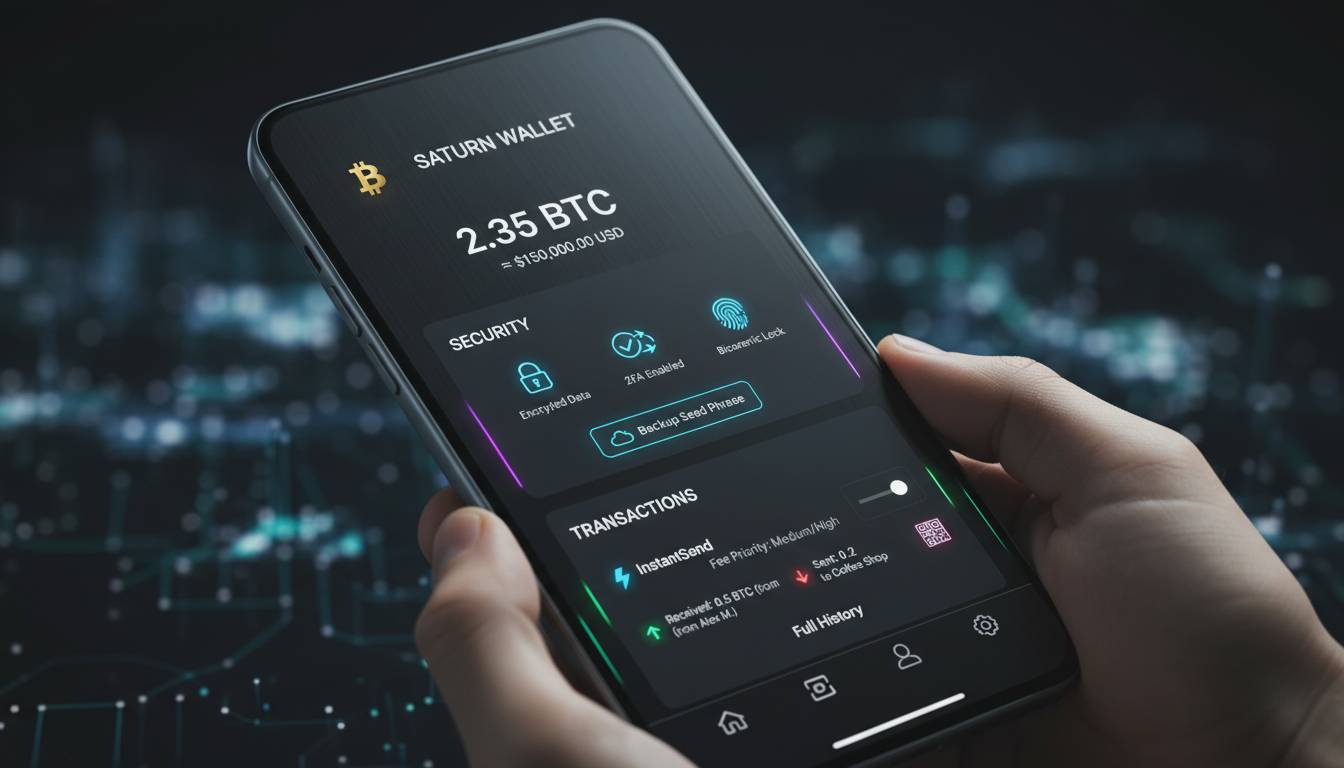
A Bitcoin wallet app serves as your gateway to the cryptocurrency ecosystem, allowing you to send, receive, and store Bitcoin securely. With millions of Americans investing in Bitcoin, choosing the right wallet app has become a critical financial decision. The right wallet protects your assets while making transactions seamless; the wrong choice can result in lost funds or compromised security. This comprehensive guide examines the best Bitcoin wallet apps available in the United States, comparing their features, security measures, fees, and usability to help you make an informed choice.
Understanding Bitcoin Wallet Types
Before examining specific apps, you need to understand the fundamental differences between wallet types. Bitcoin wallets do not actually store your Bitcoin—they store your private keys, which are cryptographic codes that prove ownership of your Bitcoin and authorize transactions.
Hot wallets connect to the internet and include mobile apps, desktop software, and web-based wallets. They offer convenience and quick access but remain vulnerable to online threats. Cold wallets store your private keys offline, typically on hardware devices or paper, providing superior security against hacking but requiring more effort to access your funds.
Within these categories, wallets further divide into custodial and non-custodial options. Custodial wallets (like those offered by exchanges) hold your private keys on your behalf, similar to a bank holding your money. Non-custodial wallets give you complete control over your private keys, meaning only you can access your Bitcoin. For security-conscious users, non-custodial wallets represent the gold standard, though they require more responsibility.
Key Features to Evaluate
Several factors determine whether a Bitcoin wallet app meets your needs. Security stands as the primary consideration for any cryptocurrency holder. Look for wallets offering two-factor authentication, biometric login, multi-signature support, and encryption. The best wallets also provide recovery seed phrases—typically 12 or 24 words—that allow you to recover your funds if you lose device access.
Transaction fees vary significantly between wallets. Some charge flat fees, while others use dynamic pricing based on network congestion. For US users, wallets that display fee estimates before confirmation help you avoid overpaying during busy periods.
User experience matters enormously, especially for newcomers. A well-designed interface should make sending and receiving Bitcoin intuitive while still providing advanced features for experienced users. Consider whether the wallet supports multiple cryptocurrencies if you plan to diversify beyond Bitcoin.
Customer support becomes crucial when dealing with financial assets. Wallets with responsive support teams, comprehensive documentation, and active community forums offer peace of mind. Additionally, verify that the wallet operates legally in the United States and complies with relevant regulations.
Top Bitcoin Wallet Apps for US Users
Coinbase Wallet stands as one of the most popular choices for American users. Developed by the Coinbase exchange, this non-custodial wallet gives users full control over their private keys while integrating seamlessly with the Coinbase exchange for buying and selling. The mobile app features a clean interface supporting Bitcoin, Ethereum, and over 4,000 other digital assets. Security features include biometric authentication, cloud backup encryption, and a remote device disconnect feature. However, users should note that Coinbase Wallet is distinct from holding Bitcoin on the Coinbase exchange—moving assets to the wallet provides non-custodial control.
Exodus Wallet has built a reputation for exceptional design and ease of use. This desktop and mobile wallet supports Bitcoin alongside 100+ other cryptocurrencies, making it ideal for portfolio diversification. Exodus offers a built-in exchange feature allowing users to swap between assets without leaving the app. The wallet provides 24/7 customer support and stores private keys locally on user devices. A unique feature called “Exodus Trezor” allows users to connect their Trezor hardware wallet for enhanced security while using the Exodus interface.
Electrum represents the choice for Bitcoin purists and advanced users. As one of the oldest Bitcoin wallets, established in 2011, Electrum focuses exclusively on Bitcoin rather than supporting numerous altcoins. The desktop and Android wallet offers advanced features including multi-signature wallets, custom transaction fees, and hardware wallet integration. Electrum’s server-based architecture enables fast transaction processing while keeping private keys on user devices. The learning curve is steeper than beginner-friendly alternatives, but the control and security it provides attract serious Bitcoin holders.
Trust Wallet has grown to become one of the most downloaded cryptocurrency wallets globally. Originally focused on mobile users, Trust Wallet now supports desktop browsing through browser extensions. The wallet is non-custodial, storing private keys locally on user devices, and supports Bitcoin plus hundreds of other blockchain assets. Trust Wallet’s integration with Binance DEX enables decentralized trading without leaving the app. The built-in Web3 browser allows users to interact with decentralized applications directly.
BlueWallet offers a streamlined mobile experience specifically designed for Bitcoin transactions. This iOS and Android wallet emphasizes simplicity without sacrificing advanced features. BlueWallet provides Lightning Network support for instant, low-cost transactions—a significant advantage for everyday payments. The wallet allows users to create watch-only wallets for monitoring addresses without exposing private keys. For security, BlueWallet supports hardware wallet integration and offers a “Zero Knowledge” backup system.
Ledger Live complements Ledger’s hardware wallets with a comprehensive software experience. While Ledger devices store private keys offline, the Ledger Live app enables portfolio management, transaction signing, and staking for supported assets. For US users seeking the highest security level, combining a Ledger Nano S or Nano X device with Ledger Live provides cold storage with convenient access. This option requires purchasing hardware but delivers unmatched protection against online threats.
Security Considerations and Best Practices
Regardless of which wallet you choose, implementing proper security practices protects your Bitcoin investment. Never share your recovery seed phrase with anyone—legitimate wallet providers never ask for this information. Store your seed phrase offline, preferably in multiple secure locations, protecting against both loss and theft.
Enable all available security features including two-factor authentication, biometric login, and PIN codes. Regularly update your wallet app to patch security vulnerabilities. Be vigilant against phishing attempts—only download wallets from official app stores and verify website URLs carefully.
For substantial Bitcoin holdings, consider a hardware wallet for the majority of your funds while keeping a smaller amount in a mobile wallet for daily transactions. This “cold storage” approach maximizes security while maintaining usability.
Fee Comparison and Transaction Costs
Transaction fees fluctuate based on Bitcoin network congestion rather than wallet choice. However, wallet interfaces handle fee display differently. Some wallets automatically suggest fees based on current network conditions, while others allow manual fee adjustment.
For US users, wallets connected to exchanges may offer convenience features like instant purchasing with debit cards, though these typically carry higher fees than bank transfers. When evaluating total costs, consider both transaction fees and any premiums charged for buying Bitcoin within the wallet.
Exodus, for example, includes built-in exchange services that aggregate prices from multiple providers, potentially offering competitive rates. Trust Wallet’s integration with decentralized exchanges may provide better rates for certain trading pairs but requires more user knowledge.
Making Your Final Decision
Your choice depends on your experience level, security requirements, and intended use. Beginners often find Coinbase Wallet or Exodus the most approachable, with helpful interfaces and robust customer support. Experienced users seeking maximum control frequently gravitate toward Electrum or hardware wallet solutions.
Consider whether you need to hold multiple cryptocurrencies or focus exclusively on Bitcoin. Wallets supporting only Bitcoin typically offer more focused development and tighter security audits. If you plan to explore the broader crypto ecosystem, multi-asset wallets provide flexibility.
For US regulatory compliance, ensure your chosen wallet operates legitimately in the country. Major wallets like Coinbase, Exodus, and Ledger maintain US operations and comply with relevant regulations.
Frequently Asked Questions
What is the safest Bitcoin wallet app for beginners?
For beginners in the United States, Coinbase Wallet offers an excellent balance of security and usability. It provides non-custodial control over your Bitcoin while offering intuitive interfaces and integration with the regulated Coinbase exchange. The app includes biometric authentication, cloud backup encryption, and 24/7 customer support.
Do Bitcoin wallet apps charge monthly fees?
Most Bitcoin wallet apps do not charge monthly fees for basic storage. You will encounter fees when buying Bitcoin (typically 1-49% depending on payment method), selling Bitcoin, or sending transactions on the Bitcoin network. Some wallets like Exodus charge a small spread on in-app exchanges, while hardware wallet manufacturers like Ledger require upfront device purchases.
Can I use a Bitcoin wallet app on multiple devices?
Non-custodial wallets typically allow access from multiple devices using your recovery seed phrase. When you set up a wallet, the seed phrase generates your private keys—you can enter this phrase on any compatible wallet to access your funds. However, for security reasons, you should avoid having the same wallet active on multiple devices simultaneously.
What happens if I lose my phone with a Bitcoin wallet?
If you lose your device, you can recover your Bitcoin using your 12 or 24-word recovery seed phrase. Download the same wallet app on a new device, select “restore wallet,” and enter your seed phrase. Your Bitcoin balance will restore immediately. This is why storing your seed phrase securely—never digitally—critical.
Is it better to keep Bitcoin on an exchange or in a wallet app?
For security, a personal wallet app is generally superior because you control your private keys rather than trusting an exchange. Exchanges represent high-value targets for hackers and can face regulatory issues. However, keeping smaller amounts on reputable exchanges like Coinbase offers convenience for frequent trading. A common strategy uses both: wallet for long-term storage, exchange for active trading.