Automation Software That Saves You 10+ Hours Weekly

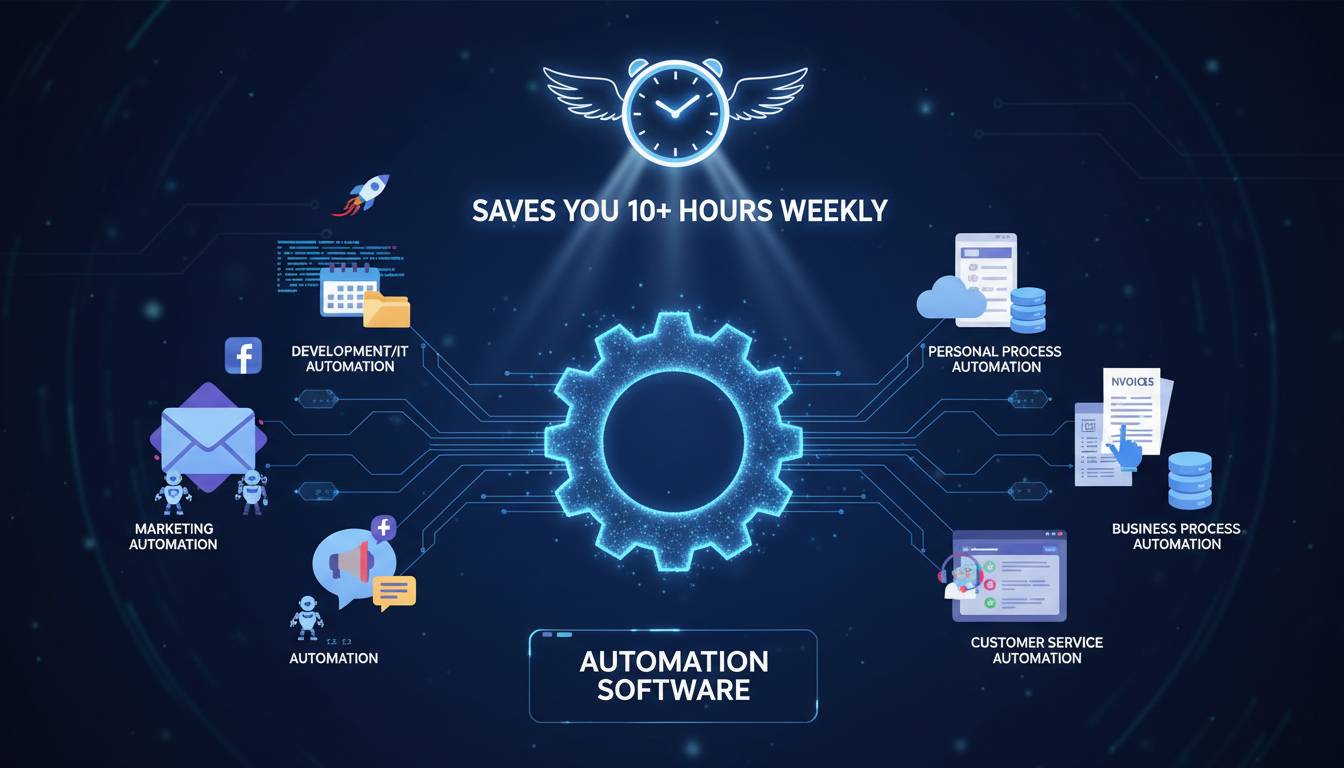
The average knowledge worker spends 2.5 hours daily on repetitive tasks that could be automated—a finding from a 2023 Salesforce research study involving 10,000+ workers across industries. That translates to roughly 12.5 hours per week, or over 600 hours annually, spent on work that software could handle in seconds. Despite this, a 2024 McKinsey report found that only 25% of companies have scaled automation across their organizations, leaving massive efficiency gains on the table.
This gap between possibility and implementation is where most professionals and businesses lose significant time and money. Automation software has evolved beyond simple rule-based scripts into intelligent systems that handle complex workflows, make decisions, and integrate across your entire technology stack. The question is no longer whether automation saves time—research from Nucleus Research consistently shows ROI averaging 5-7x for properly implemented automation tools. The real question is which automation software delivers the 10+ hours weekly savings you need without adding complexity to your workday.
This guide walks you through how automation software works, which categories matter most, and how to select solutions that actually produce the time savings they promise.
The True Cost of Manual Tasks
Before examining automation software, it’s essential to understand exactly what you’re losing to manual processes. Most professionals dramatically underestimate this cost because it hides in productivity gaps rather than explicit expenses.
A 2024 Zapier survey of 3,000+ workers found that 94% of respondents perform repetitive tasks daily, with the most common being data entry (78%), file organization (71%), report generation (65%), and email management (63%). These tasks share a critical characteristic: they follow consistent patterns that computers can execute faster and more accurately than humans.
The financial impact extends beyond hourly wages. When accounting for error correction, context-switching costs (the time lost when shifting between tasks), and the cognitive fatigue that reduces performance on higher-value work, the true cost of manual tasks often reaches 2-3x the direct time investment. A task that takes 30 minutes manually might cost you an additional 20-45 minutes in reduced focus and error修复 time.
Consider a concrete example: a marketing team manually transferring leads from web forms to a CRM, then sending follow-up emails, then updating dashboards. Each step takes 5-15 minutes and introduces opportunities for data entry errors. Automation software handles this entire sequence in seconds, with perfect accuracy and immediate synchronization across systems. The time savings compound when you multiply these workflows across dozens of daily processes.
What Automation Software Actually Does
Modern automation software operates on a spectrum from simple task automation to intelligent process automation. Understanding this spectrum helps you select tools that match your actual needs rather than paying for capabilities you won’t use.
Task Automation handles discrete, repeatable actions like copying data between applications, sending templated emails, or scheduling meetings. Tools like Zapier, Make (formerly Integromat), and Microsoft Power Automate excel here. They connect your existing software through “if this, then that” logic that executes without human intervention. A typical workflow might watch for a new row in a Google Sheet, then automatically create a task in Asana and send a Slack notification—tasks that previously required manual coordination across platforms.
Process Automation goes deeper by orchestrating multi-step workflows that include conditional logic, approvals, and exceptions handling. This category includes tools like Workato, Boomi, and enterprise-level solutions from Salesforce (MuleSoft) and ServiceNow. Process automation handles scenarios like employee onboarding, which might involve provisioning accounts across 10+ systems, sending welcome materials, scheduling orientation, and creating training tasks—each conditional on the employee’s role and department.
Intelligent Automation adds artificial intelligence to handle unstructured data and complex decisions. Robotic Process Automation (RPA) tools like UiPath, Automation Anywhere, and Microsoft Power Automate Desktop can interact with legacy applications that lack modern APIs, essentially mimicking human clicks and keyboard input. Combined with AI capabilities, these tools can process invoices by reading scanned documents, categorize support tickets by analyzing message content, or predict which leads warrant immediate follow-up.
The key insight: most businesses achieve their 10+ hour weekly savings with task and process automation alone. Intelligent automation becomes necessary only when dealing with legacy systems or highly unstructured data that simpler tools cannot handle.
Key Features That Deliver Time Savings
Not all automation software delivers equal value. Certain features directly correlate with the time savings you’re seeking, while others add complexity without proportional benefit.
Trigger Variety determines how your automations start. The best tools offer triggers based on schedules, new data in connected apps, webhooks from external systems, form submissions, email parsing, and even AI-generated events. More trigger options mean you can automate more processes without manual initiation.
Action Depth refers to what the software can do once triggered. Comprehensive action libraries include not just data creation and updates but also file operations, API calls, conditional branching, loops, and custom code execution. Shallow action libraries force you to work around limitations or use multiple tools where one would suffice.
Error Handling separates production-ready automation from fragile scripts. Quality tools offer retry logic for failed actions, detailed error logging, alerting when human intervention is needed, and the ability to roll back changes when something goes wrong. Without robust error handling, automation saves time on happy paths but creates cleanup work when exceptions occur.
Integration Breadth matters more than any single feature. A tool with 5,000+ integrations like Zapier or Workato connects your entire stack, while narrower tools limit your possibilities. The most valuable integrations include CRM systems (Salesforce, HubSpot), communication platforms (Slack, Microsoft Teams), project management (Asana, Monday.com, Jira), spreadsheets (Google Sheets, Excel), and marketing tools (Mailchimp, HubSpot CRM).
Scalability affects both performance and cost. Some tools throttle usage or charge per-automation, creating hidden ceilings. Others offer unlimited runs with predictable pricing. As your automation portfolio grows—which it should as you identify more time-saving opportunities—pricing structure directly impacts your return on investment.
Top Categories of Automation Tools
Different business functions require different automation approaches. Understanding the primary categories helps you match tools to your specific time drains.
General Workflow Automation tools like Zapier, Make, and Microsoft Power Automate serve as the connective tissue between your business applications. They excel at linking any two or more apps without coding. Zapier’s strength lies in its simplicity and massive integration library—over 6,000 apps connect through their platform. Make offers more visual workflow design with complex logic capabilities. Microsoft Power Automate integrates deeply with the Microsoft ecosystem and offers competitive pricing for organizations already using Microsoft 365.
Business Process Management (BPM) platforms like Kissflow, ProcessStreet, and Nintex focus on documenting, optimizing, and automating formal business processes. These tools suit organizations that need audit trails, approval workflows, and process standardization across teams. They’re particularly valuable for compliance-heavy industries like finance, healthcare, and legal services.
Robotic Process Automation from UiPath, Automation Anywhere, and AutomationEdge targets organizations with significant manual data entry, particularly when dealing with legacy systems or unstructured documents. RPA can extract data from PDFs, enter information into older software without APIs, and handle high-volume repetitive tasks that other automation categories cannot reach.
Marketing Automation platforms including HubSpot, Marketo, and ActiveCampaign focus specifically on lead generation, nurturing, and customer communication workflows. These tools automate email sequences, lead scoring, social media posting, and campaign management—areas that typically consume 15-20 hours weekly for marketing teams handling these tasks manually.
IT Operations Automation tools like Splunk, ServiceNow, and Ansible automate infrastructure monitoring, incident response, and provisioning tasks. For IT teams, these tools can reduce firefighting time by 50%+ while improving system reliability.
| Category | Best For | Typical Time Savings | Popular Tools |
|---|---|---|---|
| General Workflow | Connecting business apps | 5-15 hrs/week | Zapier, Make, Power Automate |
| BPM | Process standardization | 10-20 hrs/week | Kissflow, ProcessStreet |
| RPA | High-volume data entry | 15-30 hrs/week | UiPath, Automation Anywhere |
| Marketing Automation | Lead/campaign management | 10-25 hrs/week | HubSpot, Marketo |
| IT Operations | Infrastructure management | 10-30 hrs/week | ServiceNow, Ansible |
How to Choose the Right Solution
Selecting automation software requires matching tool capabilities to your specific time drains rather than choosing the most popular or feature-rich option. A systematic evaluation prevents the common mistake of adopting powerful software that doesn’t address your actual needs.
Start by mapping your highest-impact time drains. Document the top 10 repetitive tasks consuming your weekly hours—include the app systems involved, frequency, and current time investment. This inventory becomes your evaluation criteria. A tool that perfectly automates your #1 time drain delivers more value than a comprehensive platform that doesn’t address your needs well.
Integration compatibility must be non-negotiable. Verify that the tools you need to connect are supported before committing. Zapier, Make, and Power Automate all offer free tiers that allow testing key integrations before purchase. Spending $50/month on a tool only to discover it doesn’t connect your critical CRM wastes money and delays actual time savings.
Learning curve varies significantly across options. Zapier emphasizes simplicity with pre-built templates that require minimal configuration. Make offers greater power but requires more technical comfort. UiPath and similar RPA tools demand substantial setup investment. Choose complexity proportional to your technical resources and the sophistication of workflows you need.
Pricing structure deserves careful analysis beyond simple monthly costs. Some tools charge per-task-run, creating unpredictable expenses as automation usage grows. Others tier features in ways that require upgrading for legitimate use cases. Calculate projected usage based on your mapped workflows to understand true annual costs.
For most small-to-medium businesses seeking 10+ hour weekly savings, Zapier or Make delivers the right capability-to-complexity ratio. Microsoft Power Automate offers the best value if you’re already invested in Microsoft 365. Larger enterprises with complex requirements benefit from Workato’s enterprise features or specialized RPA tools for legacy system automation.
Implementation Best Practices
Automation software delivers its full time-saving potential only when implemented strategically. Poor implementation creates fragile systems that require constant attention, negating the efficiency gains you’re seeking.
Start with high-frequency, low-complexity automations. The best starting points are workflows that trigger frequently (daily or more), involve 2-3 applications, and follow consistent patterns. Email parsing and notification routing, spreadsheet-to-task creation, and CRM data synchronization typically meet these criteria. These automations generate immediate time savings while building team familiarity with the platform.
Document everything. Create a living catalog of your automations including what they do, which systems they touch, and who owns monitoring them. This documentation becomes essential when debugging failures, onboarding new team members, and planning expanded automation. Without documentation, automations become organizational black boxes that only their creator understands.
Build in observability from day one. Configure notifications for automation failures—not for every run, but for errors and exceptions. Without alerting, failed automations may go unnoticed for days, creating data inconsistencies that require manual repair. The goal is automated success with human oversight, not unattended systems that nobody monitors.
Plan for exception handling. Every automation encounters situations it wasn’t designed for—missing data, unusual formats, system timeouts. Define clear escalation paths for these scenarios. Good automation software allows branching logic that routes unusual cases to humans for review rather than failing silently or repeatedly retrying.
Iterate and expand gradually. After initial automations prove reliable, identify the next layer of time drains. Most teams find that automation confidence grows with experience, and the second round of implementations becomes easier. Expect your automation portfolio to grow substantially over 6-12 months as you discover more processes that benefit from automation.
Frequently Asked Questions
How many hours can automation software realistically save per week?
Most users report saving 5-20 hours weekly depending on their role and existing manual processes. A 2023 Salesforce study found that the average knowledge worker could save 2.5 hours daily through automation—about 12.5 hours weekly. Sales and marketing professionals often see higher savings (15-25 hours) due to the repetitive nature of outreach and data management tasks.
Is automation software difficult to set up?
Entry-level tools like Zapier feature drag-and-drop interfaces with thousands of pre-built templates that require no technical knowledge. Most basic automations can be created in 15-30 minutes. More complex workflows or RPA implementations require greater technical comfort and may benefit from consultation or implementation support.
Does automation replace jobs or eliminate necessary human oversight?
Automation software typically augments human work rather than replacing it entirely. The goal is eliminating tedious repetitive tasks so team members can focus on higher-value work requiring judgment, creativity, and relationship-building. Most organizations find automation enables staff to do more meaningful work rather than requiring headcount reductions.
What happens when the software tools I connect change their APIs?
Quality automation platforms like Zapier, Make, and Power Automate actively maintain their integrations and adapt to API changes automatically. When significant changes occur, these platforms update their integrations and often notify users of necessary adjustments. This is a significant advantage over custom-built integrations that require manual maintenance.
Can small businesses benefit from automation software, or is it only for enterprises?
Small businesses often see the highest per-capita benefits from automation because they have fewer staff to handle repetitive tasks and every hour saved represents a larger percentage of total capacity. Most automation tools offer free or low-cost tiers appropriate for small business use, with pricing that scales as automation needs grow.
How long does it take to see time savings after implementing automation software?
Basic automations typically begin saving time immediately upon activation. Most organizations report measurable productivity improvements within the first week and substantial time savings (5+ hours weekly) within 30 days. The primary delay comes from identifying which processes to automate and configuring the workflows—not from the automation itself.
Conclusion
The research is unambiguous: automation software consistently saves professionals 10+ hours weekly when applied to appropriate tasks. The tools exist, the integrations are available, and the ROI is well-documented across industries. What stops most organizations is simply not starting.
The path forward is straightforward. Map your highest-frequency manual tasks. Select a tool that connects your critical applications—Zapier or Make for most small-to-medium businesses, Microsoft Power Automate for Microsoft-centric organizations. Begin with one or two high-confidence automations that execute daily. Build from there as your team gains confidence and discovers more processes worth automating.
The 12.5 hours weekly that the average worker spends on automatable tasks represents a significant portion of your professional value. Automation software doesn’t make you less essential—it makes you more effective by shifting your contribution from repetitive execution to the strategic thinking and relationship-building that actually advances your career and organization.