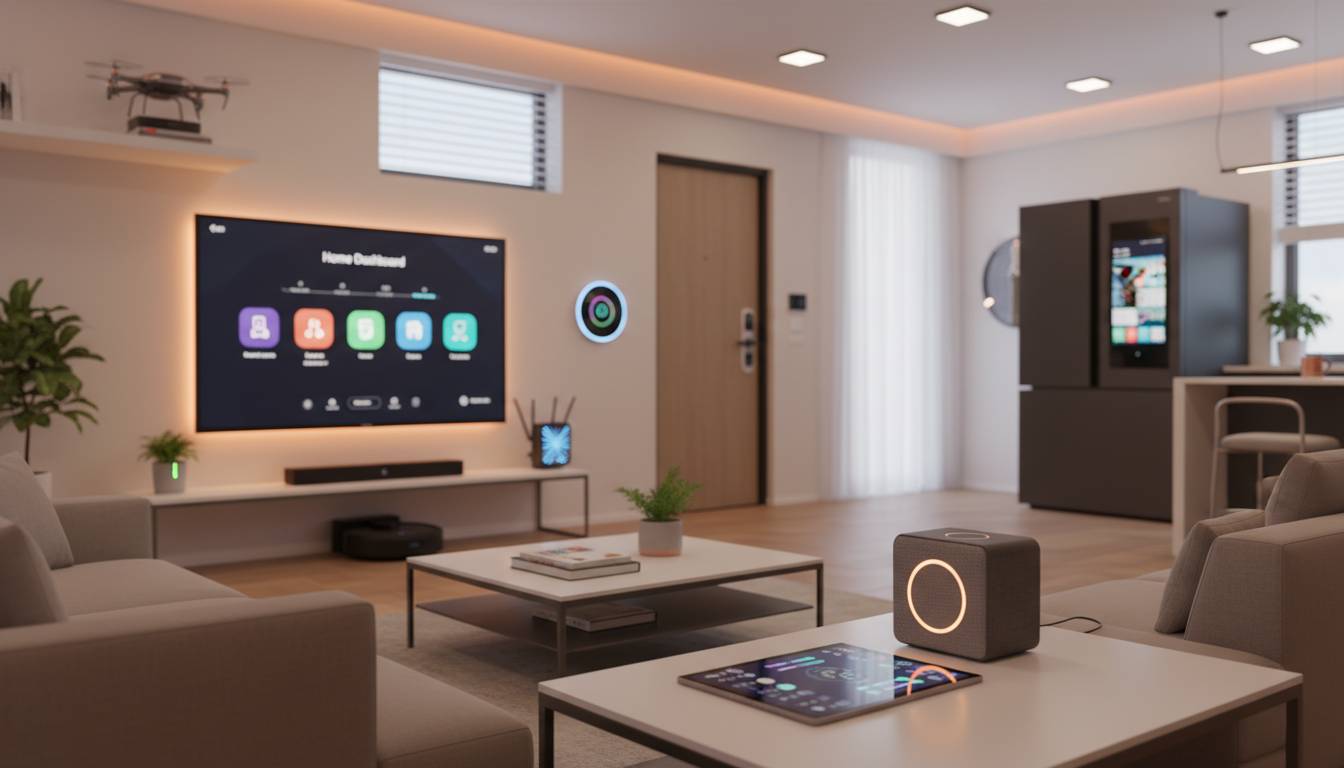
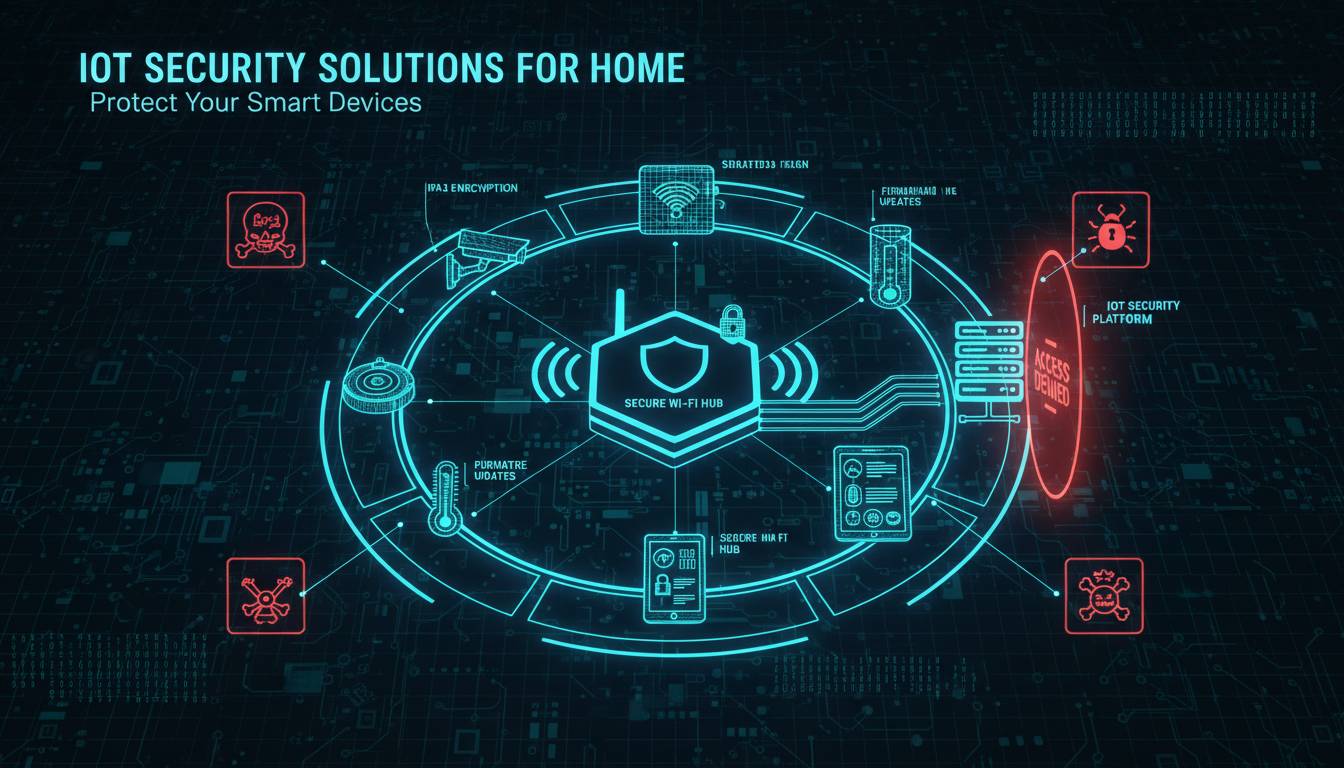
IoT Security Solutions for Home – Protect Your Smart Devices

The average American household now contains 17 connected devices—from smart thermostats and security cameras to voice assistants and connected lightbulbs. Each device represents a potential entry point for hackers, and the consequences of a breach extend far beyond stolen data. In 2023, the FBI reported a 300% increase in smart home device hacking complaints, with victims experiencing everything from identity theft to physical security breaches. Protecting your connected home requires understanding both the threats and the solutions available to mitigate them.
This guide covers practical IoT security solutions for residential settings, from network-level protections to device-specific hardening techniques. Whether you’re setting up your first smart home or looking to secure an existing ecosystem, these strategies will help you build a defense-in-depth approach that protects your privacy, data, and physical safety.
Understanding the IoT Security Landscape
The Internet of Things encompasses any device that connects to the internet and collects or transmits data. In homes, this includes obvious categories like smart speakers (Amazon Echo, Google Home), security systems (Ring, Nest), and thermostats (Ecobee, Honeywell), along with less obvious ones like smart TVs, connected appliances, fitness trackers, and even certain lightbulbs and outlets.
The security challenge with IoT devices differs fundamentally from securing computers or smartphones. Most IoT devices lack the computational resources for robust security software, operate on simplified firmware that rarely receives updates, and frequently ship with default credentials that users never change. A 2023 study by security firm Armis found that 65% of smart home devices contain at least one critical vulnerability, and the average home network is exposed to approximately 14 attempted attacks per day.
Common attack vectors include:
Default credential exploitation — Manufacturers often ship devices with default usernames and passwords like “admin/admin” or “12345.” Attackers maintain databases of these defaults and use automated tools to scan for vulnerable devices.
Unpatched firmware — Many IoT devices never receive security updates after purchase. Researchers at NCC Group documented that the average smart home device stops receiving patches within three years of release, leaving known vulnerabilities unfixed.
Insufficient encryption — Many devices transmit data without encryption or use outdated protocols. This allows attackers on the same network to intercept sensitive information including credentials, camera feeds, and usage patterns.
Weak network segmentation — When a single device is compromised, attackers often gain access to the entire network. Without segmentation, a hacked smart bulb can serve as a gateway to your computers and storage devices.
Network-Level Security Solutions
The first and most effective layer of IoT security operates at your network infrastructure. By securing your network, you protect all devices simultaneously regardless of their individual security features.
Dedicated IoT Networks
Modern routers from manufacturers like ASUS, Netgear, and eero support creating multiple networks or VLANs. The most effective configuration separates your IoT devices onto an isolated network distinct from the one you use for computers, phones, and financial transactions.
To implement this, access your router’s administrative panel and create a guest network or secondary SSID specifically for smart devices. Configure this network with strong encryption (WPA3 if available, WPA2-AES minimum) and disable file sharing or printer sharing between devices on this network. When possible, disable internet access for specific devices that don’t require cloud connectivity, limiting their communication to local network functions only.
This separation means that if a hacker compromises your smart thermostat, they cannot access your laptop containing financial documents or your NAS storing personal photos.
Router Security Configuration
Your router serves as the gateway between your home network and the internet. Securing it properly creates a formidable first barrier against attacks.
Change default credentials immediately. The admin interface for most routers uses default passwords that are publicly documented. Create a strong, unique password using a password manager.
Disable UPnP. Universal Plug and Play allows devices to automatically open ports in your router, but this convenience comes with significant risk. Many malware strains use UPnP to create outbound connections that bypass your firewall. Disable this feature in your router settings.
Enable the built-in firewall. Most modern routers include stateful packet inspection firewalls. Ensure this is activated and configured to block unsolicited incoming connections.
Keep firmware updated. Router manufacturers release security patches for known vulnerabilities. Check your router manufacturer’s website monthly for updates, or enable automatic updates if your router supports them.
DNS-Based Security Services
DNS-level filtering provides network-wide protection without installing software on individual devices. Services like Cloudflare (1.1.1.1), Quad9, and NextDNS can block connections to known malicious domains, protecting all devices on your network simultaneously.
Cloudflare’s 1.1.1.1 service offers basic DNS resolution with privacy protections. Quad9 blocks domains associated with malware, phishing, and botnet command-and-control servers—it’s particularly effective for IoT devices since you cannot install traditional security software on most of them. NextDNS provides customizable blocking with filtering categories and the ability to create blocklists for specific threat categories.
Configuring your router to use these services ensures protection for every device that connects to your network, including devices that don’t support traditional security software.
Device-Specific Hardening Strategies
While network security provides broad protection, hardening individual devices adds critical defense layers.
Authentication and Access Controls
Approximately 70% of IoT device breaches involve compromised credentials. Strengthening authentication significantly reduces this attack surface.
Enable two-factor authentication on any device or service that supports it. This includes your smart home hub apps (SmartThings, Home Assistant), cloud accounts (Amazon Alexa, Google Home), and storage services (cloud cameras, NAS devices). Two-factor authentication ensures that even if your password is leaked, attackers cannot access your accounts without the second factor.
Use unique, strong passwords for each device’s web interface and cloud account. A password manager generates and stores these credentials, eliminating the temptation to reuse passwords across devices.
Disable unnecessary cloud services if your device offers local-only operation. Many smart devices default to sending data to manufacturer cloud services, increasing your attack surface. If a device functions adequately without cloud connectivity, disable this feature.
Camera and Audio Device Security
Smart cameras and voice assistants represent particularly sensitive IoT categories since they capture audio and video data.
Cover cameras when not in use. Physical covering provides certainty that no one can view your space even if the device is compromised. Sliding covers or simple tape work for static cameras.
Review and manage permissions in your voice assistant apps. Both Amazon and Google provide dashboards showing which third-party skills or actions have access to your device. Remove any skills you no longer use, and audit the permissions granted to remaining ones.
Disable voice recording features when not actively using them. Most smart speakers include physical mute buttons that disconnect the microphones. Use these when you’re having sensitive conversations.
Segment camera traffic if your router supports creating separate VLANs. Place all cameras on an isolated network that cannot communicate with computers or phones, limiting what an attacker can do if they compromise a camera.
Regular Device Audits
Smart home ecosystems tend to grow organically, with devices added over time and forgotten. Regular audits help maintain security hygiene.
Maintain an inventory of all connected devices including manufacturer, model, firmware version, and last update date. This inventory helps you track which devices need attention.
Check for firmware updates monthly by visiting manufacturer websites or checking device apps. Since many devices don’t support automatic updates, manual checking remains necessary.
Decommission unused devices rather than leaving them connected. Old devices often stop receiving security updates and become liabilities. Factory reset and properly dispose of devices no longer in use.
Review connected apps that control your devices. Remove authorizations for apps you no longer use, and verify that remaining apps have appropriate permission levels.
Smart Home Hub Security
Smart home hubs like Samsung SmartThings, Hubitat, Home Assistant, and Apple HomeKit centralize control of your devices. Securing your hub protects all connected devices.
Keep hub software updated. Hub manufacturers regularly release security patches. Enable automatic updates when available, or check for updates weekly.
Minimize third-party integrations. Each integration represents a potential vulnerability. Review your integrations and remove any that are unnecessary or from unknown developers.
Use local automation when possible. Cloud-based automations create dependencies on external services and introduce latency and privacy concerns. Platforms like Home Assistant excel at local-only operation.
Secure access to your hub with strong authentication, VPN access for remote management, or both. If your hub offers guest networks or limited user accounts, use these to restrict access to necessary functions only.
Advanced Protection Tools
For users seeking additional security layers, several specialized tools address IoT-specific threats.
Network Monitoring Solutions
Tools like Bitdefender BOX, Cujo AI, and Circle with Disney (discontinued but still functional) monitor network traffic for suspicious patterns. These devices sit between your router and modem, analyzing traffic from all devices and flagging anomalies such as unusual data exfiltration or communication with known malicious IP addresses.
These solutions use machine learning to identify device behavior and can detect compromised devices that exhibit malicious activity even without previously known signatures. This provides protection against zero-day threats targeting IoT devices.
VPN for IoT Devices
Consumer VPN services typically focus on protecting computers and phones, but some now offer router-level VPN configuration that protects all devices on your network. This routes all your internet traffic through encrypted tunnels, preventing eavesdropping on your local network and hiding your devices’ IP addresses from external attackers.
When selecting a VPN provider for router configuration, verify that they support your router model and offer sufficient bandwidth for your household’s needs. Some VPN providers offer specific configurations optimized for IoT devices.
Firewall Rules and Port Management
Advanced users can configure router-level firewall rules to restrict traffic based on specific criteria. This involves:
Blocking unnecessary inbound connections by configuring your router’s firewall to deny all unsolicited incoming traffic by default, then creating exceptions only for specific legitimate uses.
Restricting outbound connections to limit what data devices can send to the internet. This prevents compromised devices from exfiltrating data or participating in botnet attacks.
Port scanning protection detects and blocks automated tools that probe your network for vulnerabilities. Many routers include this feature; enable it if available.
Building a Long-Term Security Strategy
IoT security requires ongoing attention rather than a one-time setup. New vulnerabilities emerge regularly, and your threat landscape evolves as you add devices.
Schedule quarterly security reviews. Set calendar reminders to audit your devices, check for firmware updates, and review network configurations. This regular attention catches problems before they become serious.
Research before purchasing. Before buying any IoT device, search for security vulnerability reports, manufacturer update policies, and community feedback on long-term security support. Devices from established manufacturers with strong security track records offer better long-term security than cheap alternatives from unknown companies.
Plan for device lifecycle. When purchasing IoT devices, consider how long the manufacturer will support them. Some companies like Apple and Google provide multi-year security updates, while many budget manufacturers abandon devices within months of release. Factor this into your purchasing decisions.
Educate all household members. Security measures fail if family members bypass them for convenience. Ensure everyone in your home understands not to click suspicious links, download unauthorized apps, or share credentials.
Conclusion
Securing a smart home requires a layered approach combining network infrastructure, device hardening, and ongoing vigilance. Start by segmenting your network to isolate IoT devices, then systematically harden each device by changing defaults, enabling two-factor authentication, and keeping firmware updated. Add network-level protections like DNS filtering and consider advanced tools like network monitors for additional security layers.
The convenience of connected devices shouldn’t come at the cost of your privacy and security. With the solutions outlined in this guide, you can enjoy the benefits of smart home technology while significantly reducing your exposure to attacks. The key is treating security as an ongoing process rather than a one-time configuration—regular attention to your devices and network will pay dividends in sustained protection.
Frequently Asked Questions
How do I know if my IoT device has been compromised?
Signs of compromise include unusual network activity (devices sending data when not in use), unexpected behavior like cameras moving on their own, unexplained network slowdowns, and devices that won’t respond or have changed passwords you didn’t modify. Check your router’s network monitoring to see which devices are communicating with which external servers.
Do I need to buy new hardware to secure my smart home?
Not necessarily. Most security improvements come from configuring existing hardware properly—changing default passwords, enabling firewalls, creating network segments, and keeping firmware updated. However, older routers that don’t support modern security features like WPA3 or VLAN segmentation may need replacement.
Are expensive IoT devices more secure than budget options?
Generally yes, but with caveats. Established manufacturers invest more in security research and typically provide longer support windows. However, price alone doesn’t guarantee security. Research specific models and manufacturers regardless of price point, and prioritize devices from companies with documented security update commitments.
Can I use my smart home devices securely without internet connectivity?
Many devices can operate locally without internet access, though functionality may be reduced. Smart lights, locks, and sensors often work entirely locally if you use a hub like Home Assistant. Cameras and voice assistants typically require internet for core features. Check each device’s requirements and disable cloud connectivity when possible.
How often should I update my IoT device firmware?
Check for updates monthly for actively used devices. Enable automatic updates if your device supports them. If a manufacturer hasn’t released updates in over a year, consider replacing the device or researching whether it’s reached end-of-life. Critical vulnerabilities in unpatched devices should prompt immediate replacement.
What’s the most important IoT security measure to implement first?
Network segmentation provides the broadest immediate protection. Separating your IoT devices onto a dedicated network ensures that even if one device is compromised, attackers cannot easily access your computers and personal data. This single change delivers significant security benefit with relatively modest configuration effort.