Cybersecurity Best Practices for Remote Teams: 7 Essential Tips

The shift to remote work has fundamentally transformed how organizations operate, but it has also created unprecedented security challenges. According to a 2024 report by Verizon, remote work vulnerabilities contributed to 43% of data breaches involving small and medium businesses. Meanwhile, the FBI reported a 300% increase in cyberattacks since the pandemic began, with remote teams becoming the primary target. The reality is stark: traditional office-based security perimeter no longer exists when employees access corporate networks from home offices, coffee shops, and co-working spaces across the globe.
This guide delivers seven essential cybersecurity practices that protect remote teams from evolving threats. You’ll find actionable strategies backed by industry research, expert insights from leading security professionals, and a framework for building a security-first culture regardless of where your team works.
The Remote Work Security Landscape: Understanding Today’s Threats
Remote work has fundamentally altered the attack surface that organizations must defend. When employees connect from分散 locations, the traditional castle-and-moat security model—where a corporate firewall protects everything inside—completely collapses. Each remote worker’s home network, personal devices, and public Wi-Fi connections become potential entry points for malicious actors.
Key Insights
– 67% of organizations experienced cyberattacks targeting remote workers in the past year
– The average cost of a data breach involving remote work rose to $4.91 million in 2024
– 54% of IT leaders say securing remote employee access is their top security challenge (Cybersecurity Ventures 2024 Report)
– Phishing attacks targeting remote workers increased by 350% between 2020 and 2024
The threat landscape now includes sophisticated social engineering attacks that exploit remote workers’ isolation, vulnerable home router firmware, unsecured IoT devices sharing networks with work computers, and the continued risks of public Wi-Fi usage. Criminals have specifically adapted their tactics to remote work environments, sending communications that impersonate IT support, HR departments, and collaboration tools to trick employees into revealing credentials.
The Essential Seven: Core Security Practices for Remote Teams
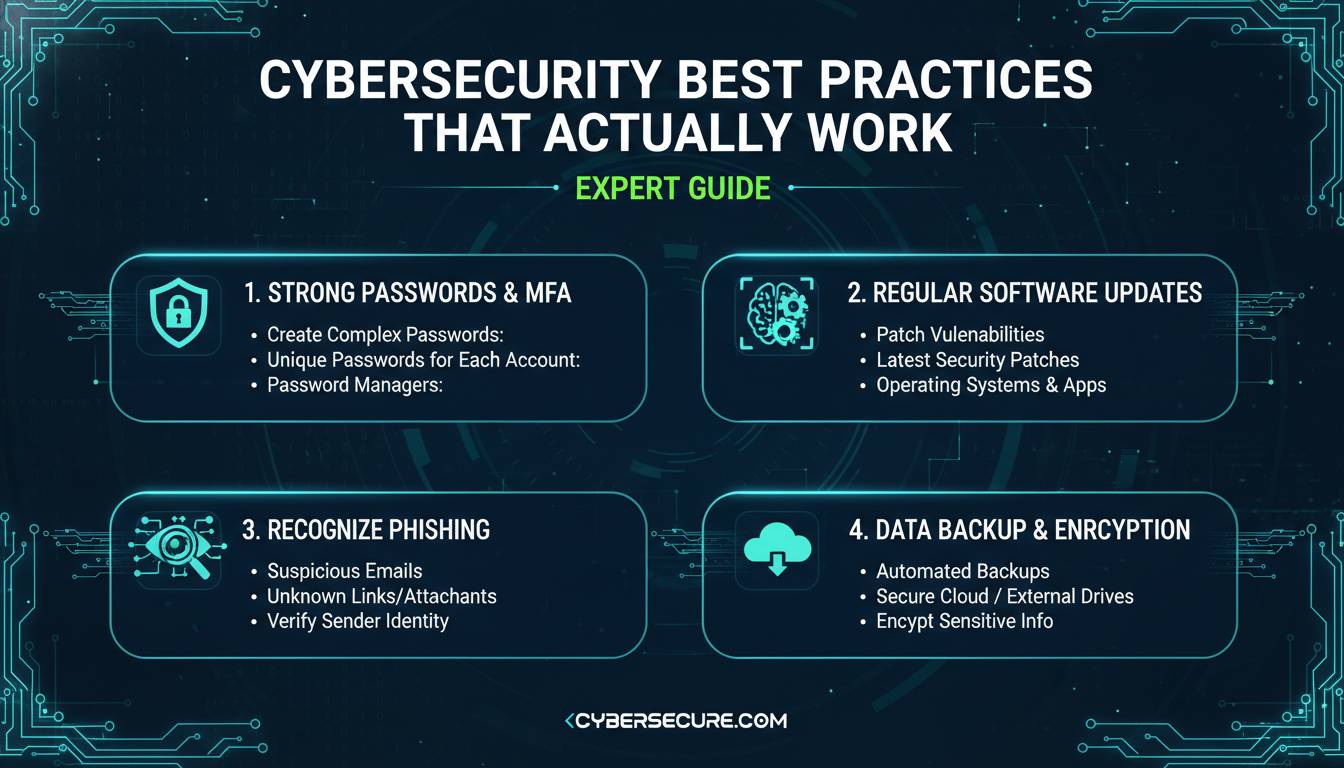
1. Implement Multi-Factor Authentication Everywhere
Multi-factor authentication (MFA) remains the single most effective security control for remote teams. Despite this, only 28% of organizations require MFA for all remote access, leaving the majority vulnerable to credential-based attacks.
What makes MFA effective: Even if an attacker obtains a password through phishing or data breaches, they cannot access the account without the second or third authentication factor. This simple control prevents an estimated 99.9% of account compromise attacks, according to Microsoft Security research.
Implementation requirements:
– Deploy MFA across all applications, especially email, VPN, cloud storage, and financial systems
– Prefer hardware security keys or authenticator apps over SMS-based codes, which can be intercepted through SIM-swapping attacks
– Establish backup authentication methods for employees who lose access to primary devices
2. Deploy Zero Trust Network Access
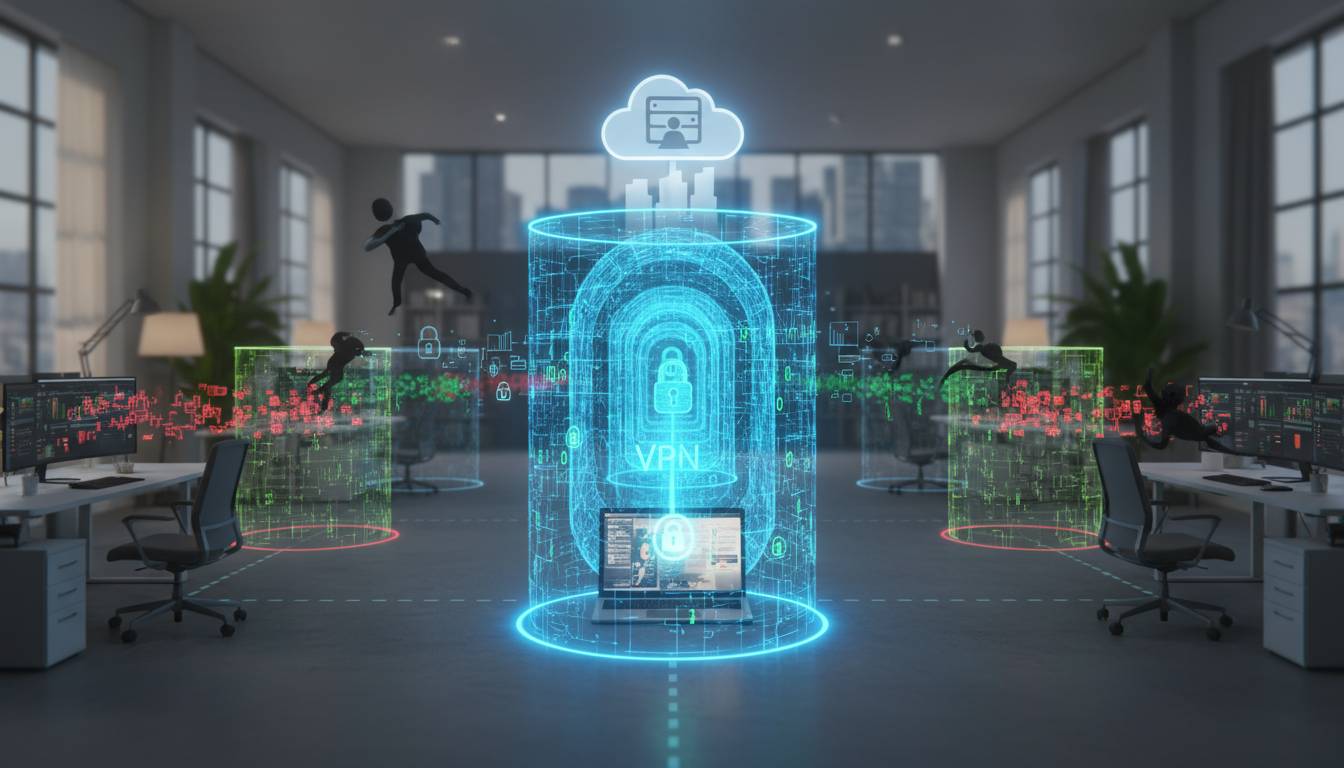
The traditional VPN model—granting employees full network access once authenticated—no longer provides adequate protection. Zero Trust Network Access (ZTNA) operates on the principle of “never trust, always verify,” continuously validating user identity, device health, and access context for every single connection.
How ZTNA differs from VPN:
| Factor | Traditional VPN | Zero Trust Network Access |
|——–|—————–|—————————|
| Access Model | Full network access upon login | Application-specific access |
| Trust Assumption | Implicitly trusted after authentication | Continuously verified |
| Visibility | Limited to connection logs | Full session monitoring |
| Lateral Movement | Possible after breach | Restricted by design |
| Performance | Can slow with congestion | Optimized for cloud applications |
Organizations implementing ZTNA report 50% fewer successful attacks and 60% faster incident detection, according to a 2024 Gartner study.
3. Secure Endpoint Devices
Remote workers’ devices serve as both the gateway to corporate resources and potential targets for attackers. Endpoint security extends far beyond traditional antivirus software to include comprehensive device management and protection.
Essential endpoint security measures:
– Endpoint Detection and Response (EDR): Continuous monitoring that identifies and responds to threats in real-time, including previously unknown attack patterns
– Mobile Device Management (MDM): Centralized control over company and personally-owned devices accessing corporate data, enabling remote wipe capabilities
– Disk Encryption: Full-disk encryption ensures that lost or stolen devices cannot reveal sensitive data
– Automatic Updates: Patch management that keeps operating systems and applications current without user intervention
The Ponemon Institute found that organizations with mature endpoint security programs experience 54% fewer security incidents and contain breaches 40% faster than those with basic protections.
4. Establish Robust Data Protection Policies
Remote work multiplies the locations where sensitive data exists—on local hard drives, in cloud storage, on USB drives, and in email inboxes. Without clear policies and protections, data leakage becomes nearly inevitable.
Critical data protection practices:
– Data Classification: Categorize information by sensitivity level (public, internal, confidential, restricted) with corresponding handling requirements
– Encryption Requirements: Mandate encryption for all data at rest and in transit, using approved encryption standards
– Data Loss Prevention (DLP): Deploy DLP tools that monitor and block unauthorized data transfers across email, cloud storage, and removable media
– Clear Screen/Clear Desk Policies: Require employees to lock screens when away and secure physical documents
5. Create Secure Communication Channels
Remote teams rely heavily on digital communication, making secure messaging platforms essential. However, many organizations still use consumer-grade tools lacking enterprise security features.
Communication security checklist:
– Use end-to-end encrypted messaging platforms approved by your security team
– Implement separate, secured channels for sensitive discussions
– Require password protection for video conference meetings
– Disable recording features unless explicitly necessary and approved
– Implement instant messaging archival for compliance requirements
6. Develop Incident Response Procedures for Remote Workers
When a security incident occurs, remote employees must know exactly what to do. The physical separation from IT support teams makes clear incident response procedures critical.
Remote-specific incident response elements:
– Direct Contact Protocol: Provide multiple ways to reach the security team (dedicated phone line, encrypted messaging, email)
– Isolation Instructions: Step-by-step guidance for disconnecting from networks while preserving evidence
– Escalation Matrix: Clear criteria for when incidents require immediate escalation versus routine handling
– Remote Forensic Procedures: Guidelines for preserving digital evidence from remote devices
Organizations with documented remote incident response plans reduce average breach costs by $2.6 million compared to those without formal procedures, according to IBM’s research.
7. Invest in Continuous Security Awareness Training
Human error remains the leading cause of security breaches, and remote workers face elevated risks due to their isolation from colleagues and security communications. Effective training goes beyond annual compliance modules to create genuine security awareness.
Training program components:
– Phishing Simulations: Regular tests that expose employees to realistic phishing attempts, with immediate feedback and education for those who fail
– Role-Specific Modules: Training tailored to different job functions, such as handling financial requests for accounting teams
– Security Champions: Identify and train influential employees in each department who can reinforce security messaging
– Real-Time Alerts: Immediate notification when new threats emerge that specifically target remote workers
Companies with ongoing security training programs see 70% fewer security incidents caused by human error, according to the SANS Institute.
Common Remote Work Security Mistakes
Understanding what NOT to do is equally important as implementing best practices. These errors consistently appear in security incidents affecting remote teams.
| Mistake | Impact | Prevention |
|---|---|---|
| Using personal devices for work without separation | Unmanaged devices access sensitive data; personal compromise affects work | Implement MDM and containerization; prohibit sensitive data on personal devices |
| Connecting to public Wi-Fi without VPN | Man-in-the-middle attacks intercept credentials and data | Mandatory VPN usage; provide mobile hotspots for travel |
| Sharing work credentials with family members | Family members inadvertently compromise accounts | Clear policies against sharing; separate user accounts on shared devices |
| Ignoring software updates | Known vulnerabilities exploited by automated attacks | Automated update enforcement; regular compliance audits |
| Using same password across personal and work accounts | Credential stuffing attacks compromise multiple systems | Password manager requirements; breach monitoring |
Tools and Technologies for Remote Security
Selecting the right tools transforms security policies from documents into enforced protections. Here’s a comparison of essential security technologies:
Endpoint Security Solutions:
| Tool Category | Best For | Key Feature |
|—————|———-|————-|
| CrowdStrike Falcon | Enterprise organizations | AI-powered threat detection |
| Microsoft Defender for Business | Microsoft 365 environments | Integrated with productivity suite |
| SentinelOne | Mid-market companies | Autonomous remediation |
| Malwarebytes | Small businesses | Lightweight resource usage |
Secure Access Solutions:
| Solution | Access Model | Best For |
|———-|————–|———-|
| Cloudflare Zero Trust | ZTNA | Cloud-first organizations |
| Palo Alto Prisma Access | ZTNA | Enterprise with hybrid cloud |
| Tailscale | ZTNA | Small teams, developer focus |
| Cisco Duo | MFA-focused | MFA modernization |
Building a Security-First Culture: Expert Perspectives
Creating genuinely secure remote work environments requires more than technology—it demands cultural change where security becomes everyone’s responsibility.
Chase Lee, CISO at SentinelOne, emphasizes the human element: “The most sophisticated endpoint protection is meaningless if an employee enters credentials into a convincing phishing site. We’ve found that organizations investing in security culture—where employees feel empowered to question suspicious requests—reduce successful phishing rates by over 80%.”
Lisa Chen, former NSA red team operator and current security consultant, recommends treating remote security differently: “The physical office provides implicit security through controlled access, badge systems, and colleague visibility. Remote work removes all of that. You must explicitly build what the office provided implicitly through policy, training, and technology.”
Dr. Eugene Kaspersky, CEO of Kaspersky Lab, highlights the long-term perspective: “Security is not a project with a finish line—it’s an ongoing operation. Remote work isn’t going away, which means the security challenges it creates aren’t going away either. Organizations must build sustainable programs that adapt as threats evolve.”
Frequently Asked Questions
What is the most important security measure for remote teams?
Multi-factor authentication (MFA) provides the highest return on investment for remote team security. Even if attackers obtain passwords through phishing or data breaches, MFA blocks account takeover in 99.9% of cases. Every organization should implement MFA across all remote access points, prioritizing hardware security keys or authenticator applications over SMS codes.
How do I secure my home network for remote work?
Start by changing default router passwords and enabling WPA3 encryption. Keep router firmware updated, disable WPS, and consider creating a separate network for IoT devices. Use your work VPN whenever accessing corporate resources, and never conduct sensitive business on networks you don’t control.
Should remote employees use personal or company devices?
Company-managed devices provide superior security through centralized management, encryption enforcement, and the ability to remotely wipe compromised equipment. If personal devices must be used, implement Mobile Device Management (MDM) solutions, require data separation through containerization, and prohibit storing sensitive information locally.
How often should remote security training occur?
Annual training is insufficient. Effective programs include quarterly phishing simulations, monthly micro-learning modules, and immediate alerts when new threats emerge. The goal is continuous awareness, not compliance checkbox completion.
What should I do if I suspect a security breach while working remotely?
Immediately disconnect from all networks by disabling Wi-Fi and unplugging ethernet cables. Contact your IT security team through predetermined channels—preferably a dedicated phone number rather than email, which may be compromised. Do not attempt to investigate independently or attempt to “fix” the issue yourself.
Are consumer-grade VPN services sufficient for business use?
No. Consumer VPN services lack the logging capabilities, compliance certifications, and advanced threat protection required for business environments. Enterprise VPN solutions or Zero Trust Network Access platforms provide necessary visibility, access controls, and integration with security infrastructure.
Conclusion: Implementing Your Security Framework
Protecting remote teams requires moving beyond traditional perimeter security to embrace a model where every connection, every device, and every user must be verified. The seven practices outlined in this guide—implementing MFA, deploying Zero Trust, securing endpoints, protecting data, securing communications, developing incident response procedures, and investing in continuous training—provide a comprehensive foundation.
Start by assessing your current security posture against these practices. Identify gaps and prioritize remediation based on risk. Remember that security is not a destination but an ongoing commitment. As remote work continues to evolve, so too must your security strategies.
The organizations that succeed in securing remote workforces are those that view security not as a barrier to productivity but as an enabler of it—protecting the very resources that allow teams to work effectively from anywhere. Begin with these essential practices, build your security culture, and adapt as threats emerge. Your remote team’s security depends on the actions you take today.