Small Business Software – Boost Productivity & Save Time | Top Solutions

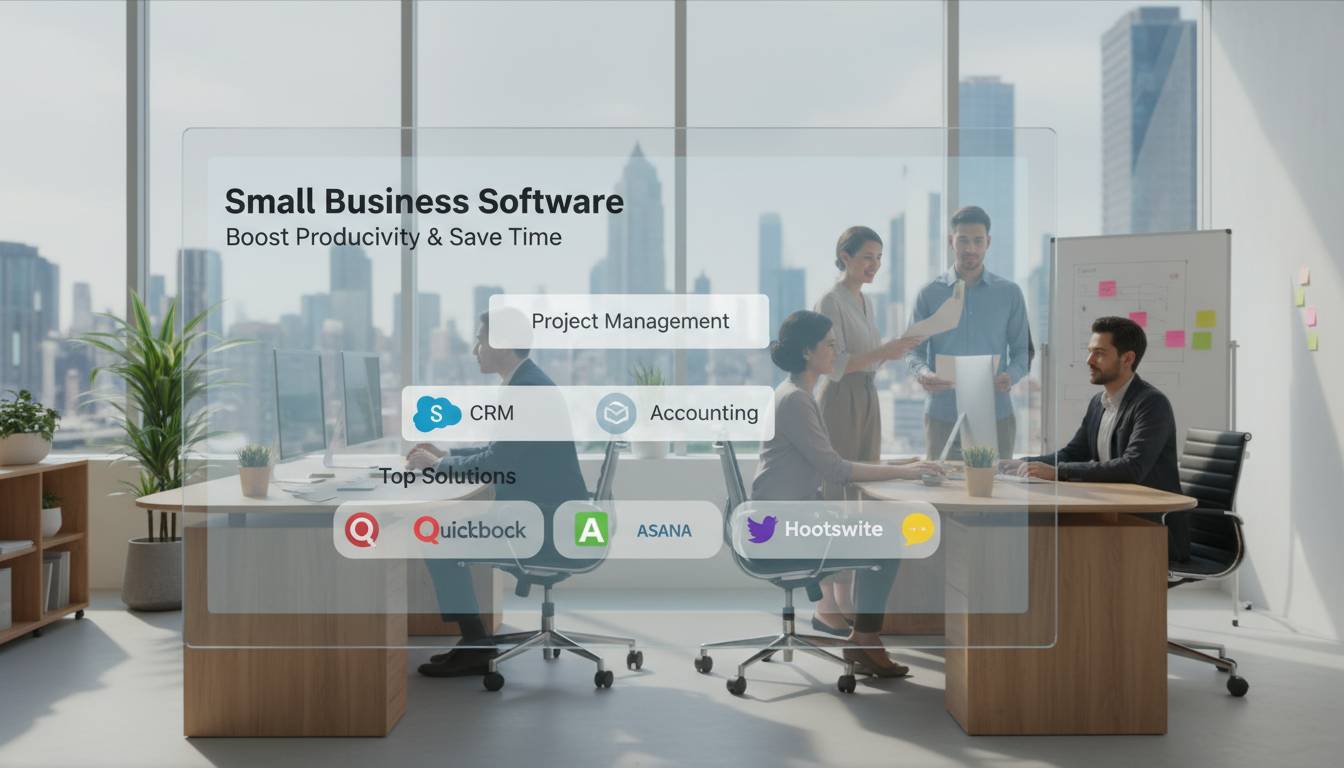
The right software transforms how small businesses operate, yet nearly 60% of small companies still rely on manual processes or outdated systems that drain productivity and increase errors. Modern small business software solutions automate critical functions, integrate workflows, and provide insights that were once exclusive to enterprise corporations. Whether you need accounting tools, customer relationship management, project coordination, or team collaboration, selecting the appropriate software stack determines your competitive advantage and growth trajectory.
This guide examines the essential software categories, compares leading solutions, and provides actionable criteria for choosing platforms that align with your business objectives and budget constraints.
Why Small Business Software Matters in 2024
Small businesses face a paradox: they need enterprise-level capabilities but lack enterprise-level resources. Software bridges this gap by automating repetitive tasks, reducing human error, and providing real-time visibility into operations.
Key Business Impacts:
- Time Savings: The average small business owner spends 14 hours per week on administrative tasks that automation could handle
- Cost Reduction: Companies using integrated software suites reduce operational costs by 23% compared to fragmented tool sets
- Error Prevention: Automated data entry eliminates approximately 4.5 hours weekly of manual correction work per employee
- Customer Satisfaction: Businesses with CRM systems achieve 29% higher customer retention rates
The shift to cloud-based solutions eliminated expensive hardware investments and IT overhead, making powerful business tools accessible for companies with limited capital. Subscription pricing models convert large upfront costs into predictable monthly expenses that scale with your business.
Core Software Categories Every Small Business Needs
Understanding the fundamental software categories helps you build a comprehensive tech stack without overspending on redundant tools.
Accounting and Financial Management
Financial software forms the backbone of business operations, handling invoicing, expense tracking, payroll, and financial reporting. Modern platforms integrate with bank accounts, automatically categorize transactions, and generate real-time profit-and-loss statements.
Leading Solutions:
| Platform | Starting Price | Best For | Key Feature |
|---|---|---|---|
| QuickBooks Online | $30/month | General small business | Extensive app ecosystem |
| Wave | Free | Solopreneurs, freelancers | Free core features |
| Xero | $15/month | Growing businesses | Unlimited users included |
| FreshBooks | $19/month | Service businesses | Time tracking integration |
Accounting software choice depends on your industry, transaction volume, and reporting needs. Service-based businesses benefit from platforms with robust time-tracking, while product-based companies need inventory management capabilities.
Customer Relationship Management (CRM)
CRM systems organize customer data, track interactions, and automate follow-up communications. They transform scattered customer information into structured profiles that drive sales and improve service delivery.
Why CRM Matters:
- Businesses generate 55% more leads with systematic lead tracking
- Effective CRM usage increases sales productivity by 29%
- Personalized communication driven by CRM data improves email open rates by 41%
Popular options include HubSpot CRM (free tier available), Zoho CRM, Pipedrive, and Freshsales. The best CRM aligns with your sales process complexity and integrates with your existing communication tools.
Project and Task Management
Project management software coordinates team efforts, tracks deadlines, and maintains accountability across departments. These platforms range from simple to-do lists to sophisticated systems with Gantt charts, resource allocation, and client portals.
Key Capabilities:
- Task creation and assignment with due dates
- Progress tracking with visual dashboards
- File sharing and collaborative editing
- Time logging for billable work
- Client access for agency relationships
Asana, Monday.com, Trello, ClickUp, and Notion dominate this space. Each offers distinct workflows: Trello’s Kanban boards suit visual thinkers, while Asana excels at structured project phases. ClickUp provides the most comprehensive feature set but carries a steeper learning curve.
Communication and Collaboration
Remote and hybrid work models make communication tools essential. Effective platforms combine messaging, video conferencing, file sharing, and integration with other business applications.
Essential Features:
- Real-time messaging with channels and threads
- Video and audio conferencing
- Screen sharing capabilities
- Calendar integration
- Third-party app integrations
- Mobile accessibility
Slack, Microsoft Teams, and Zoom serve as the primary platforms, with Microsoft Teams gaining ground through its integration with Office 365 productivity suite. Smaller teams might prefer Discord for simpler communication needs.
How to Choose the Right Software Stack
Selecting software requires balancing functionality, cost, ease of use, and scalability. A methodical evaluation process prevents costly switching costs later.
Define Your Requirements
Document specific problems you need to solve and features that would materially improve operations. Include stakeholders who will use the software daily—their input reveals practical requirements that management might overlook.
Requirements Gathering Steps:
- List current pain points and inefficiencies
- Identify must-have features versus nice-to-have capabilities
- Determine user count and growth projections
- Specify integration requirements with existing systems
- Establish security and compliance needs
Evaluate Total Cost of Ownership
Look beyond monthly subscription fees. Factor in implementation costs, data migration expenses, training time, and potential productivity loss during adoption. Some platforms offer free tiers with limited features that suffice for early-stage businesses.
Cost Components to Consider:
- Monthly/annual subscription fees
- Per-user or tiered pricing structures
- Implementation and setup costs
- Data migration services
- Third-party integrations and add-ons
- Support tiers (free versus premium)
- Hidden fees for additional storage or features
Test Usability Before Commitment
Most platforms offer free trials ranging from 14 to 30 days. Use this period to evaluate real-world workflows rather than exploring every feature. Involve actual users in testing—ease of adoption determines long-term success.
Trial Evaluation Criteria:
- Intuitive interface requiring minimal training
- Fast response times and reliable performance
- Mobile app quality and feature parity
- Quality of customer support during trial
- Availability of templates and pre-built workflows
Check Integration Capabilities
Your software stack should function as an interconnected ecosystem rather than isolated tools. Verify that potential solutions integrate with your existing systems and each other.
Integration Questions:
- Does the software offer native integrations with your critical tools?
- Are API connections available for custom integrations?
- Does it support common data formats for import/export?
- What third-party automation platforms (Zapier, Make) are supported?
Zapier connects over 5,000 applications, enabling integrations between platforms that lack native connections. This flexibility matters when assembling a heterogeneous tech stack.
Implementation Best Practices
Successful software adoption requires more than installation—it demands thoughtful change management and ongoing optimization.
Phased Rollout Approach
Deploy software in phases rather than simultaneously across the organization. This approach allows for feedback collection, process refinement, and reduces disruption to ongoing operations.
Recommended Phases:
- Pilot Phase: Deploy to a small team willing to provide constructive feedback
- Training Phase: Develop internal expertise through dedicated champions
- Full Rollout: Expand organization-wide with support structures in place
- Optimization: Fine-tune configurations based on usage data and user input
Data Migration Strategy
Transferring historical data requires careful planning to preserve accuracy and structure. Clean data before migration—transferring messy data to new systems compounds problems.
Migration Checklist:
- Audit existing data for accuracy and completeness
- Map data fields between old and new systems
- Establish data validation rules for imported records
- Test migration with sample data before full transfer
- Verify all historical records transfer correctly
- Document migration process for future reference
Training and Adoption Support
Software ROI depends entirely on user adoption. Comprehensive training and ongoing support maximize utilization and prevent users from reverting to manual processes.
Training Approaches:
- Live training sessions with Q&A opportunities
- On-demand video tutorials for self-paced learning
- Written documentation and knowledge bases
- Internal champions who can assist colleagues
- Gamification to encourage engagement
Common Software Selection Mistakes
Avoiding these pitfalls prevents wasted investment and organizational frustration.
Mistake #1: Selecting Features Over Usability
Feature-rich software fails when teams cannot navigate the interface efficiently. Prioritize solutions your team will actually use rather than platforms with impressive capabilities that go untapped.
Mistake #2: Ignoring Scalability
Choosing the cheapest option often means outgrowing it quickly. Evaluate whether the platform accommodates your five-year growth projections, not just current needs.
Mistake #3: Underestimating Integration Complexity
Native integrations simplify connections, but assumptions about seamless functionality often prove incorrect. Test critical integrations during the trial period.
Mistake #4: Neglecting Security Features
Small businesses are increasingly targeted by cyberattacks. Verify security certifications, data encryption standards, access controls, and compliance certifications before committing.
Mistake #5: Failing to Plan for Exit
Business needs change, and software decisions aren’t permanent. Understand data export capabilities, contract terms, and switching costs before you need to change platforms.
Emerging Trends in Small Business Software
The software landscape continues evolving, with several trends reshaping how small businesses operate.
Artificial Intelligence Integration
AI features are becoming standard rather than premium. Modern platforms incorporate AI for automated data entry, predictive analytics, smart scheduling, and natural language processing for customer service. Microsoft Copilot, QuickBooks’ AI assistant, and HubSpot’s AI tools demonstrate this shift toward intelligent automation.
Vertical-Specific Solutions
Industry-specific software gains traction as general-purpose tools fail to address unique business processes. Platforms tailored for construction, healthcare, restaurants, and retail offer pre-built workflows that generic solutions cannot match.
Unified Workspace Platforms
Consolidation trends continue as vendors build comprehensive suites rather than point solutions. Monday.com, Notion, and ClickUp expand capabilities to cover project management, CRM, documents, and more—reducing the need for multiple subscriptions.
Remote Work Optimization
Software increasingly supports distributed teams with enhanced collaboration features, asynchronous communication tools, and geographic flexibility built into core functionality rather than added as afterthoughts.
Frequently Asked Questions
What is the best software for a small business with less than 10 employees?
For very small teams, prioritize integrated platforms that combine multiple functions. HubSpot offers free CRM with marketing automation. Notion provides collaborative documents, databases, and project management. QuickBooks handles accounting. Starting with free tiers allows you to evaluate fit before committing budget.
How much should a small business spend on software monthly?
Small businesses typically allocate 3-6% of revenue to technology, including software subscriptions. A business generating $500,000 annually might budget $1,500-$2,500 monthly for software. Prioritize tools that directly impact revenue generation—accounting, CRM, and sales tools—before investing in supplementary platforms.
Can small business software help with compliance and security?
Yes, modern cloud platforms include security features that exceed what most small businesses can implement internally. Look for SOC 2 compliance, two-factor authentication, role-based access controls, data encryption, and automatic backups. Healthcare and financial businesses should verify HIPAA or PCI DSS compliance respectively.
Should small businesses use all-in-one suites or best-of-breed tools?
This depends on your technical comfort level and budget. All-in-one suites (like Monday.com, Notion, or Microsoft 365) simplify billing, training, and integration but may compromise feature depth. Best-of-breed approaches optimize for specific functions but require managing multiple vendors. Many businesses benefit from a hybrid strategy—best-of-breed for critical functions, integrated suite for secondary needs.
How long does software implementation typically take?
Implementation timelines vary significantly based on complexity. Simple tools like Slack or Zoom can deploy in days. Accounting systems typically require 2-4 weeks for setup and data migration. Comprehensive ERP or CRM implementations may take 1-3 months. Plan for reduced productivity during transition periods and allocate adequate training time.
What happens if I need to switch software providers later?
Reputable platforms allow data export in standard formats. Before subscribing, verify your ability to export customer data, financial records, and project information. Minimize switching costs by choosing platforms with strong ecosystem support and avoiding overly customized configurations that don’t transfer between systems.
Conclusion
Small business software investment delivers measurable returns through time savings, error reduction, and improved customer experiences. The optimal tech stack balances functionality, cost, usability, and scalability while integrating seamlessly across your operations.
Start by identifying your most critical pain points—likely accounting, customer management, or project coordination—and evaluate solutions that directly address those challenges. Take advantage of free trials to validate usability with your actual team. Prioritize platforms that grow with your business, accepting that your software needs will evolve as your company scales.
The right tools transform how you operate, freeing your team to focus on work that actually grows your business rather than managing administrative complexity. Begin with one or two core systems, master their use, and expand your stack strategically as needs emerge.