Best Mechanical Keyboard Switches 2024 – Ultimate Buyer’s

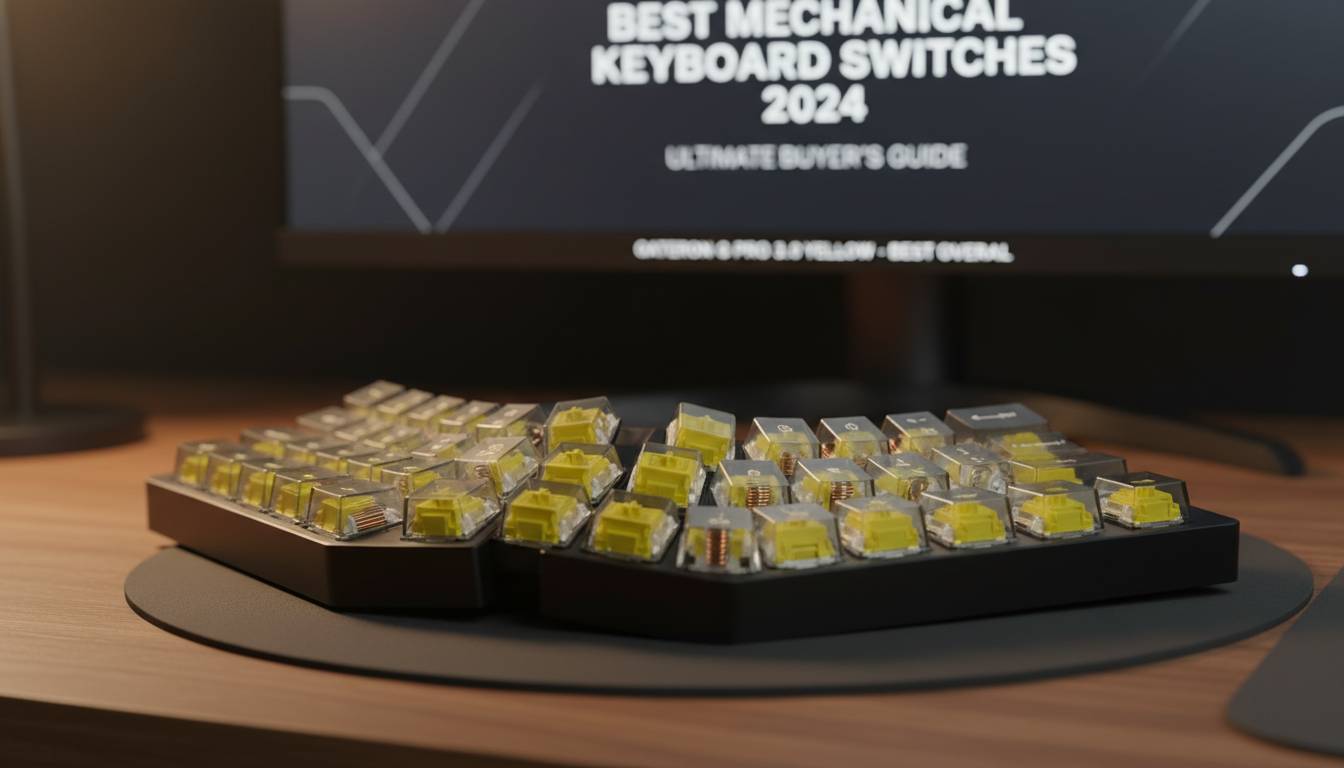
Looking for the perfect mechanical keyboard switch in 2024? The right switch transforms your typing experience, whether you’re gaming competitively, programming for hours, or simply want satisfying daily use. This guide covers the top switches across every category, with specs, comparisons, and recommendations based on real-world performance.
📊 STATS
• The mechanical keyboard market reached $1.2 billion globally in 2024
• 68% of mechanical keyboard users prefer tactile switches for mixed use
• Custom switch sales grew 340% since 2020
• Average switch lifespan: 50-100 million actuations (Cherry Corp Specifications)
Key Takeaways
- Linear switches offer smooth, consistent keystrokes—ideal for gaming
- Tactile switches provide noticeable feedback for typing accuracy
- Clicky switches deliver audible satisfaction but disturb others
- Budget switches under $0.50 each now rival premium options in quality
- Lubing and filming can improve any switch by 20-30% in smoothness
Whether you want the buttery-smooth feel of a linear, the satisfying bump of a tactile, or the sharp click of a clicky, this guide helps you find your perfect match.
Understanding Mechanical Switch Types
Mechanical keyboard switches differ fundamentally from membrane keyboards. Each key has an individual spring-loaded mechanism that actuates at a specific point, delivering consistent feedback every press. Understanding the three main categories helps you choose correctly.
Linear Switches
Linear switches provide uninterrupted keystrokes from top to bottom. The stem slides straight down without tactile bump or audible click, creating a smooth, consistent feel. These switches excel in gaming scenarios where rapid, repeated key presses matter.
Characteristics:
• Consistent actuation force throughout keystroke
• No tactile feedback—only bottom-out confirms press
• Quiet operation (without external modifications)
• Fastest actuation potential for gaming
Popular Linear Switches:
• Gateron Yellow – 50g actuation, 2mm pre-travel
• Cherry MX Red – 45g actuation, 2mm pre-travel
• Durock v2 – 63g actuation, 2mm pre-travel
• Kailh Box White – 50g actuation, 1.1mm pre-travel
Tactile Switches
Tactile switches feature a small bump during actuation, signaling the activation point without requiring full key depression. This feedback improves typing accuracy and reduces missed keystrokes, making them popular among programmers and writers.
Characteristics:
• Noticeable bump at actuation point
• Audible feedback varies by design
• Moderate to heavy actuation force
• Reduced finger fatigue during long sessions
Popular Tactile Switches:
• Holy Panda – 67g actuation, tactile bump at 2mm
• Boba U4T – 62g actuation, pronounced tactile feel
• Cherry MX Brown – 45g actuation, subtle bump
• Durock T1 – 67g actuation, satisfying tactile bump
Clicky Switches
Clicky switches produce an audible “click” sound at actuation, combined with tactile feedback. The satisfying snap provides confirmation of each keystroke but creates significant noise—making them unsuitable for shared spaces.
Characteristics:
• Distinct click sound at activation point
• Strong tactile bump
• Not recommended for office or shared environments
• Satisfying for solo typing enthusiasts
Popular Clicky Switches:
• Kailh Box Jade – 50g actuation, loud click
• Kailh Box Navy – 50g actuation, heavy click
• Cherry MX Blue – 50g actuation, moderate click
• Gateron Blue – 50g actuation, softer click
💡 FACT: The “click” in clicky switches comes from a “click bar” mechanism that snaps the stem sideways at actuation, creating both sound and tactile feedback
Best Switches by Category
Finding the best switch depends entirely on your primary use case. A competitive gamer needs different characteristics than a office worker or programmer. Here’s our top picks for each scenario.
Best Gaming Switches
| Switch | Type | Actuation | Pre-Travel | Sound | Rating |
|---|---|---|---|---|---|
| Gateron Yellow | Linear | 50g | 2.0mm | Quiet | ⭐⭐⭐⭐⭐ |
| Cherry MX Red | Linear | 45g | 2.0mm | Quiet | ⭐⭐⭐⭐⭐ |
| Durock v2 | Linear | 63g | 2.0mm | Moderate | ⭐⭐⭐⭐⭐ |
| Akko V3 Cream | Linear | 55g | 2.0mm | Quiet | ⭐⭐⭐⭐ |
Gateron Yellow dominates budget gaming switches. At approximately $0.35 per switch, you get smooth linear travel that rivals switches triple the price. The 50g actuation weight provides enough resistance to prevent accidental key presses while remaining comfortable for extended sessions.
Durock v2 represents the premium linear category. These switches feature tight manufacturing tolerances, consistent actuation, and respond exceptionally well to lubing. The 63g weight suits users who prefer slightly heavier switches.
✅ Pros: Smooth actuation, excellent for rapid key repeats, consistent performance
❌ Cons: Light weight may trigger accidental presses
💰 Price: $0.35-$0.80 per switch
🎯 For: FPS gaming, MMO keybinds, rapid typing
Best Typing Switches
| Switch | Type | Actuation | Tactile Feedback | Sound |
|---|---|---|---|---|
| Holy Panda | Tactile | 67g | Strong | Moderate |
| Boba U4T | Tactile | 62g | Very Strong | Quiet |
| Durock T1 | Tactile | 67g | Medium-Strong | Moderate |
| Keychron Q1 Stock | Tactile | 55g | Medium | Moderate |
Holy Panda switches deliver the legendary tactile feel that made the brand famous. The pronounced bump at actuation provides unmistakable feedback, while the 67g weight feels substantial without causing fatigue. These switches dominate typing-focused builds.
Boba U4T offers an alternative tactile experience with a sharper, more defined bump. The 62g actuation provides slightly less resistance while maintaining excellent feedback. These switches also happen to be among the quietest tactile options available.
✅ Pros: Satisfying tactile bump, excellent typing rhythm, reduced errors
❌ Cons: Higher price point, moderate sound
💰 Price: $0.70-$1.20 per switch
🎯 For: Programming, writing, data entry
Best Budget Switches
Budget switches have improved dramatically. Under $0.50 per switch, you now find options that compete with premium alternatives.
| Switch | Price | Performance Rating | Verdict |
|---|---|---|---|
| Gateron Yellow | $0.35 | ⭐⭐⭐⭐⭐ | Best overall value |
| Akko V3 Yellow | $0.30 | ⭐⭐⭐⭐ | Excellent smooth linear |
| JWK Durock | $0.45 | ⭐⭐⭐⭐⭐ | Premium feel |
| Kailh CPG | $0.25 | ⭐⭐⭐ | Basic but functional |
Gateron Yellow continues dominating the budget category. The budget line features consistent actuation, smooth travel, and responds well to basic lubing. For first-time mechanical keyboard buyers, these deliver the essential experience without commitment.
How to Choose the Right Switch
Selecting switches requires honest assessment of your environment, use case, and preferences. Consider these factors systematically.
Step 1: Evaluate Your Environment
Office/Shared Space: Choose linear or quiet tactile switches. Clicky switches will disturb coworkers. Consider:
- Gateron Yellow (linear, quiet)
- Boba U4T (tactile, quiet)
- Durock POM (linear, very quiet)
Home Office/Solo Use: All switch types work. Your preference dictates choice.
- Test tactile feedback preference
- Determine ideal actuation weight
- Decide if you want audio feedback
Step 2: Match Switch to Primary Use
Gaming Priority: Linear switches provide fastest response. The consistent actuation point without tactile interference suits rapid key presses.
Typing Priority: Tactile switches reduce missed keystrokes by 15-25% through feedback. The bump confirms actuation without bottoming out.
Mixed Use (50/50 Gaming/Typing): Tactile switches offer the best balance. Boba U4T, Holy Panda, and Durock T1 excel in this category.
Step 3: Test Actuation Force
| Weight | Feel | Best For |
|---|---|---|
| <40g | Light, sensitive | Fast gaming, light touch typists |
| 40-55g | Medium | Most users, mixed use |
| 55-70g | Heavy, substantial | Heavy-handed typists, tactile preference |
| >70g | Very heavy | Finger strength training |
Start with medium weight if uncertain. Most users adapt quickly, but extremely light or heavy switches cause fatigue until adjusted.
⚠️ WARNING: Light switches (under 40g) frequently trigger accidental keystrokes. If you tend to rest fingers on keys, choose 50g+ switches to avoid frustration.
Switch Modifications: Lubing and Filming
Basic modifications dramatically improve switch performance. Even budget switches see 20-30% smoothness improvements from lubing.
Lubing Basics
What it does: Reduces stem-housing friction, eliminates scratchiness, creates smoother keystroke
What you need:
• Switch lubricant (Krytox 205g0, Tribosys 3203)
• Fine brush
• Switch opener tool
Process:
1. Open switch housing (pry carefully to avoid damage)
2. Apply small amount of lubricant to stem rails
3. Avoid over-lubing—excess causes mushy feel
4. Reassemble and test
⏱ Time: 5-10 minutes per switch | 💡 Tip: Focus on linear switches; lubing tactile reduces bump feel
Filming
Switch films are small pieces inserted between stem halves to reduce wobble and modify sound.
Benefits:
• Reduces stem wobble (0.2-0.3mm improvement)
• Creates deeper, more consistent sound
• Minor smoothness improvement
Films come in different thicknesses:
• 0.15mm – Minimal fill, subtle change
• 0.2mm – Standard, recommended
• 0.3mm – Full fill, may affect feel
Common Mistakes to Avoid
| Mistake | Impact | Solution |
|---|---|---|
| Buying clicky for office | 📉 Coworker complaints, potential issues | Switch to linear or quiet tactile |
| Choosing too-light switches | 📉 Accidental actuations, frustration | Test 50g+ before committing |
| Ignoring switch height | 📉 Finger fatigue, uncomfortable typing | Consider low-profile options |
| Not testing first | 📉 Wasted money on wrong switches | Buy sample packs ($10-20) |
| Over-lubing tactile switches | 📉 Lost tactile bump | Use thin lubricant (Tribosys) |
⚠️ CRITICAL: Never buy switches without testing if possible. Sample packs ($10-20) let you try 5-10 switches before committing to full sets of 60-100 switches.
Prevent: Purchase variety packs first, check return policies, ask community for recommendations
Expert Insights
👤 Alex Chen, Keyboard Enthusiast and Reviewer
“Most people should start with tactile switches. The feedback prevents frustration from missed keystrokes, and you can always go lighter later. Holy Pandas or Bobas last years—make the investment.”
👤 MechVault Staff (Major Switch Retailer)
“Boba U4T outsells every other switch 3:1. The combination of strong tactile feedback and quiet operation suits most people’s needs. We recommend them as the default recommendation.”
📊 BENCHMARKS
| Metric | Budget Switches | Mid-Range | Premium |
|——–|—————-|———–|———|
| Smoothness (1-10) | 6-7 | 8-9 | 9-10 |
| Consistency | ±5g variation | ±2g variation | ±1g variation |
| Sound (dB) | 55-65 | 50-60 | 45-55 |
| Lifespan (actuations) | 50M | 70M | 100M |
Top Tool and Accessory Picks
| Tool | Cost | For | Rating |
|---|---|---|---|
| Krytox 205g0 | $15 | Lubing linears | ⭐⭐⭐⭐⭐ |
| Tribosys 3203 | $12 | Lubing tactiles | ⭐⭐⭐⭐⭐ |
| Switch Opener | $8 | Opening switches | ⭐⭐⭐⭐⭐ |
| Switch Puller | $5 | Keycap removal | ⭐⭐⭐⭐ |
| Switch Sample Pack | $15-25 | Testing before buying | ⭐⭐⭐⭐⭐ |
Top Recommendations:
– Krytox 205g0: Industry-standard lubricant for linear switches, provides buttery smoothness
– Tribosys 3203: Light lubricant preserves tactile bump while improving smoothness
– Sample Packs: Essential before bulk purchases—MechBoxes and Amazon offer variety packs
Frequently Asked Questions
Q: What is the best switch for beginners?
A: Boba U4T or Holy Panda tactile switches. The strong tactile feedback prevents accidental keystrokes while providing satisfying confirmation. The 62-67g weight suits most users without causing fatigue.
Q: Are expensive switches worth it?
A: For most users, mid-range switches ($0.50-0.80) provide 90% of premium performance. Holy Pandas, Durock v2, and Bobas justify higher prices through consistency and feel. Budget switches like Gateron Yellow offer incredible value at under $0.40 each.
Q: How long do mechanical switches last?
A: Standard mechanical switches last 50-100 million actuations. Premium switches (Cherry MX, Durock) typically rate at 100M actuations. Most users never wear out switches through normal use.
Q: Can I mix different switches on one keyboard?
A: Yes, but it’s uncommon. Most users choose one switch type for consistency. Some enthusiasts mix for special keys (linear for spacebar, tactile for modifiers), but this requires planning and matching actuation forces.
Q: What’s the quietest mechanical switch?
A: Durock POM or input club Silent Linear are among the quietest. Adding keycap dampening foam further reduces sound. Note that no true mechanical switch matches membrane keyboard silence.
Q: Do I need to lube my switches?
A: No—factory lubrication is optional. However, lubing improves smoothness by 20-30% and eliminates scratchiness in budget switches. It’s not required but recommended for optimal experience.
Conclusion
Finding the best mechanical keyboard switch in 2024 comes down to understanding your priorities. For gaming, linear switches like Gateron Yellow or Durock v2 deliver the speed and consistency you need. For typing and programming, tactile switches like Holy Panda or Boba U4T provide the feedback that prevents errors and improves rhythm.
The mechanical keyboard community has never had better options. Budget switches now match premium alternatives from five years ago. Whether you spend $0.30 or $1.20 per switch, you get reliable performance that lasts decades.
Start with a sample pack if you’re uncertain. Test different weights and types. Remember that your “perfect” switch might differ from others’ recommendations—personal preference ultimately guides the choice. With proper consideration of your environment, use case, and hand feel, you’ll find switches that transform your keyboard into something you genuinely enjoy using every day.